

Grounds, Biodiversity & Landscape Management Plan: Grounds Maintenance Plan Template and Chemical Reduction Tracker
Full description
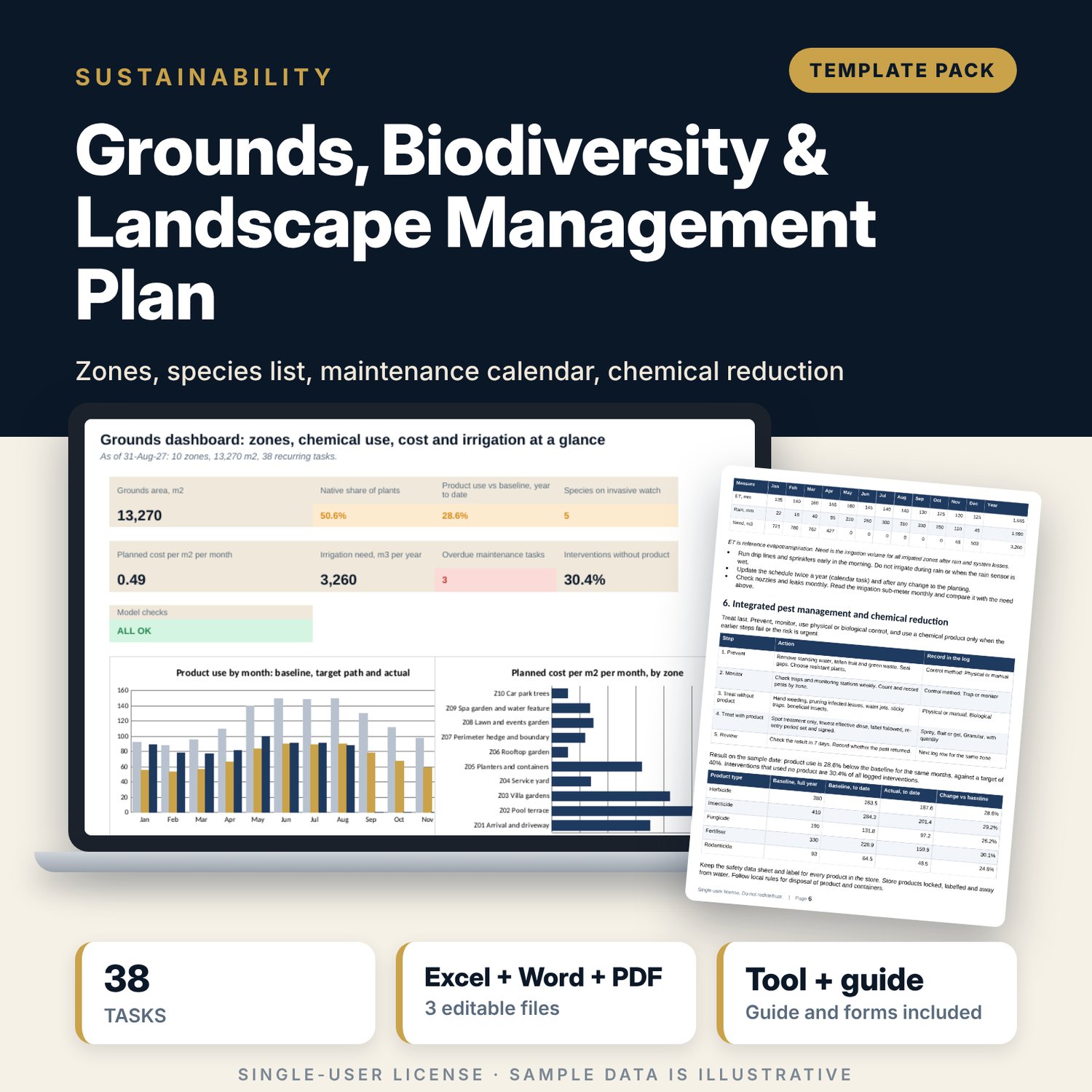
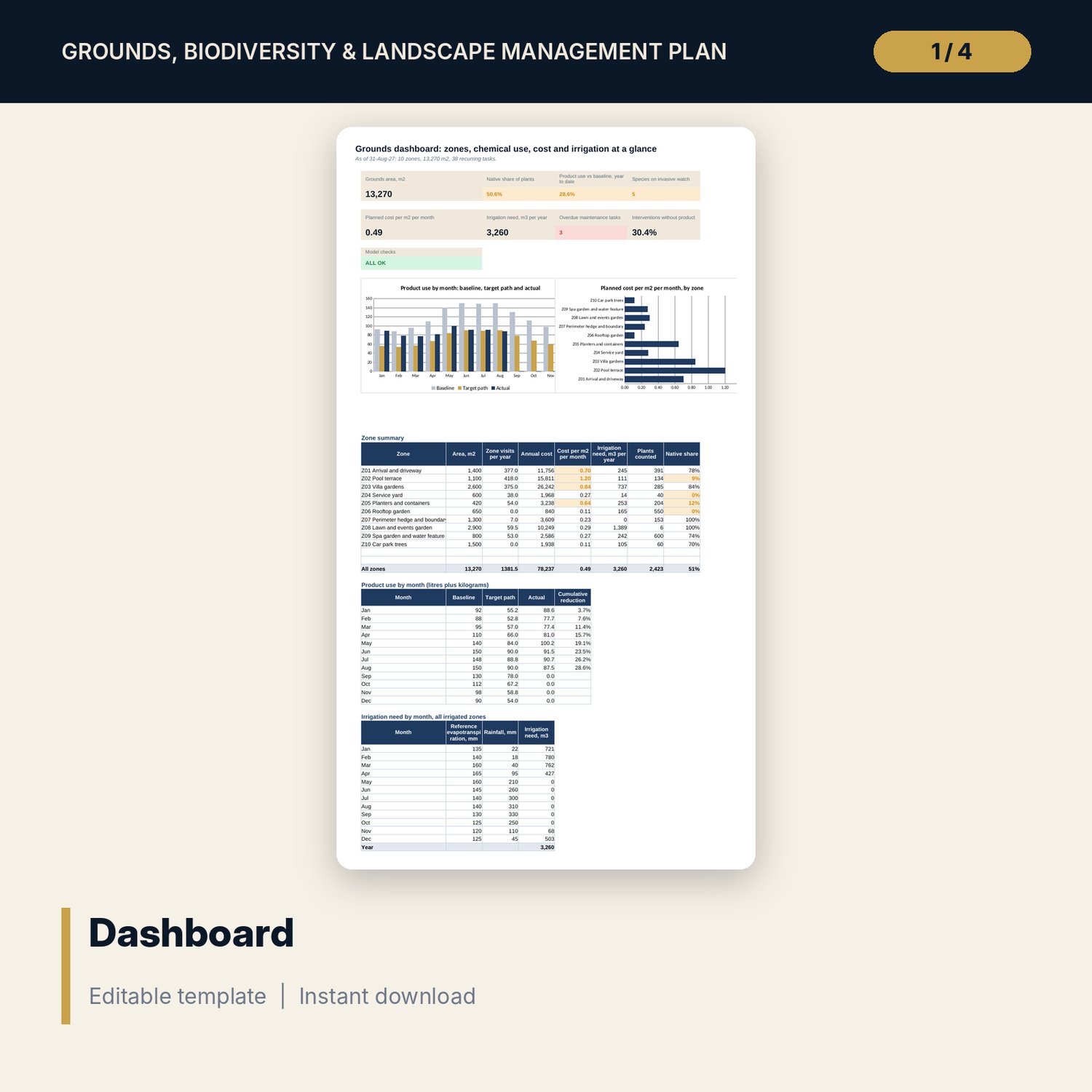
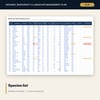
For housekeeping managers, chief gardeners and general managers who must show that the grounds are kept to standard and that chemical use is falling. The workbook holds a zone register, a plant schedule with origin, invasive risk and water need, a maintenance calendar with frequency, season window, owner, cost and next-due status, and a log of every pest, weed and feeding intervention. The Dashboard compares monthly product use with a baseline and a target path, shows native planting against target, shares task cost by zone and calculates irrigation need from evapotranspiration, crop factor and effective rain. The Word plan sets the standards, the integrated pest management steps, the weekly walk and the contractor review forms.
What is inside
- Grounds_Biodiversity_Tracker.xlsx: 7 tabs, 1,409 formulas, 2 native charts, 33 drop-down and input rules
- Settings: plan inputs, 8 visit frequencies, a 12-month climate and baseline table, 8 owner rates and a zone register of 10 zones plus 2 spare rows
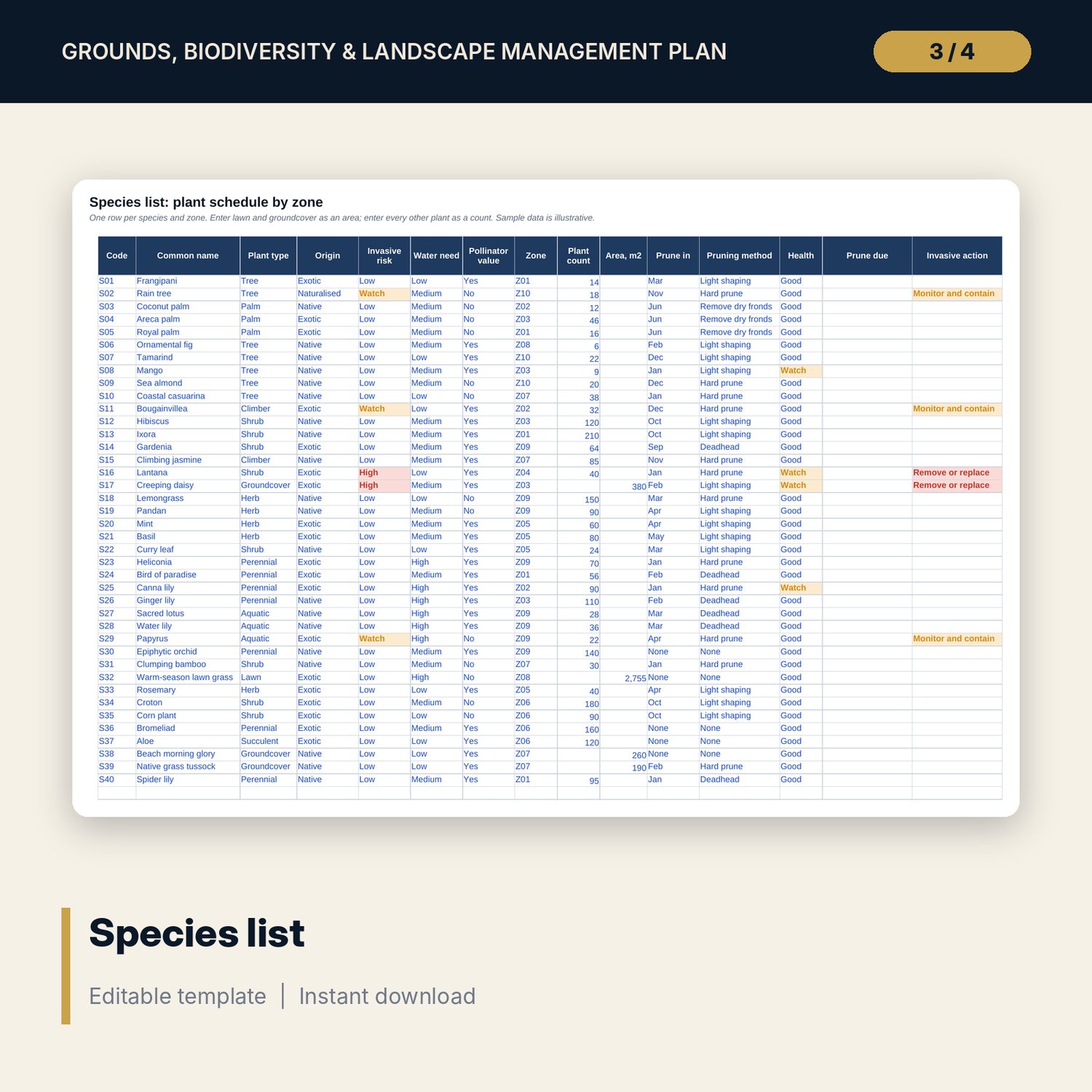
- Species: 40 sample species plus 20 spare rows, with flags for invasive risk and pruning month
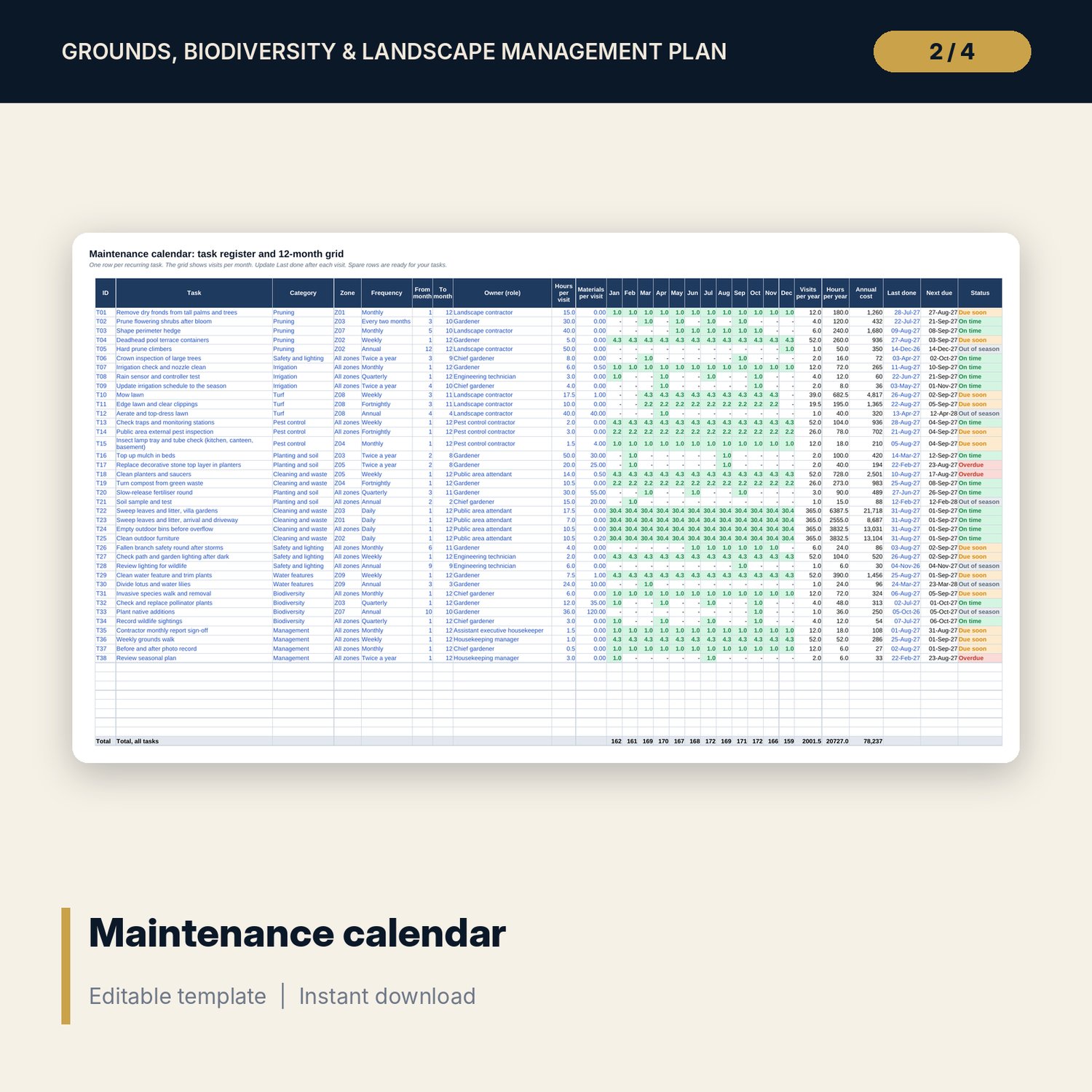
- Calendar: 38 sample tasks plus 8 spare rows, a 12-month visit grid and status flags (Overdue, Due soon, On time, Out of season)
- Chemical Log: 92 sample interventions plus 30 spare rows
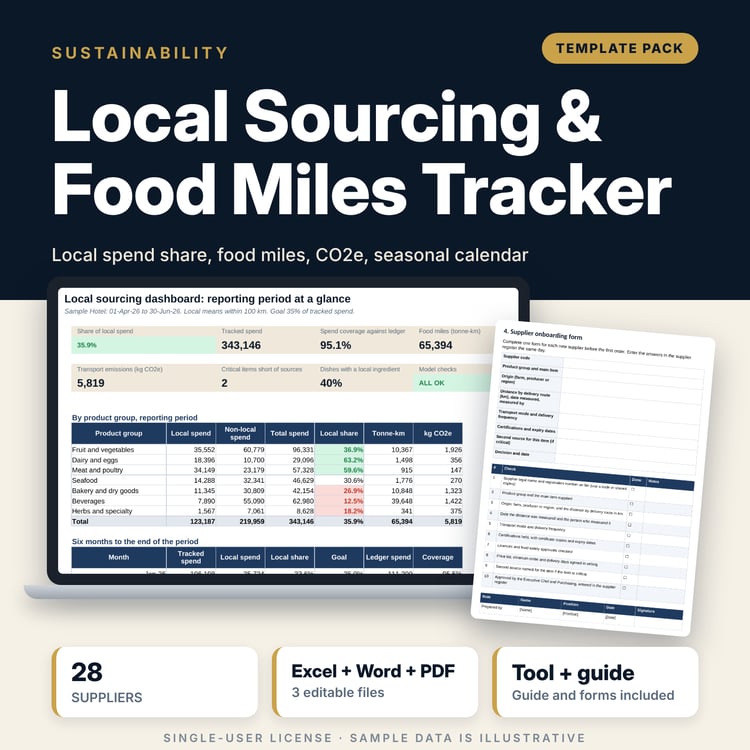
- Dashboard: 8 tiles, a check tile and 2 charts; 8 integrity checks on the Checks tab
- Grounds_Biodiversity_Landscape_Plan.docx and PDF: 10 pages with zone standards, planting rules, calendar summary, irrigation plan, integrated pest management steps, an 18-item weekly walk, a contractor review sheet and a worked example
- README.txt and LICENSE-and-Terms.txt
How it works
- Enter the plan year, targets, climate figures, chemical baseline and your zone register on Settings.
- Replace the sample plant schedule, calendar tasks and log rows with your own.
- Update Last done after each visit and log every treatment, including the ones that use no product.
- Read the Dashboard each month and use the Word forms for the weekly walk and the contractor review.
Details
- Formats: 1 Excel workbook (.xlsx), 1 plan in Word (.docx) and PDF, English
- Software: Excel 2016 or later, or LibreOffice Calc 7 or later
- No macros, no external links, no data tables, no array formulas
- 3 files plus README and license; instant digital download
Good to know
- Sample data is illustrative. Replace it with your own figures.
- Climate figures, crop factors, rates and targets are inputs. Verify local requirements for product use, re-entry periods, waste and species rules.
- The files are management tools, not legal or professional advice.
- Single-user license. Do not redistribute.
FAQ
How is chemical reduction measured?
Litres of liquid products plus kilograms of solid products used in the year to date, compared with the baseline for the same months. The target is an input.
How is irrigation need calculated?
Area x planted share x the larger of zero and (evapotranspiration x crop factor - effective rain), divided by system efficiency. Rainfed zones are excluded.
Can I add zones, species and tasks?
Yes. The sample has 2 spare zone rows, 20 spare species rows, 8 spare task rows and 30 spare log rows.
What do the task statuses mean?
Overdue means the next due date is more than the grace period past the as-of date. Due soon falls inside the due-soon window. Out of season means the as-of month is outside the task window.
Do I need macros?
No. Every result is a standard worksheet formula.