Marina & Yacht Berth Operations Log: Berth Billing and Fuel Dock Reconciliation Template
Full description
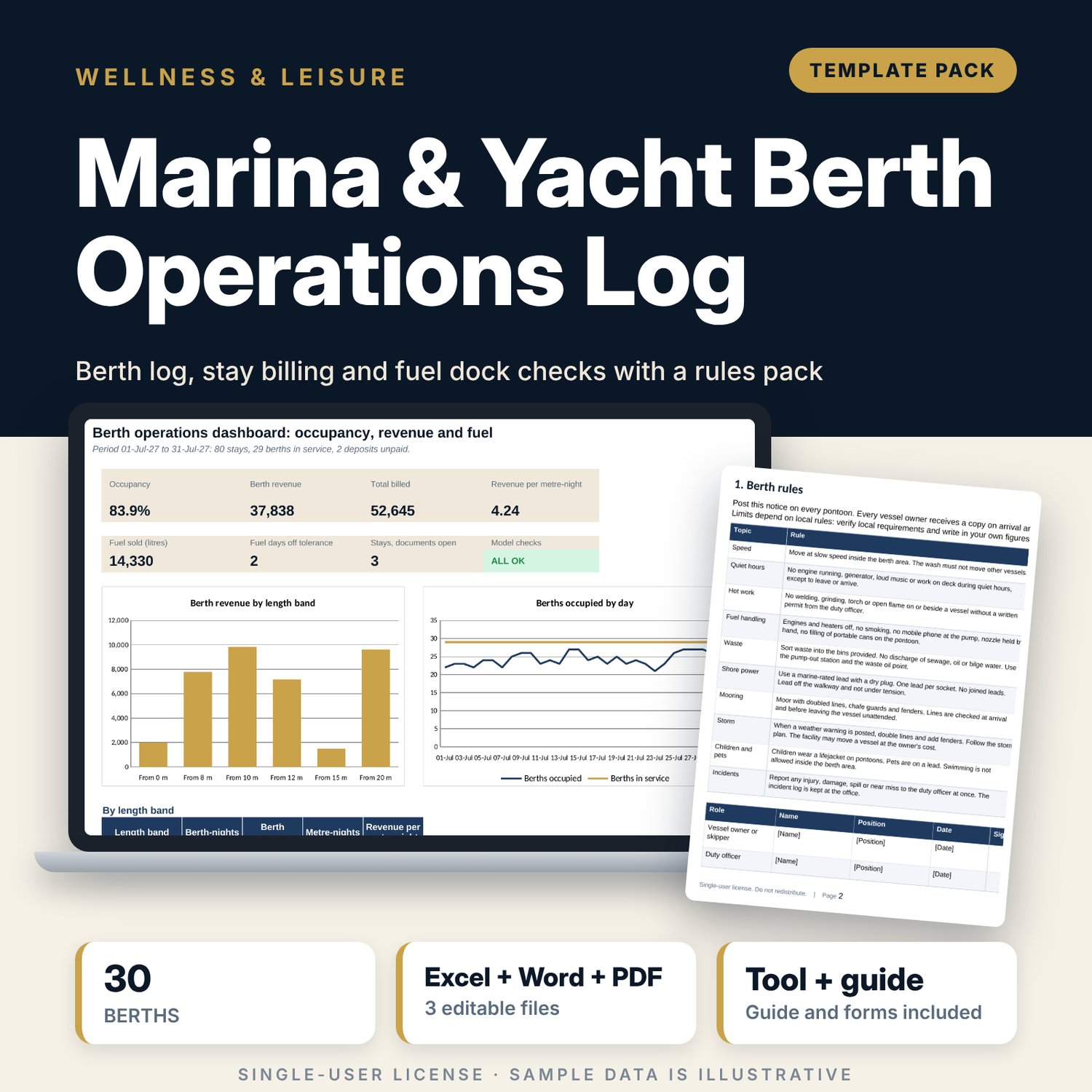
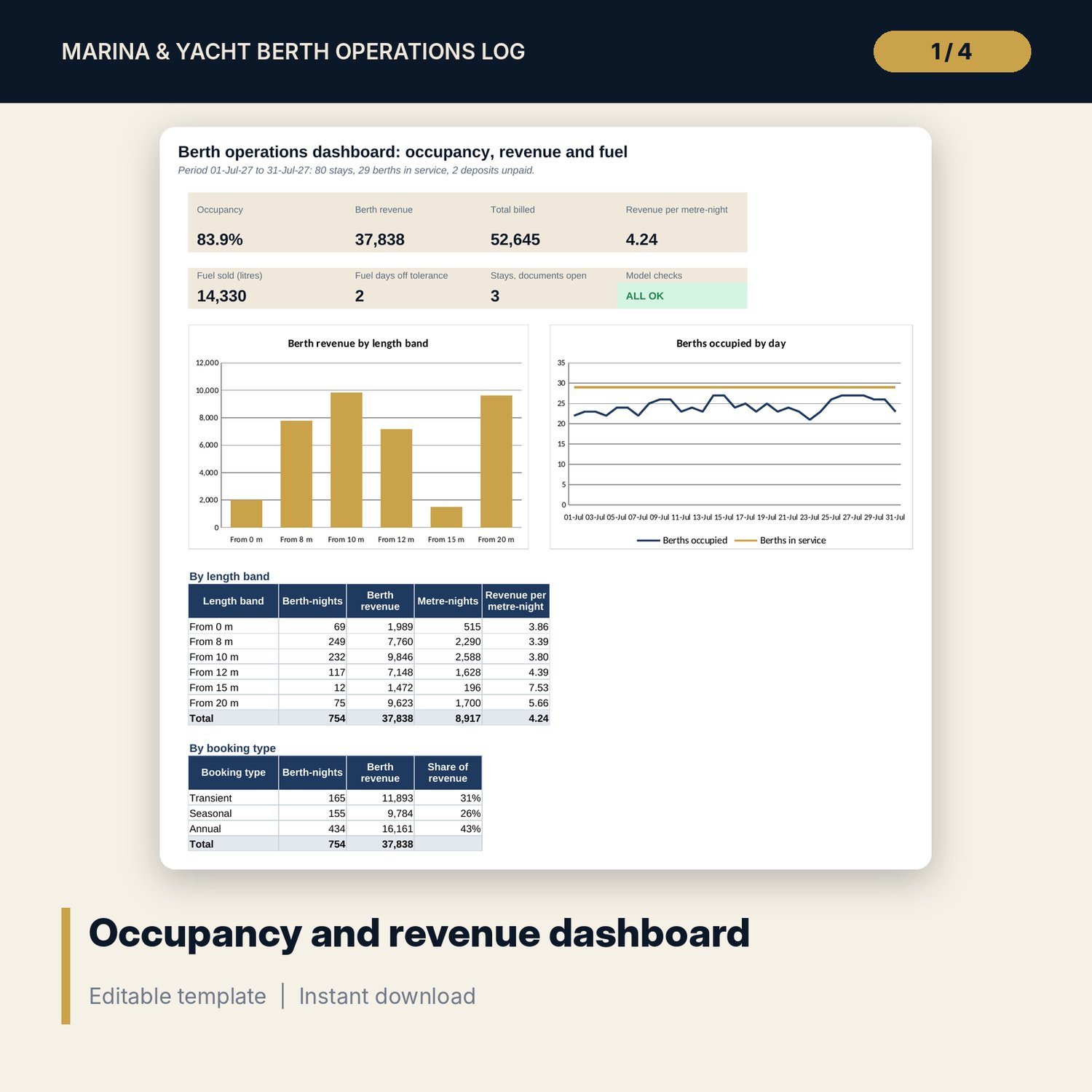
For berth managers, waterfront operators and hotel general managers who run moorings and need clean billing and control of the fuel dock. The workbook holds a berth register with length, beam, depth, power and water. Each stay is logged with its pre-arrival documents, then billed row by row: nights split into high and low season, a nightly rate by length band and booking type (transient, seasonal, annual), utilities at cost plus margin from meter reads, pump-outs, laundry, fuel, a late-departure fee and a deposit. The fuel dock sheet compares the daily tank dip with metered sales against a tolerance. The Dashboard shows occupancy, berth revenue, revenue per metre-night and the fuel days that need a look. The Word pack gives you the berth rules, a berth agreement, arrival and departure forms, a fuel dock procedure, a storm plan, round checklists and a worked billing example.
What is inside
- Berth_Operations_Log.xlsx: 7 tabs, 2,942 formulas, 2 native charts, 20 drop-down and input rules
- Settings: period, season window, late-departure rule, utility cost and margin, prices, dip tolerance, a 6 x 6 nightly rate matrix and a register of 30 berths plus 6 spare rows
- Stay Log: 80 sample stays plus 12 spare rows, with berth fit, document and double-booking flags
- Billing: 27 columns per stay, from nights in period to total billed and deposit due, with a meter check
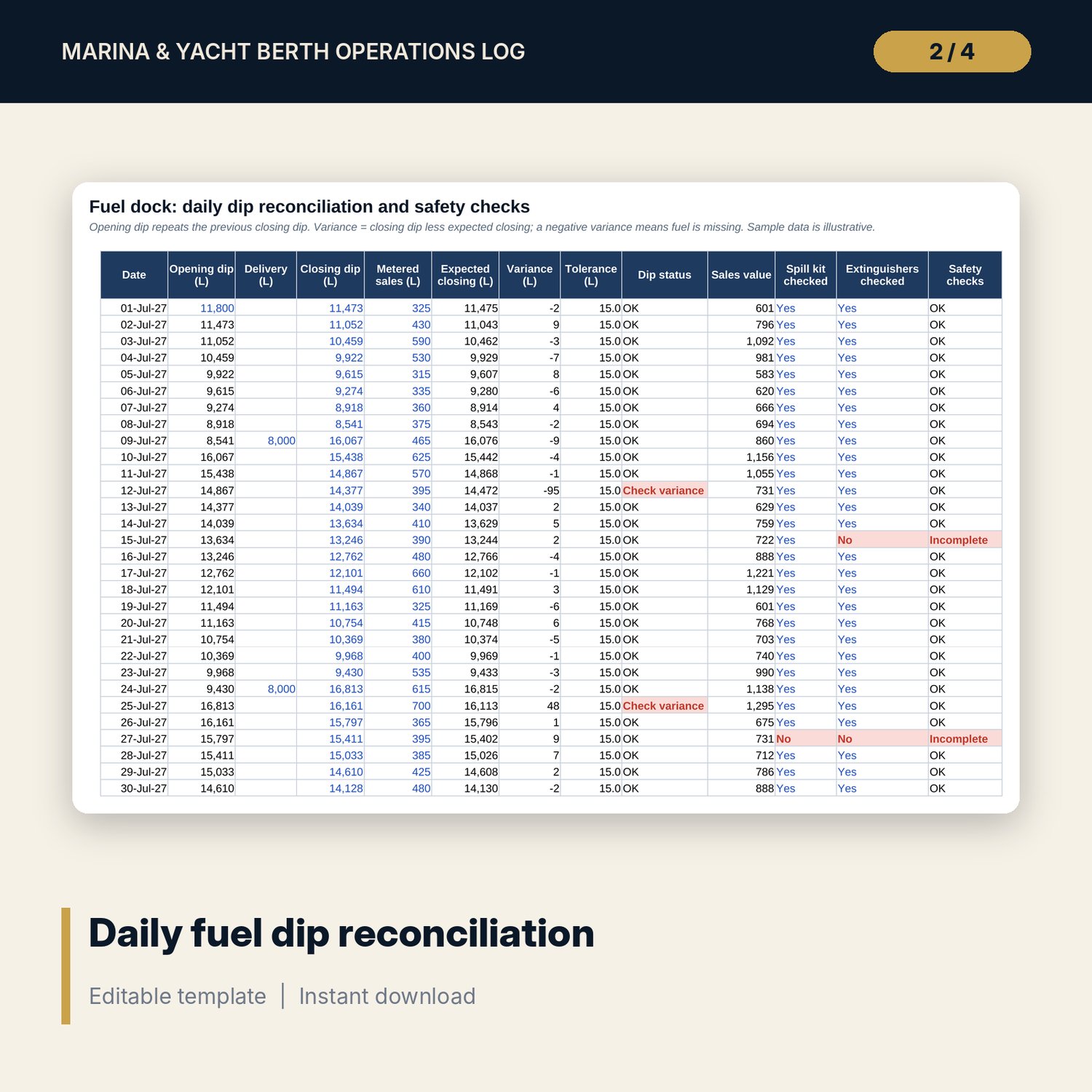
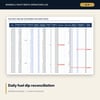
- Fuel Dock: 31 daily rows with dip variance, tolerance, status and spill kit and extinguisher checks
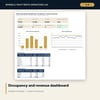
- Dashboard: 7 KPI tiles, a check tile and 2 charts; 8 integrity checks on the Checks tab
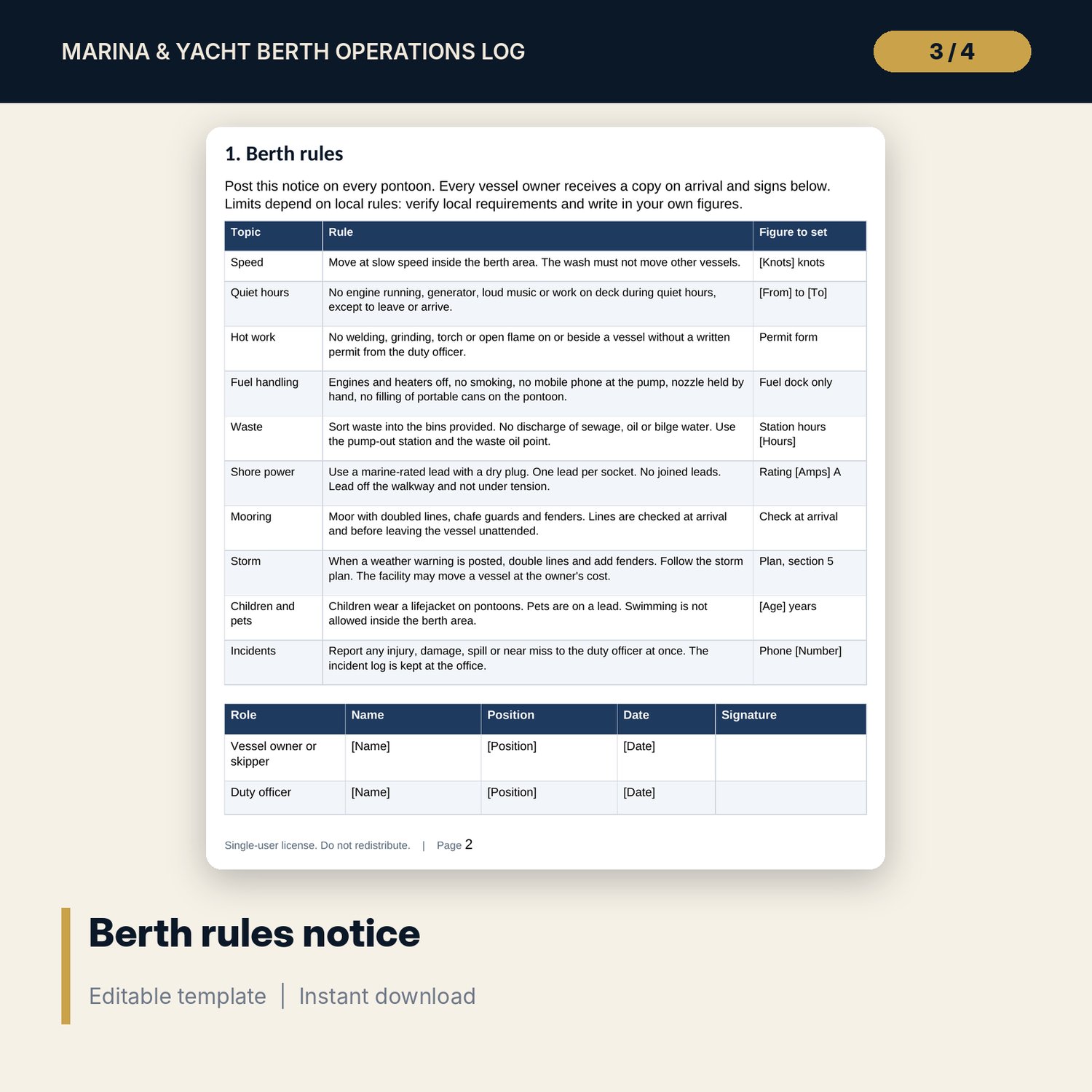
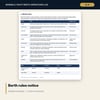
- Berth_Rules_and_Forms_Pack.docx and PDF: 9 pages with berth rules, a berth agreement, arrival and departure forms, a fuel dock procedure and dip sheet, a storm plan, incident log, three checklists and a worked example
- README.txt and LICENSE-and-Terms.txt
How it works
- Set the period, the season window, your rates, prices and tolerances on Settings, and list your berths.
- Log each stay on Stay Log and type the meter reads, services and fuel litres on Billing.
- Type the tank dip, deliveries and metered sales on Fuel Dock each day.
- Read the Dashboard and the flags, then confirm that Checks shows ALL OK before you invoice.
Details
- Formats: 1 Excel workbook (.xlsx), 1 rules and forms pack in Word (.docx) and PDF, English
- Software: Excel 2016 or later, or LibreOffice Calc 7 or later
- No macros, no external links, no data tables, no array formulas
- 3 files plus README and license; instant digital download
Good to know
- Sample data is illustrative. Replace it with your own figures.
- Rates, fees, tolerances, speed limits, quiet hours and storm thresholds are your inputs. Verify local requirements and your insurer's terms.
- Nights are counted from arrival to departure inside one calendar month at a time. Billing a longer period means changing the period start.
- These files are management tools, not legal, insurance or safety advice.
- Single-user license. Do not redistribute.
FAQ
How is the nightly rate chosen?
The vessel length picks a length band on the rate matrix. The booking type picks the column pair, and the season picks high or low. Nights that fall inside your season window are billed at the high rate.
How are utilities billed?
You type the meter reads for the start and the end of the stay or period. The workbook multiplies the use by your cost and adds your margin. A reading that goes backwards shows Check meter.
What does the fuel dock sheet test?
It compares the closing dip with the opening dip plus deliveries less metered sales. A day outside the tolerance you set shows Check variance, and the summary shows litres sold to stays and to walk-in customers.
Can I use it for annual berth holders?
Yes. Log the stay with the booking type Annual and a long expected departure. The workbook bills each month at the nightly equivalent you enter on the rate matrix.
Do I need macros?
No. Every result is a standard worksheet formula.