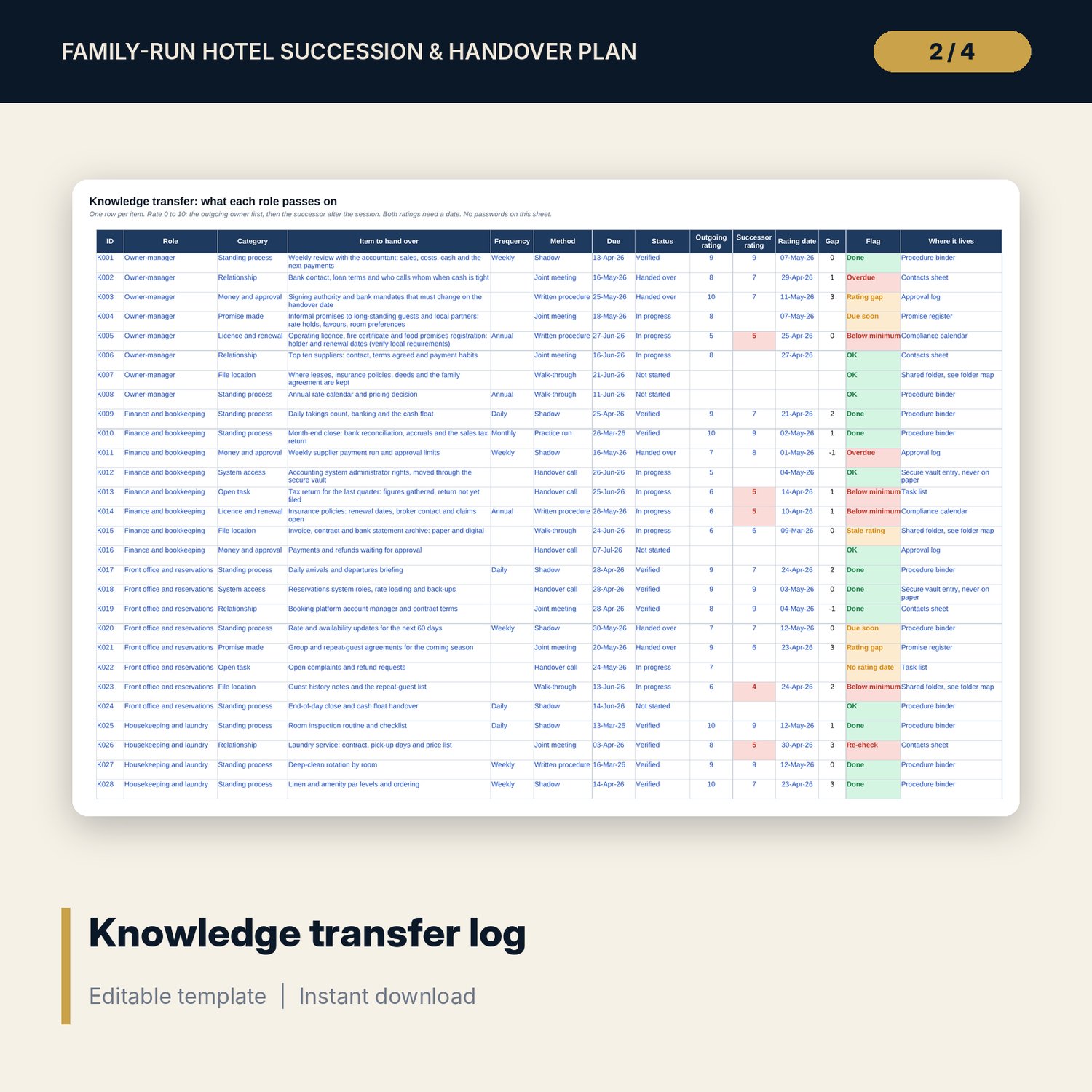
Family-Run Hotel Succession & Role Handover Plan: Succession Planning and Role Handover Templates for Family Hotels
Full description
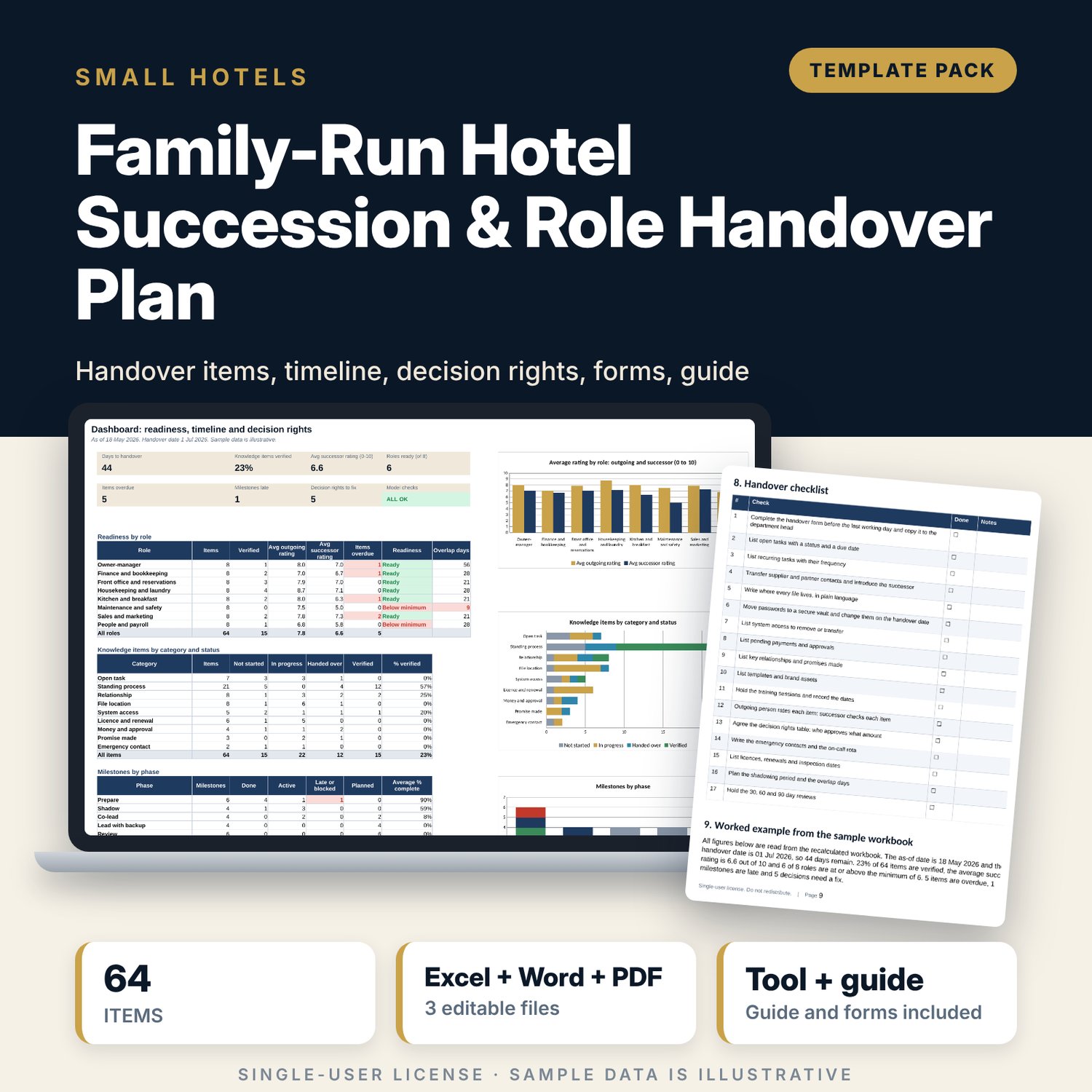
For owners, managers and families who run a small hotel, guest house or inn and plan to hand the business or its roles to a successor. The workbook holds 64 knowledge-transfer items by role with a method, due date, status, self-rating and successor check, a 24-milestone timeline with a 12-month bar view and 30, 60 and 90 day reviews, and a 30-decision rights matrix with spending limits that flags missing deciders and decisions that sit with the outgoing owner. The Word pack gives the family meeting record, the role handover form, the systems and accounts form, contacts and licence lists, a shadowing plan, a decision charter and review forms.
What is inside
- Succession_and_Handover_Plan.xlsx: 7 tabs, 579 formulas, 3 native charts, 19 drop-down and input rules, no macros
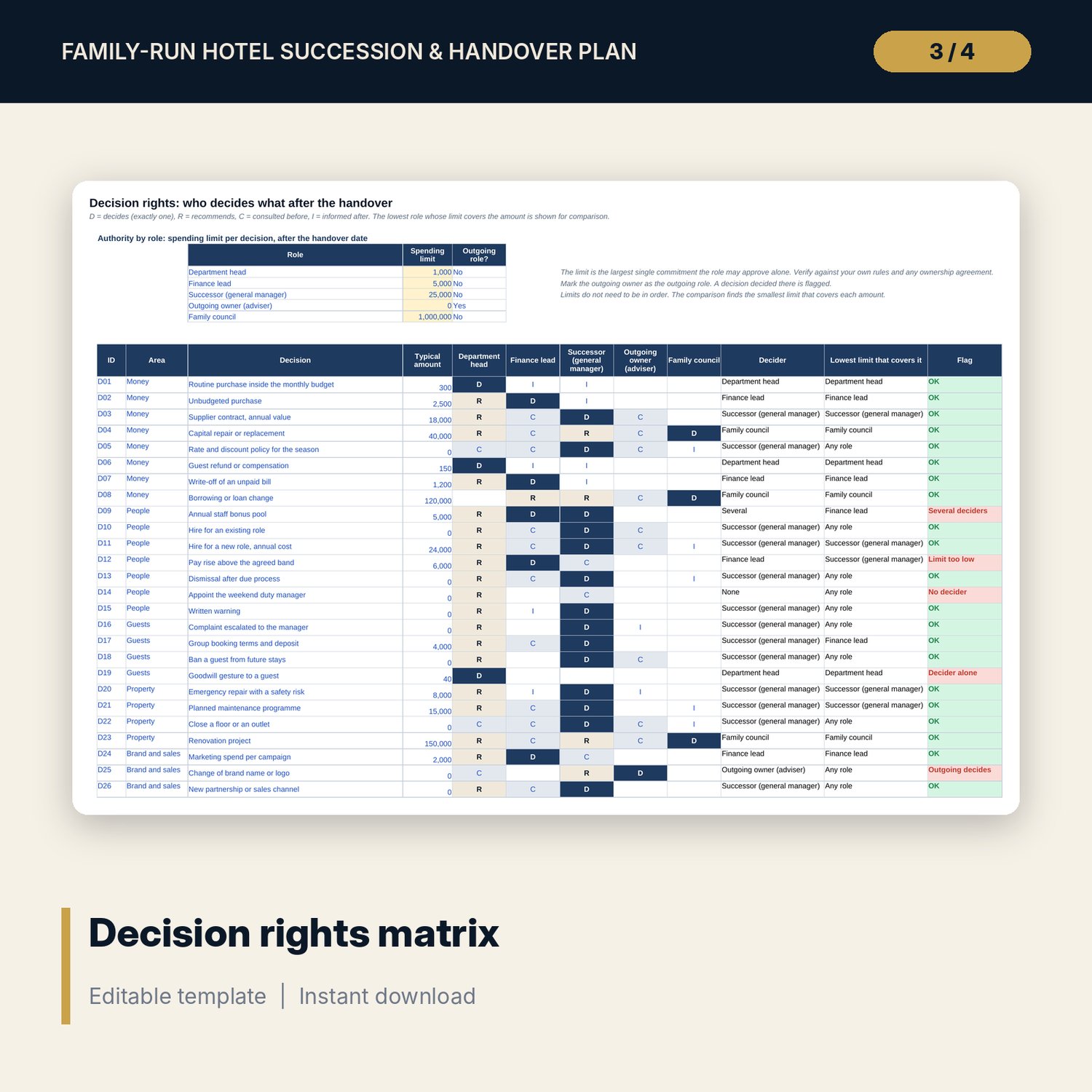
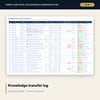
- Knowledge Transfer: 64 sample items across 8 roles and 9 categories with method, due date, status, outgoing rating, successor rating and a flag for overdue, stale or low ratings
- Timeline: 24 milestones in 5 phases, 12-month bar view, 30, 60 and 90 day reviews linked to the handover date
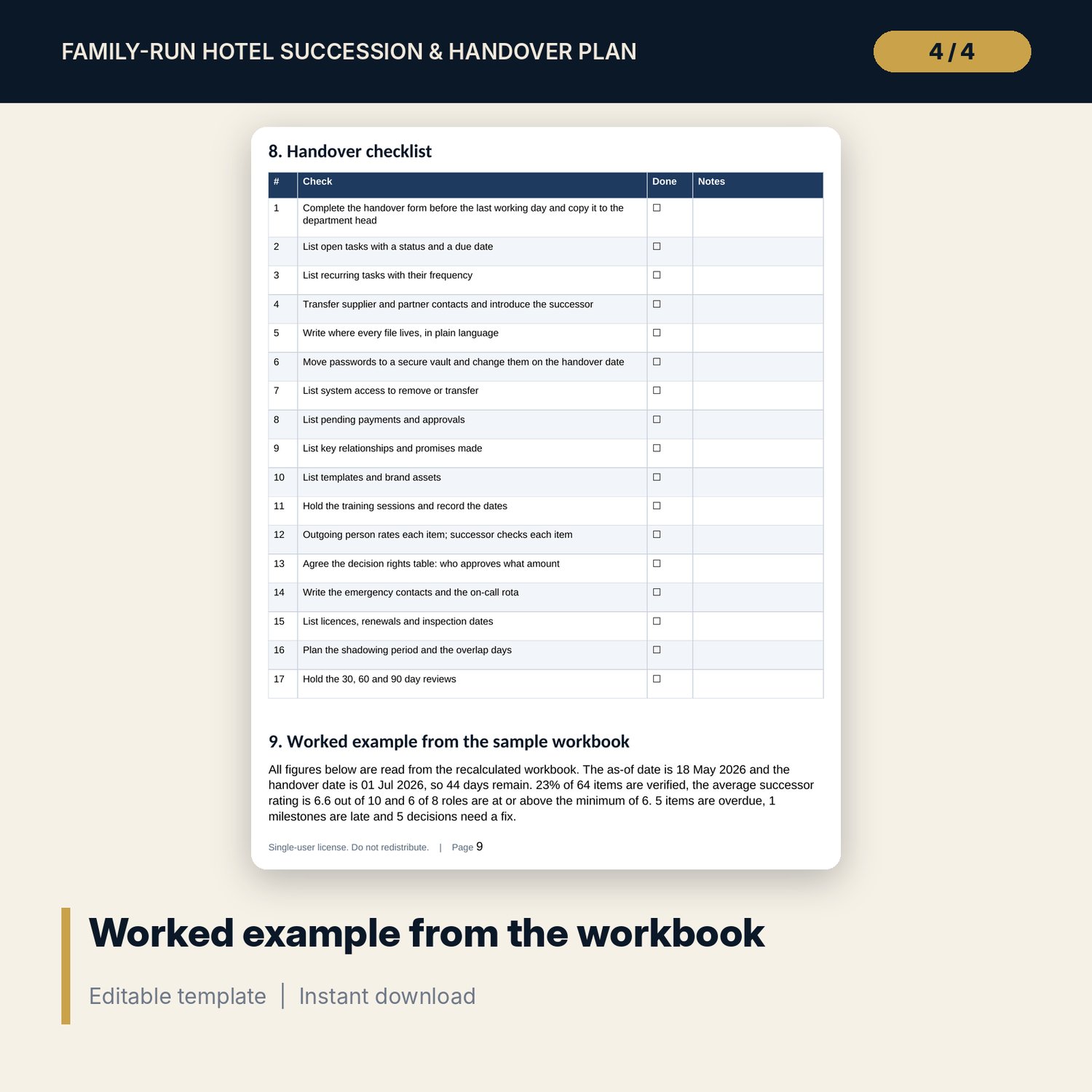
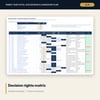
- Decision Rights: 30 decisions by 5 roles with spending limits, the lowest role that covers each amount and 5 flag types
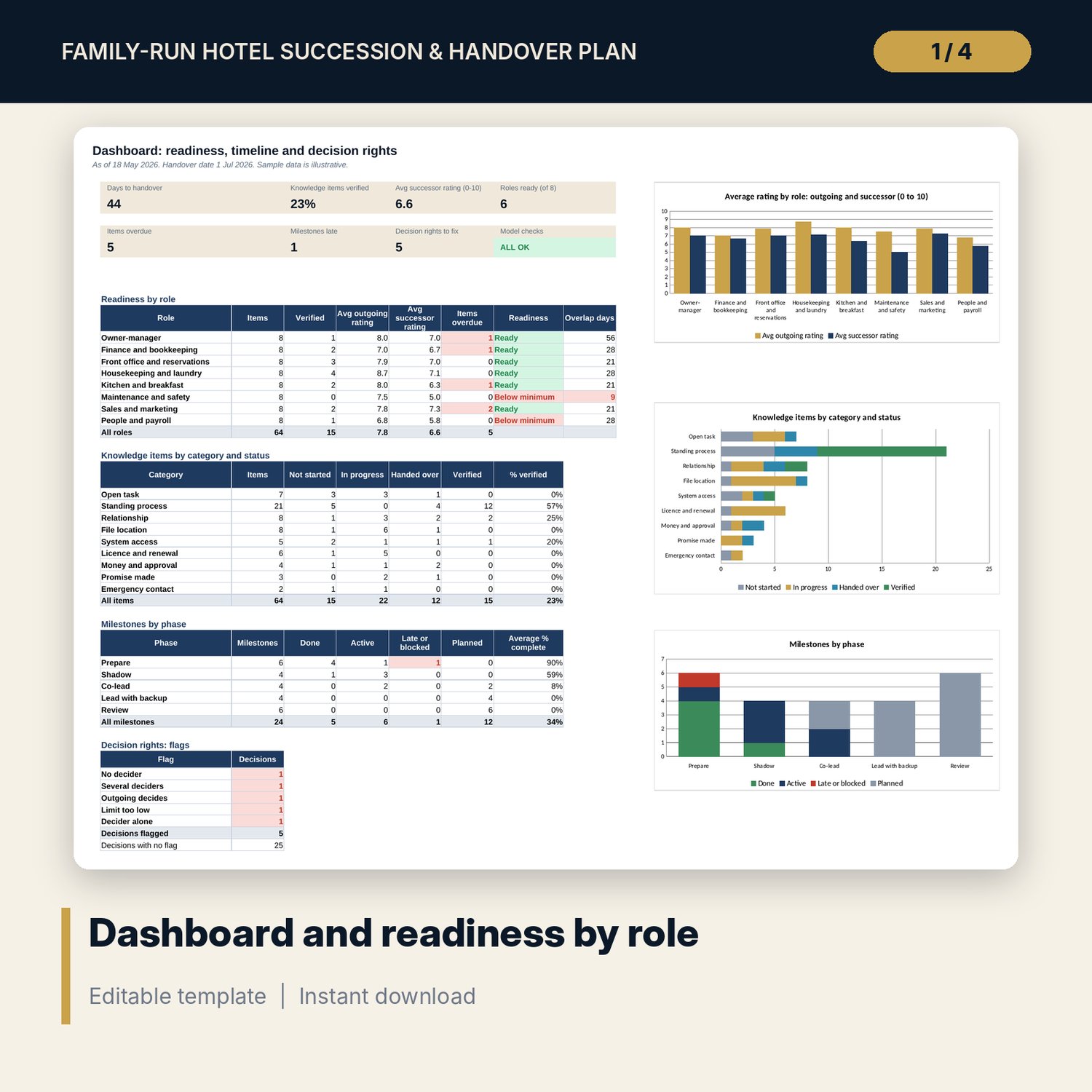
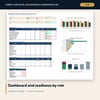
- Dashboard: 7 KPI tiles, a check tile, 4 summary tables and 3 charts; Settings with the role register and overlap days
- Checks: 8 integrity checks, all OK on the sample data
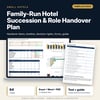
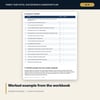
- Succession_and_Handover_Forms.docx and PDF: 10 pages with the family meeting record, handover forms HO-01 to HO-03, shadowing plan, decision charter, review forms, a 17-item checklist and a worked example read from the workbook
- README.txt and LICENSE-and-Terms.txt
How it works
- Enter the plan dates, the handover date and the role register on Settings. Set the minimum successor rating.
- List every item each role must pass on. Add a method, a due date and a status.
- Have the outgoing person rate each item, then the successor, both with dates. Read the flags and the readiness by role.
- Mark the decision matrix D, R, C or I, set the spending limits, fix the flags and hold the 30, 60 and 90 day reviews.
Details
- Formats: 1 Excel workbook (.xlsx) and 1 forms pack in Word (.docx) and PDF, English
- Software: Excel 2016 or later, or LibreOffice Calc 7 or later; any word processor that opens .docx
- No macros, no external links, no data tables, no array formulas
- 3 files plus README and license; instant digital download
Good to know
- Sample data is illustrative. Replace it with your own roles, items, dates and limits.
- Employment, tax, ownership and inheritance rules differ by place. These files are planning tools, not legal, tax or employment advice. Verify local requirements with qualified advisers.
- Never store passwords in the workbook or the forms. Use a secure vault.
- Single-user license. Do not redistribute.
FAQ
How are roles rated as ready?
Each item gets an outgoing rating and a successor rating from 0 to 10. A role is ready when the average successor rating is at or above the minimum you set. The sample minimum is 6.
What does the decision rights tab check?
Each decision needs exactly one decider. The tab flags no decider, several deciders, a decider whose limit is below the amount, a decision that sits with the outgoing owner and a decider acting alone.
Can I use it for a handover to staff or an outside hire?
Yes. The role register records the successor type: family, staff or external hire. The same forms and ratings apply.
Can I add more items or milestones?
Yes. Knowledge Transfer has 8 spare rows, Timeline 6 and Decision Rights 6. Formulas and totals already include them.
Do I need macros?
No. Every result is a standard worksheet formula.