System Downtime Manual Procedures Kit: Manual Forms and Re-entry Log for PMS and POS Outages
Full description
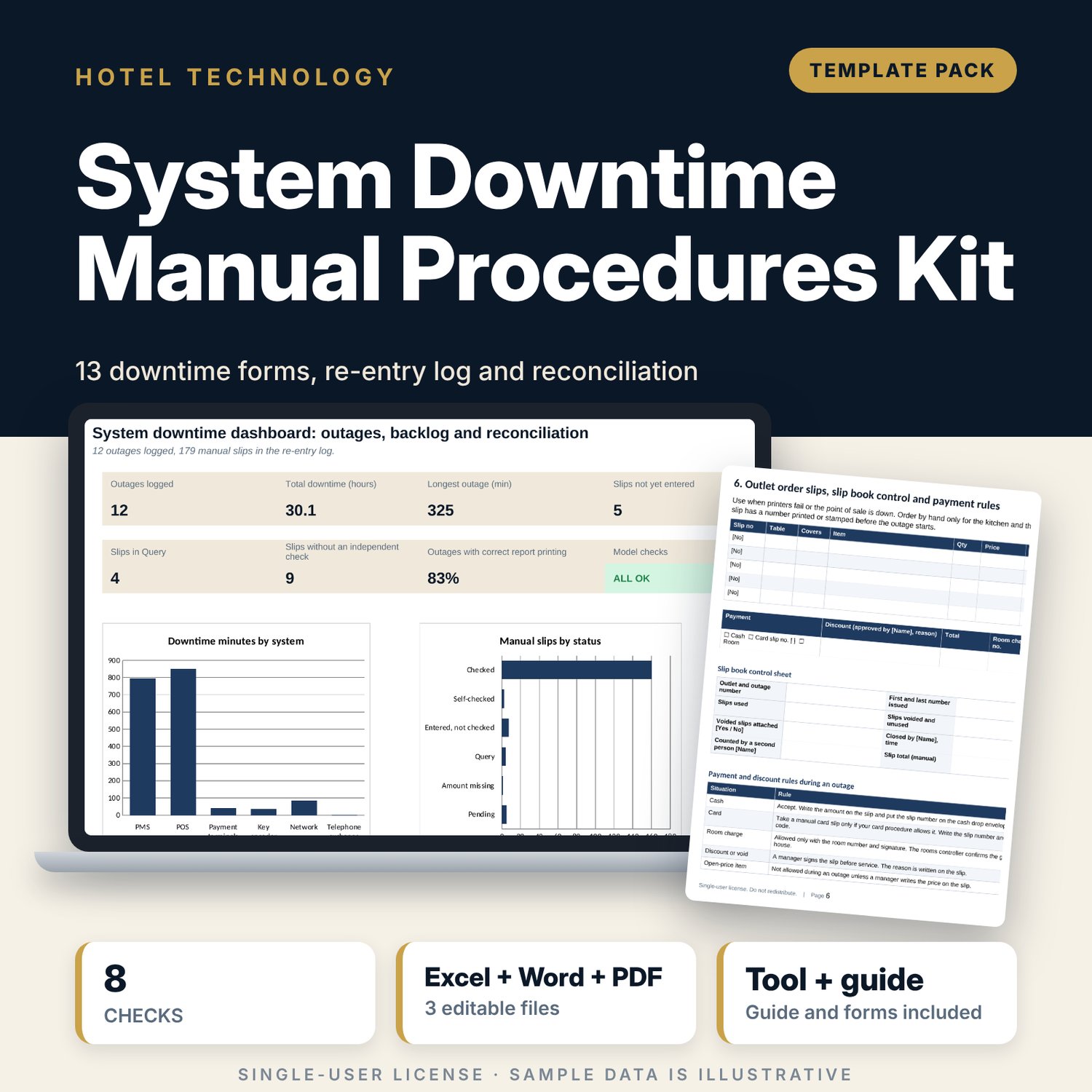
For front office managers, duty managers, outlet captains and IT leads who need a tested procedure for the hours a property system or point of sale is down. The Word pack holds 13 forms, a 15-action checklist, 14 recovery steps and guest scripts. The workbook logs each outage, numbers every manual slip, and shows for each slip whether it is pending, in query, entered without a checker or checked. It then reconciles slips logged against slips issued, manual totals against system totals and minutes to clear against your target.
What is inside
- System_Downtime_Re-entry_Tracker.xlsx: 7 tabs, 1,181 formulas, 2 native charts, 18 drop-down and input rules
- Incident Log: 12 sample outages with downtime minutes, severity and a report-printing check, plus 12 spare rows
- Re-entry Log: 179 sample manual slips with a status formula (Pending, Amount missing, Query, Entered not checked, Self-checked, Checked), plus 61 spare rows
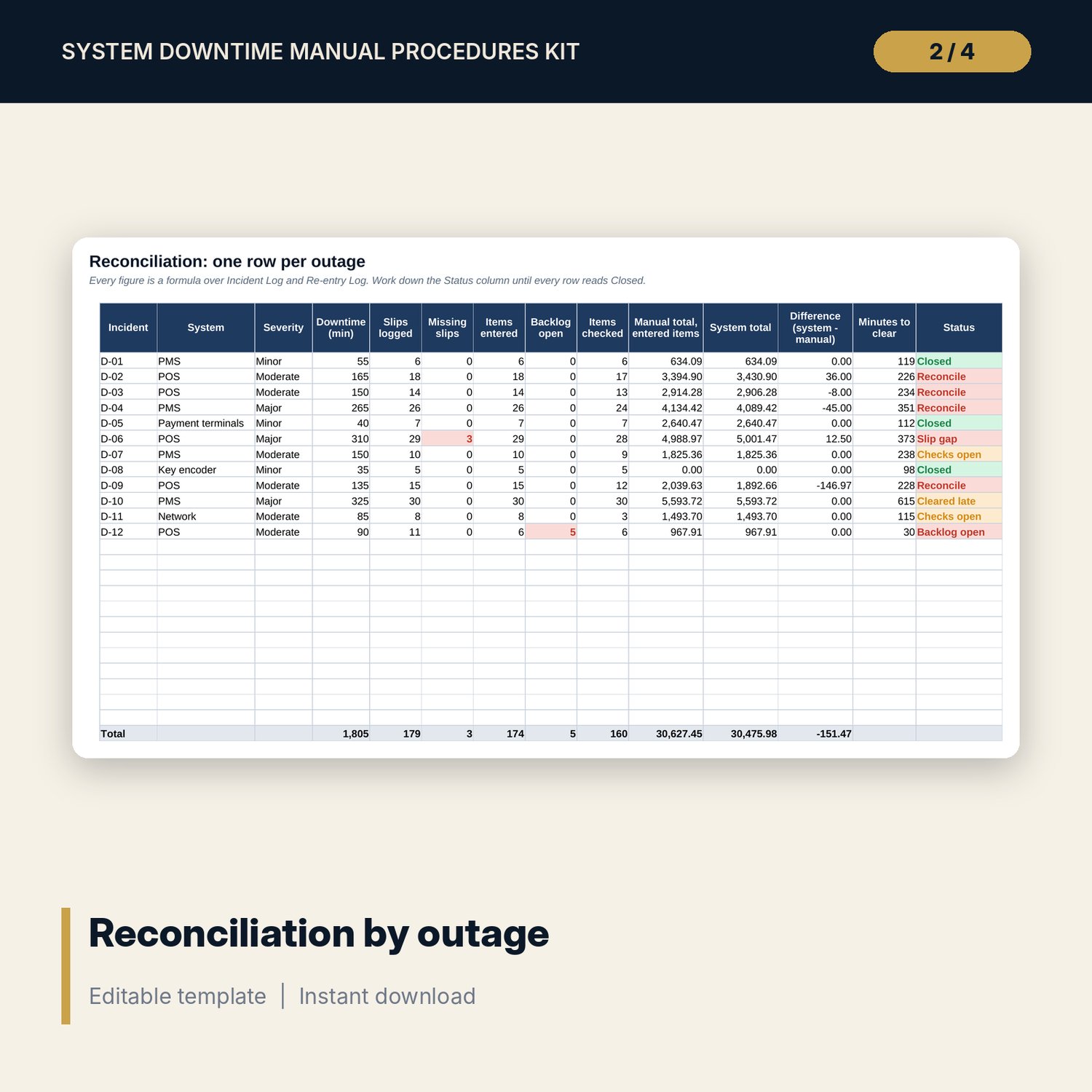
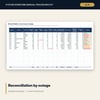
- Reconciliation: slips logged against slips issued, backlog, manual and system totals, difference and minutes to clear for every outage
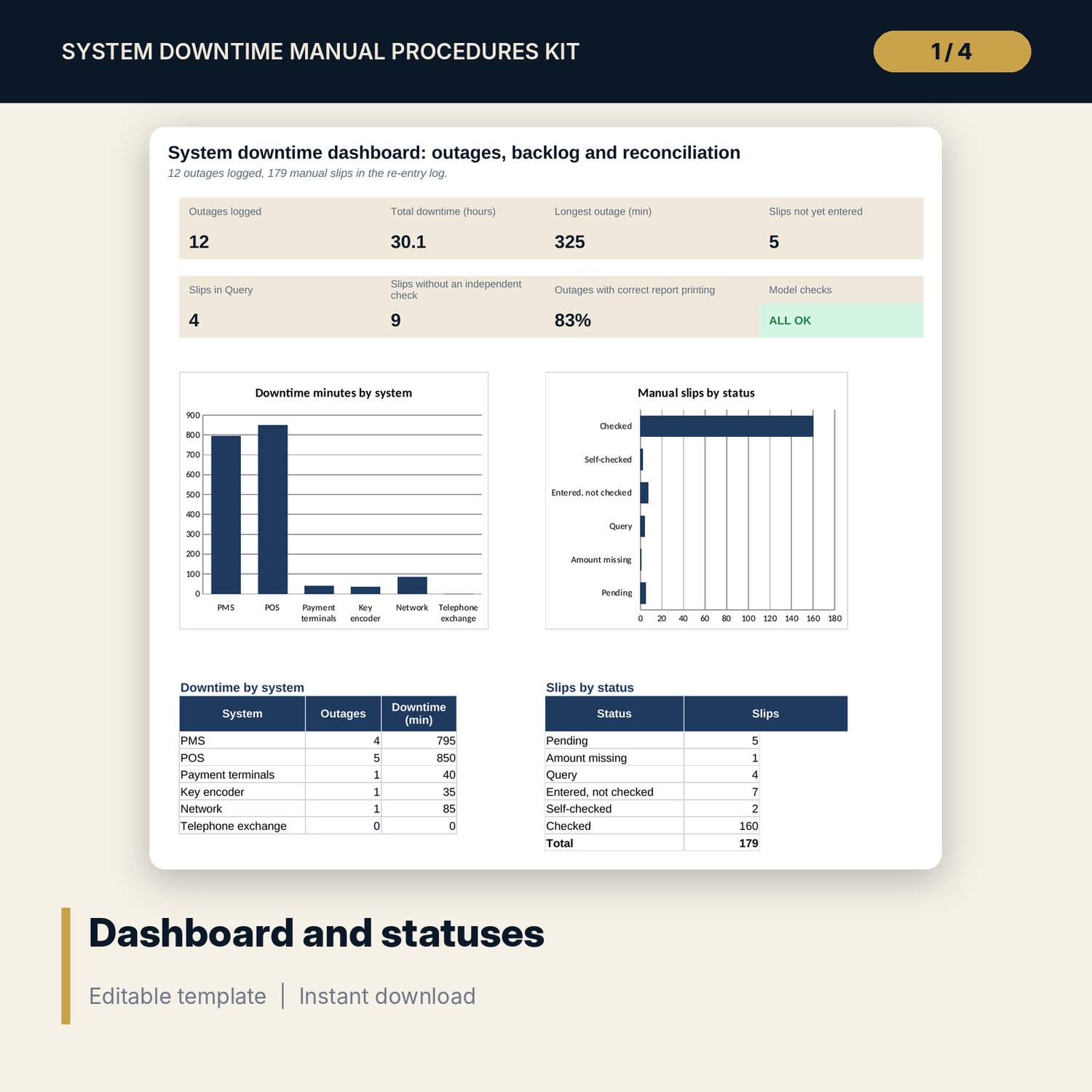
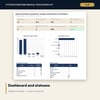
- Dashboard: 7 KPI tiles, a check tile and 2 charts; 8 integrity checks on the Checks tab
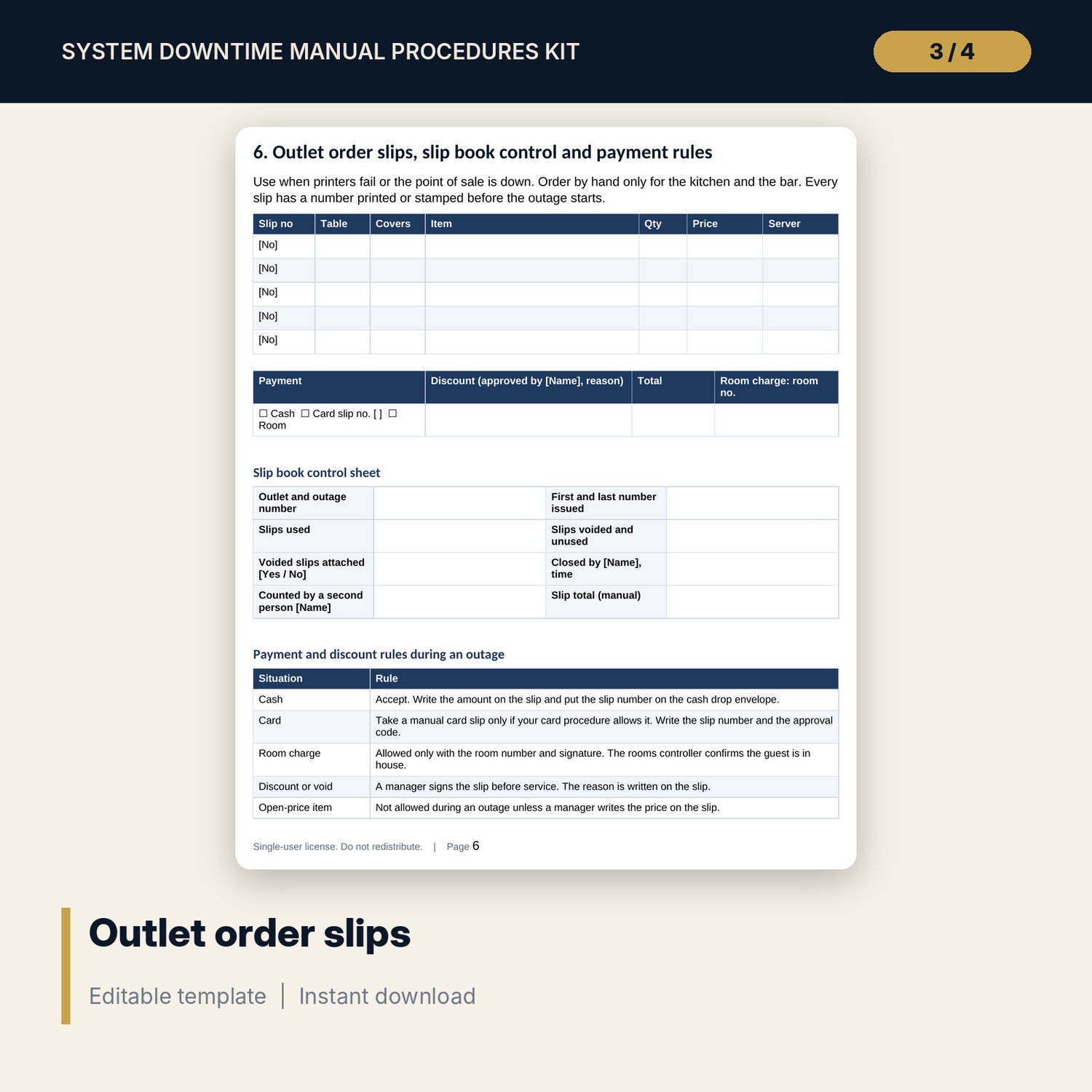
- System_Downtime_Forms.docx and PDF: 9 pages with 13 forms, 15 actions for the outage, 14 recovery steps, 5 guest scripts and a worked example
- README.txt and LICENSE-and-Terms.txt
How it works
- Print the pack and keep copies at the front desk, each outlet and with the duty manager.
- Declare downtime on the control sheet and run the outage on paper with numbered slips.
- After the restore, enter slips in number order and have a second person check each one.
- Log the outage and the slips in the workbook and clear every status other than Closed.
- Hold the incident review and update the procedure.
Details
- Formats: 1 Excel workbook (.xlsx), 1 forms pack in Word (.docx) and PDF, English
- Software: Excel 2016 or later, or LibreOffice Calc 7 or later
- No macros, no external links, no data tables, no array formulas
- 3 files plus README and license; instant digital download
Good to know
- Sample data is illustrative. Replace it with your own figures.
- The files are management tools, not legal, tax or IT security advice. Verify your payment card rules and local requirements.
- Card handling during an outage depends on your acquirer and local rules. The pack tells staff to write approval codes and never full card numbers.
- Single-user license. Do not redistribute.
FAQ
Does the pack work without the workbook?
Yes. The forms are for use on paper during the outage. The workbook is for the recovery and the review.
Can I change the report print interval?
Yes. It is an input on Settings. The sample uses 120 minutes.
How does the workbook find a missing slip?
You enter the first and last slip number for the outage. It compares that range with the number of slips you logged.
What counts as checked?
A slip is Checked when it is entered, the system amount agrees with the manual amount and a different person checked it.
Do I need macros?
No. Every result is a standard worksheet formula.