Small Hotel Room Attendant Timing & Pay Model: Room Attendant Timing Study and Per-Room Pay Calculator
Full description
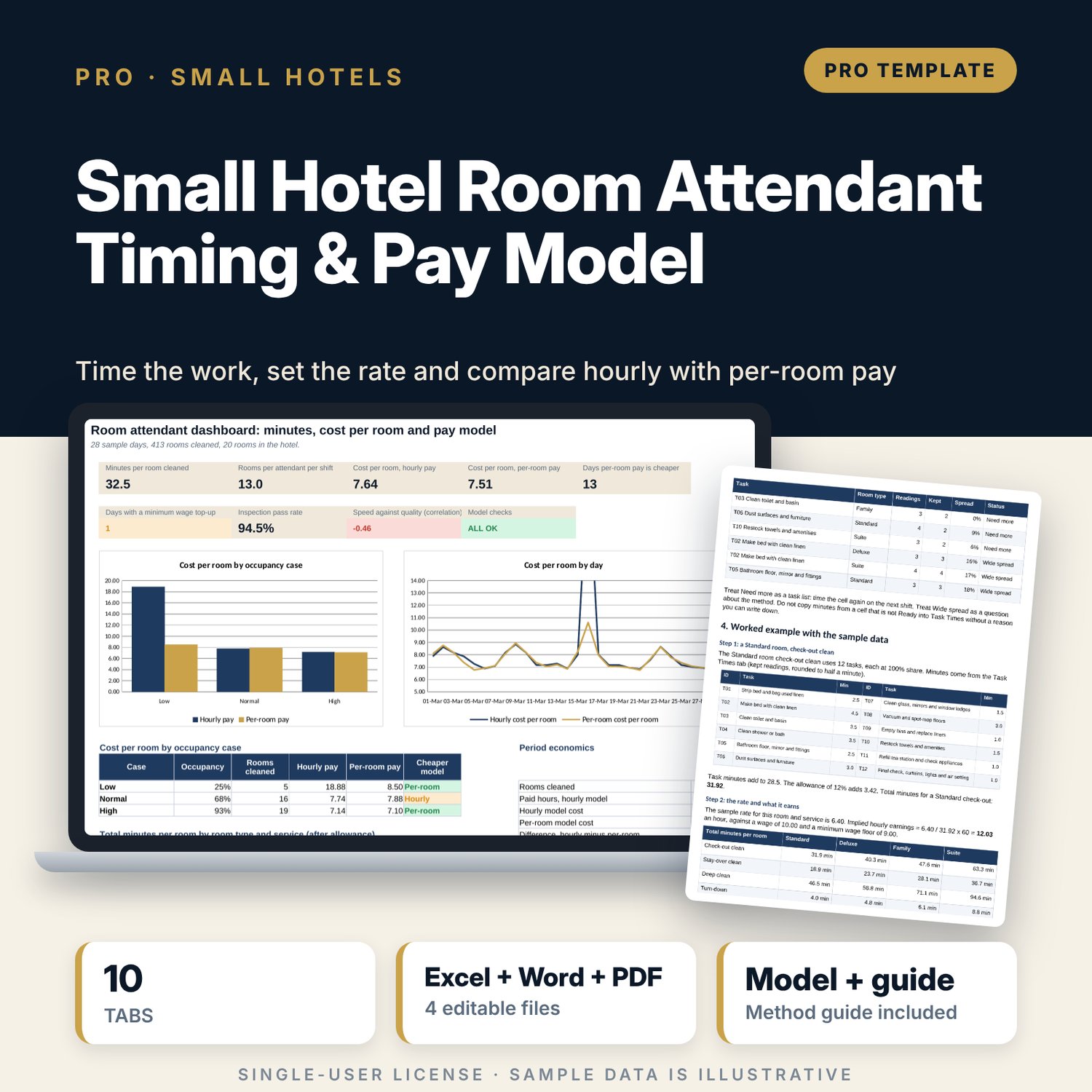
For executive housekeepers, small hotel owners and general managers who need to know how long a room takes and what a fair rate per room is. The main workbook turns 16 timed cleaning tasks into minutes for four room types and four services, adds an allowance, and tests each pay rate against the minimum wage with an implied hourly earnings check. It prices 28 sample days under hourly pay and per-room pay, with a minimum wage top-up, and compares both at low, normal and high occupancy with two cost-per-room grids. A companion timing study sheet logs 213 readings, drops outliers, flags cells that need more readings and shows each attendant's pace beside the inspection pass rate. A 11-page guide explains the method with a worked example.
What is inside
- Room_Attendant_Timing_Pay_Model.xlsx: 10 tabs, 1,258 formulas, 2 native charts, 17 drop-down and input rules
- Task Times: 16 tasks timed for 4 room types, with the share of each task in 4 services (check-out, stay-over, deep clean, turn-down)
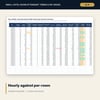
- Service Minutes: 16 combinations of room type and service with allowance, pay rate, implied hourly earnings and a floor check
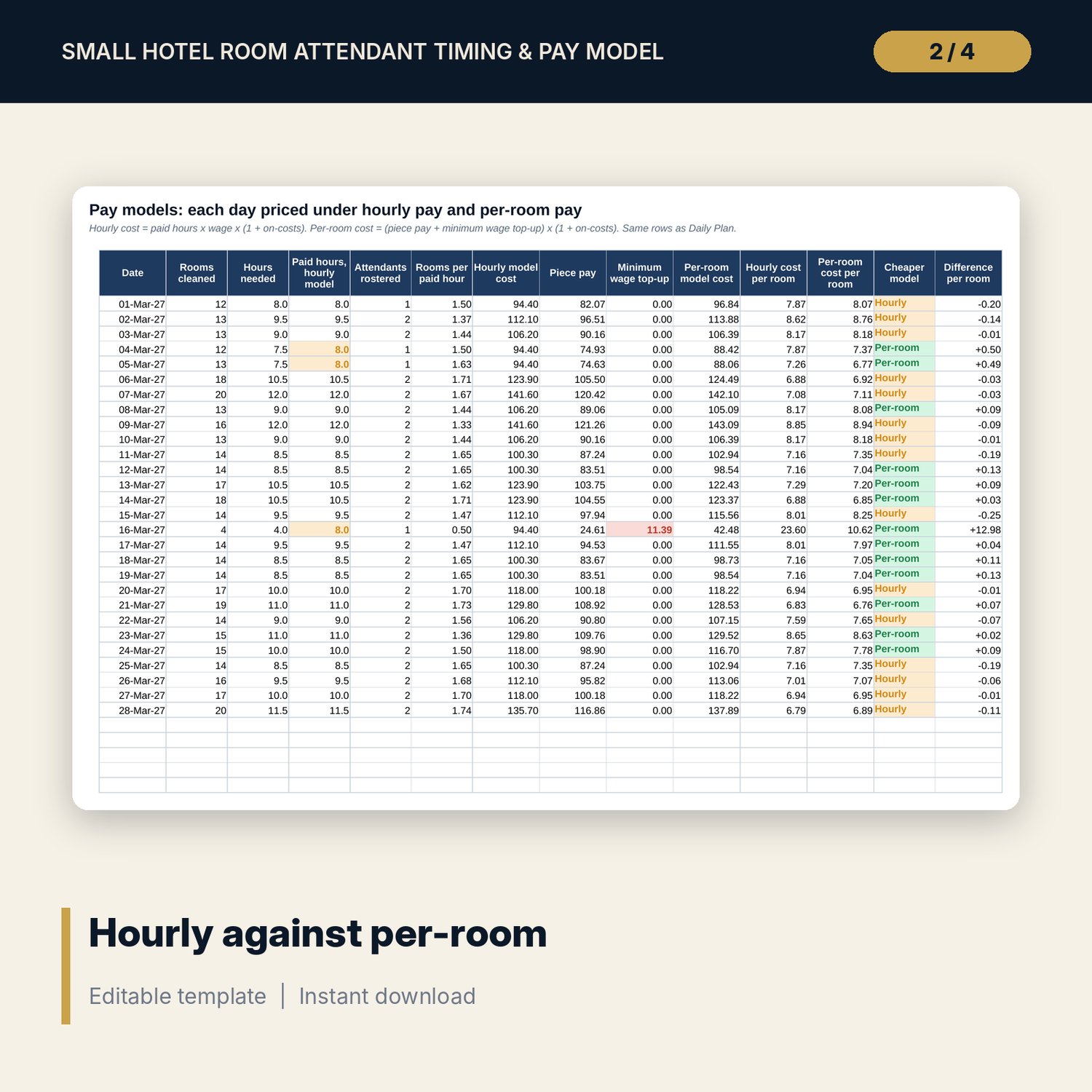
- Daily Plan and Pay Models: 28 sample days with workload, hours needed, paid hours, cost under both methods, cheaper method and top-up
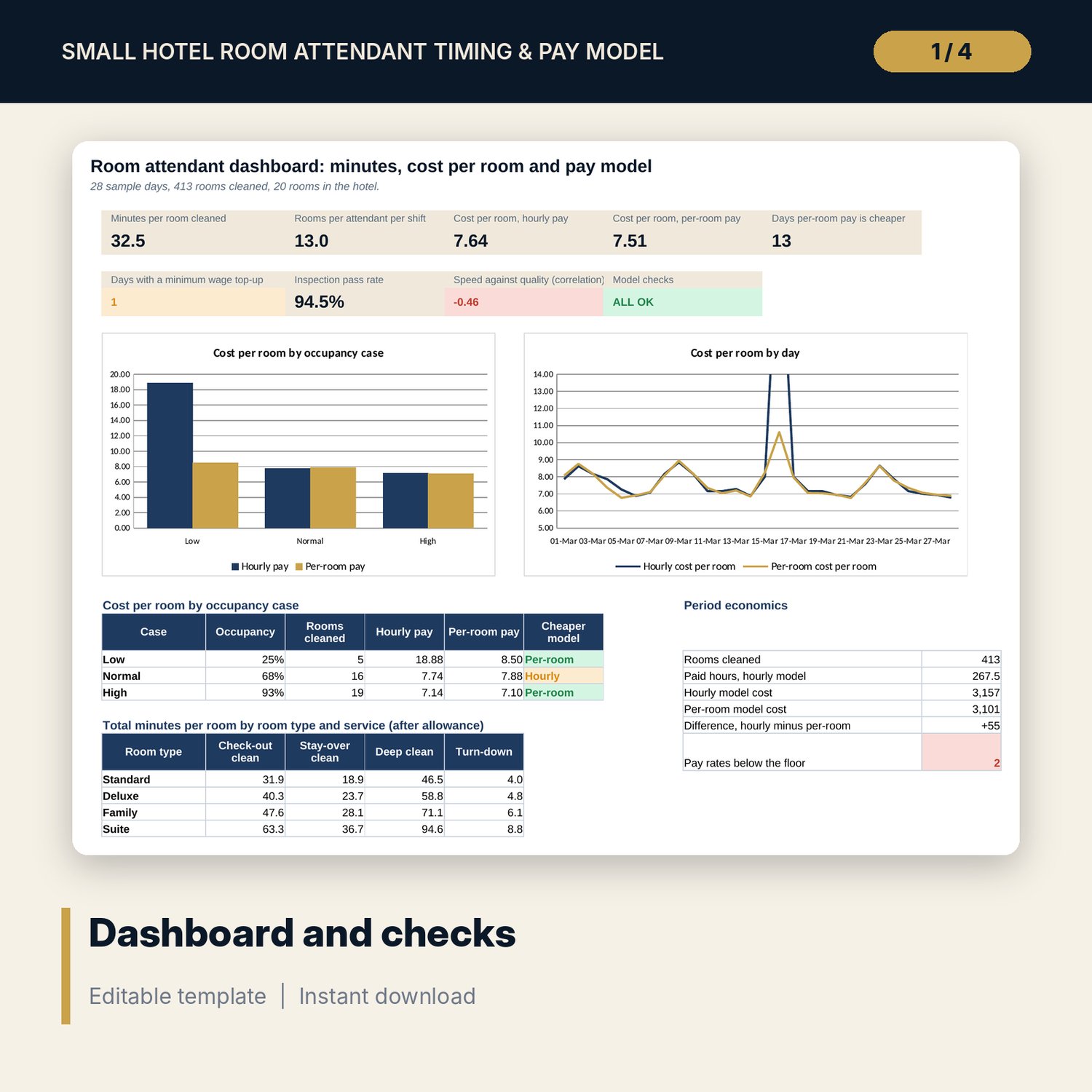
- Occupancy Cases: low, normal and high occupancy, plus two 5 x 5 grids (hourly cost per room by occupancy and wage; per-room cost per room by occupancy and rate change)
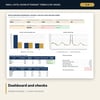
- Dashboard with 9 tiles including a check tile and 2 charts; 10 integrity checks; Method tab with 16 documented calculations
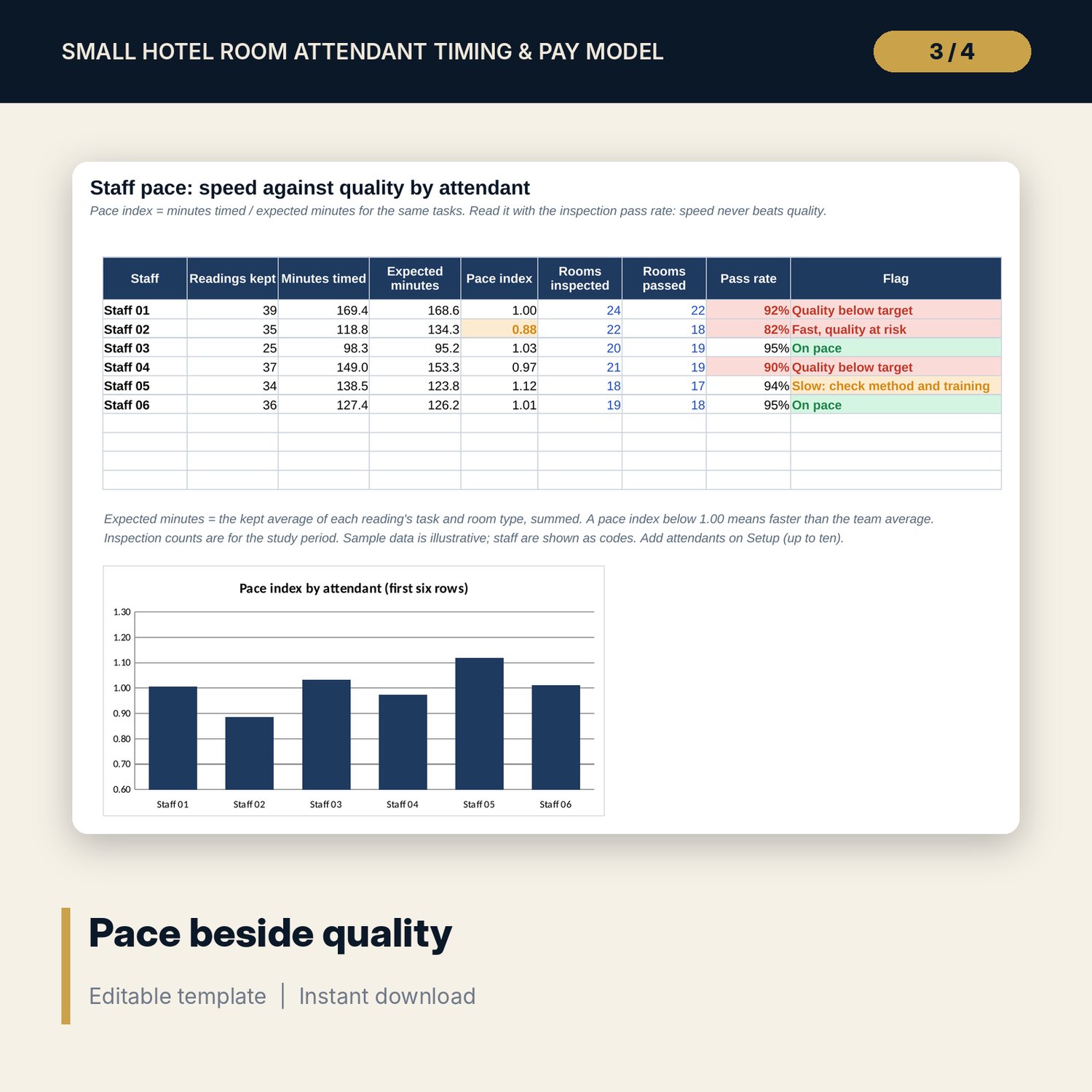
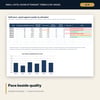
- Room_Attendant_Timing_Study_Sheet.xlsx: 5 tabs, 2,795 formulas, 213 sample readings, outlier rule, status per cell, pace index by attendant, 8 checks
- Room_Attendant_Timing_Guide.docx and PDF: 11 pages with equations, a printable recording sheet, a worked example read from the workbook, an approval checklist and a glossary
- README.txt and LICENSE-and-Terms.txt
How it works
- Time the tasks with the companion sheet and copy the minutes into Task Times.
- Enter your room mix, shift, productive share, wage, on-costs and minimum wage on Assumptions.
- Set a pay rate per room for each room type and service and read the floor check.
- Enter your daily departures, stay-overs, deep cleans and turn-downs and read the cost per room under both methods.
- Test low, normal and high occupancy and read pace beside quality before you decide.
Details
- Formats: 2 Excel workbooks (.xlsx), 1 guide in Word (.docx) and PDF, English
- Software: Excel 2016 or later, or LibreOffice Calc 7 or later
- No macros, no external links, no data tables, no array formulas
- 4 files plus README and license; instant digital download
Good to know
- Sample data is illustrative. Replace it with your own figures.
- The files are planning tools, not legal or payroll advice. Verify minimum wage, piece-rate and working time rules locally.
- The model schedules paid hours, not named people, and does not add overtime premiums.
- Single-user license. Do not redistribute.
FAQ
How many readings do I need for the timing study?
The sheet flags any task and room type with fewer readings than the minimum you set. Three is the sample setting and five or more is better for a real study.
Does it handle rooms of different sizes?
Yes. Minutes, shares and pay rates are set for each room type and service, and the mix of room types weights the totals.
What happens when per-room pay is below the minimum wage?
The model tops pay up to the minimum wage on the hours the work needs and shows the top-up as its own line, so you see the cost.
Does it show quality as well as speed?
Yes. The companion sheet shows a pace index and inspection pass rate for each attendant, and the Dashboard shows the correlation of speed and quality.
Do I need macros or add-ins?
No. Every result is a standard worksheet formula.