Technology Vendor SLA Tracker & Service Credit Calculator: Vendor SLA Tracker with Uptime and Credit Calculator
Full description
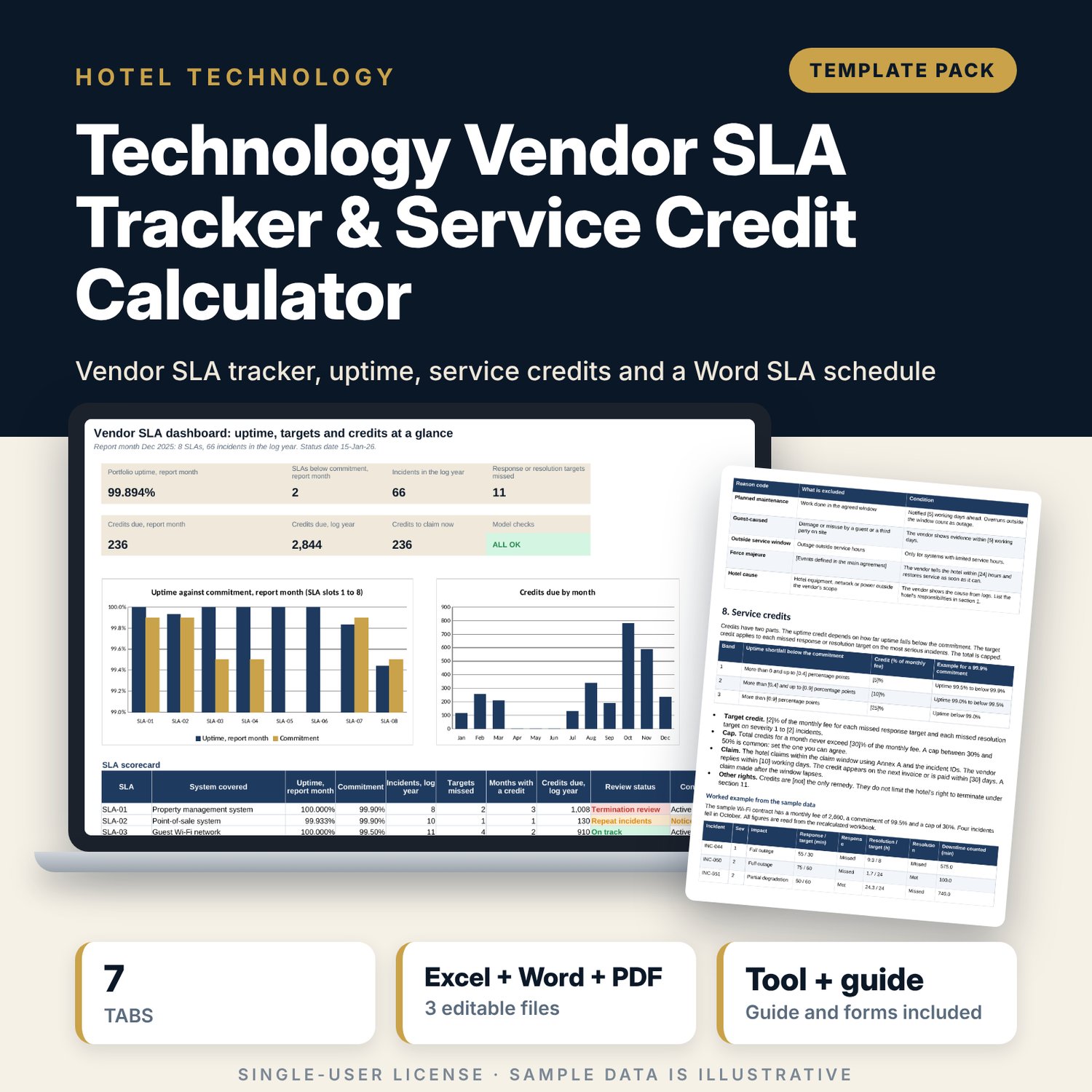
For hotel IT managers, engineers, finance teams and general managers who buy support for reservation, payment, network, door-lock, telephone, camera and building systems and need proof when a vendor misses its service levels. The workbook holds a register of up to 12 SLAs with support profiles (response and resolution targets by severity), an incident log with fault, report, first-response and restore times, and one row per SLA and month that finds uptime, the shortfall against the commitment, the credit band, the target credit, the cap and the credit due. It tracks claim deadlines and claim status, flags repeat incidents and logs quarterly reviews. The Word schedule template gives you the contract wording: definitions, severity levels, targets, exclusions, credit schedule, escalation, reviews and claim forms.
What is inside
- Vendor_SLA_Credit_Tracker.xlsx: 7 tabs, 4,631 formulas, 2 native charts, 29 drop-down and input rules
- Settings: reporting rules, a 3-band credit schedule, 4 support profiles and an SLA register with 12 slots (8 filled with sample SLAs)
- Incident Log: 66 sample incidents plus 84 spare rows; 27 columns including response, resolution, downtime and repeat-incident calculations
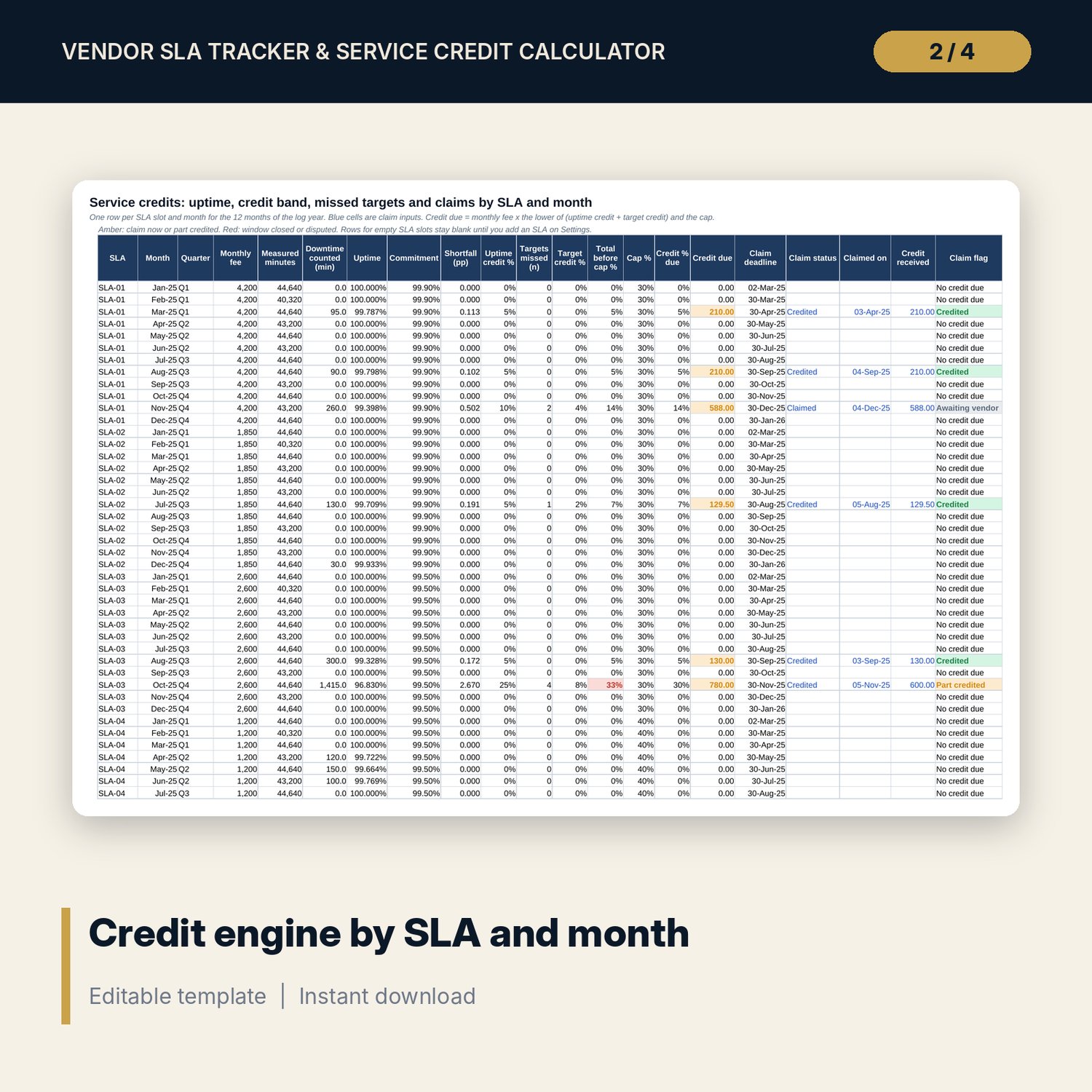
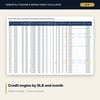
- Service Credits: 144 rows (96 used by the sample) with uptime, shortfall, credit band, missed targets, cap, credit due, claim deadline and claim flag
- Review Log: 12 sample quarterly reviews plus 18 spare rows
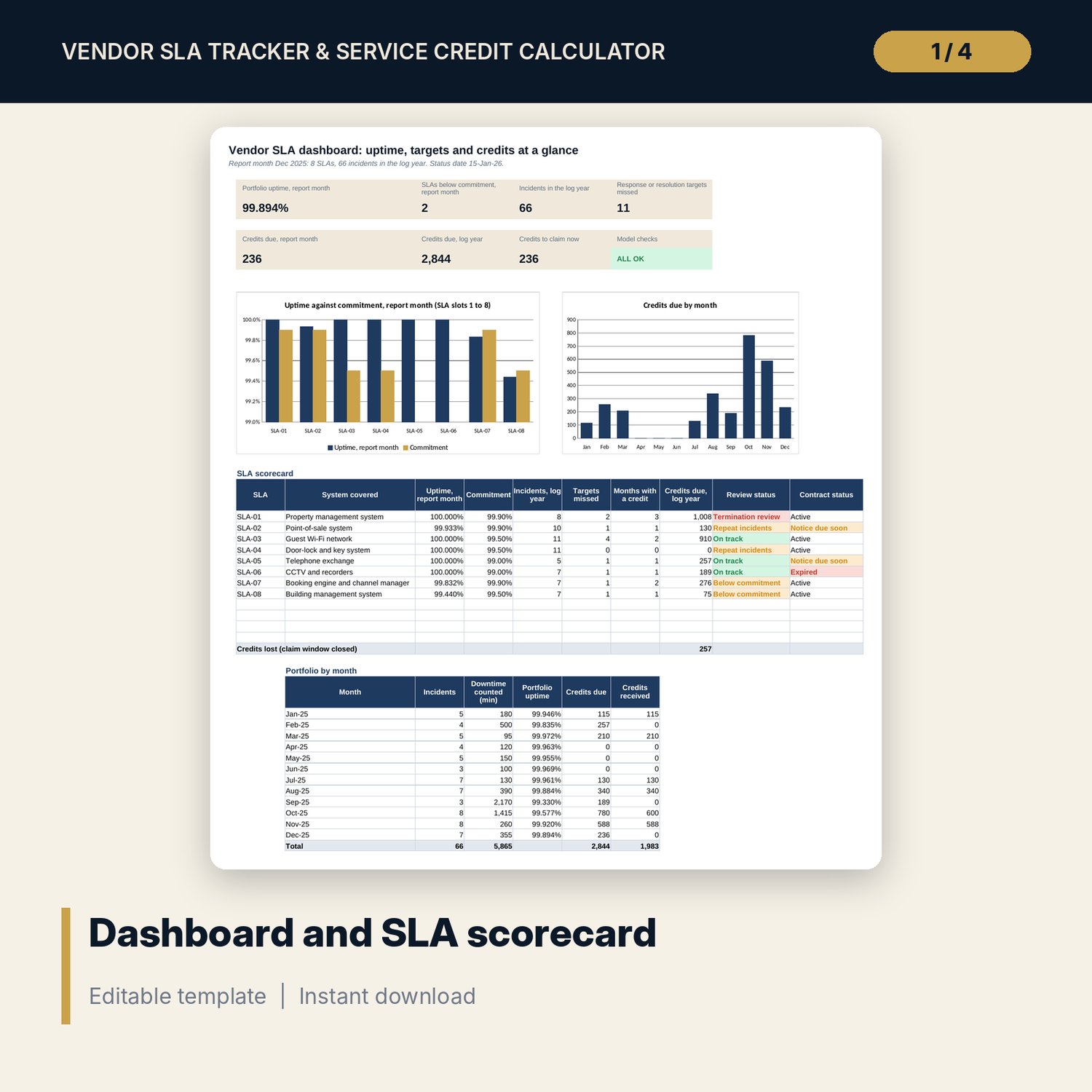
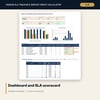
- Dashboard: 7 KPI tiles, a check tile, an SLA scorecard, a monthly table and 2 charts; 7 integrity checks on the Checks tab
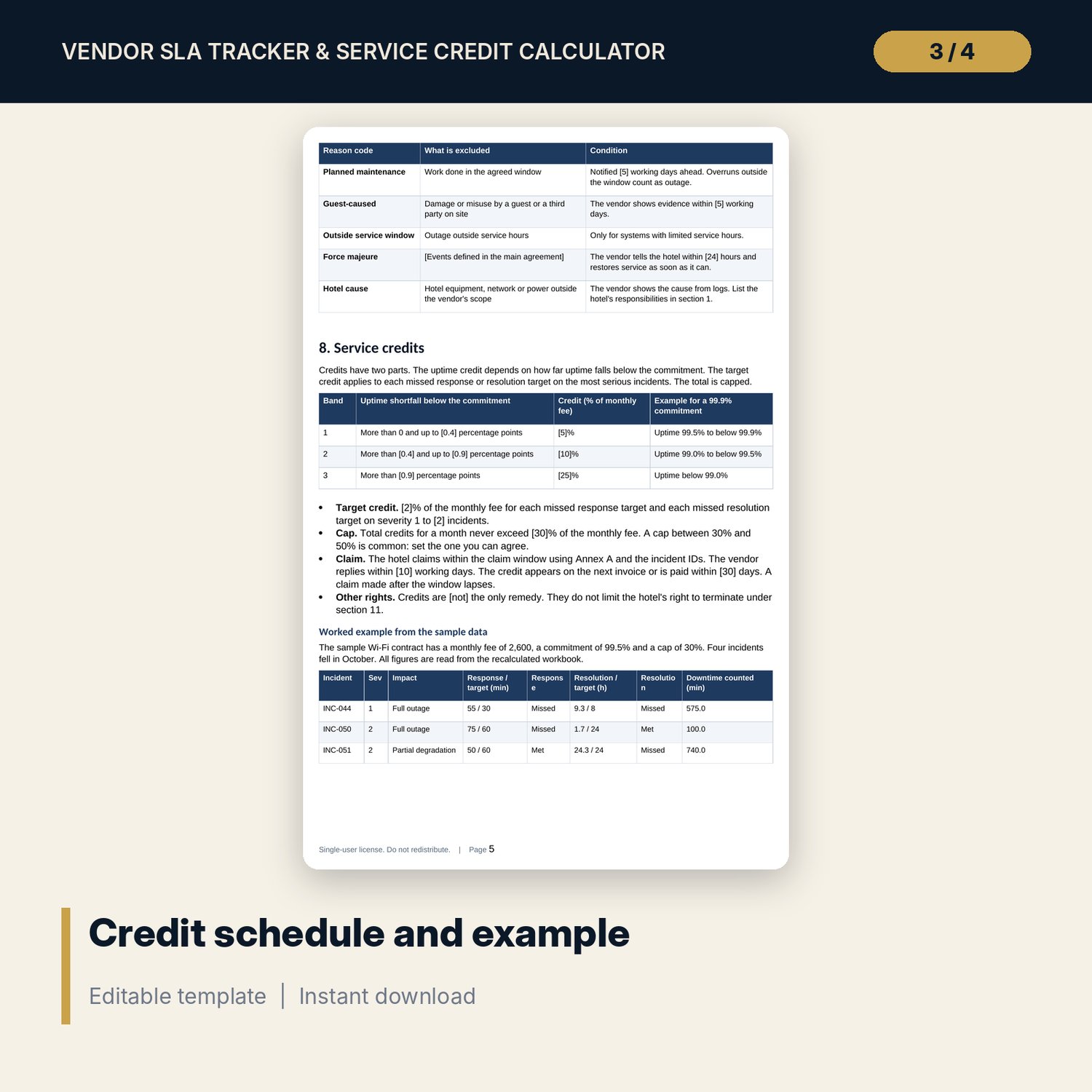
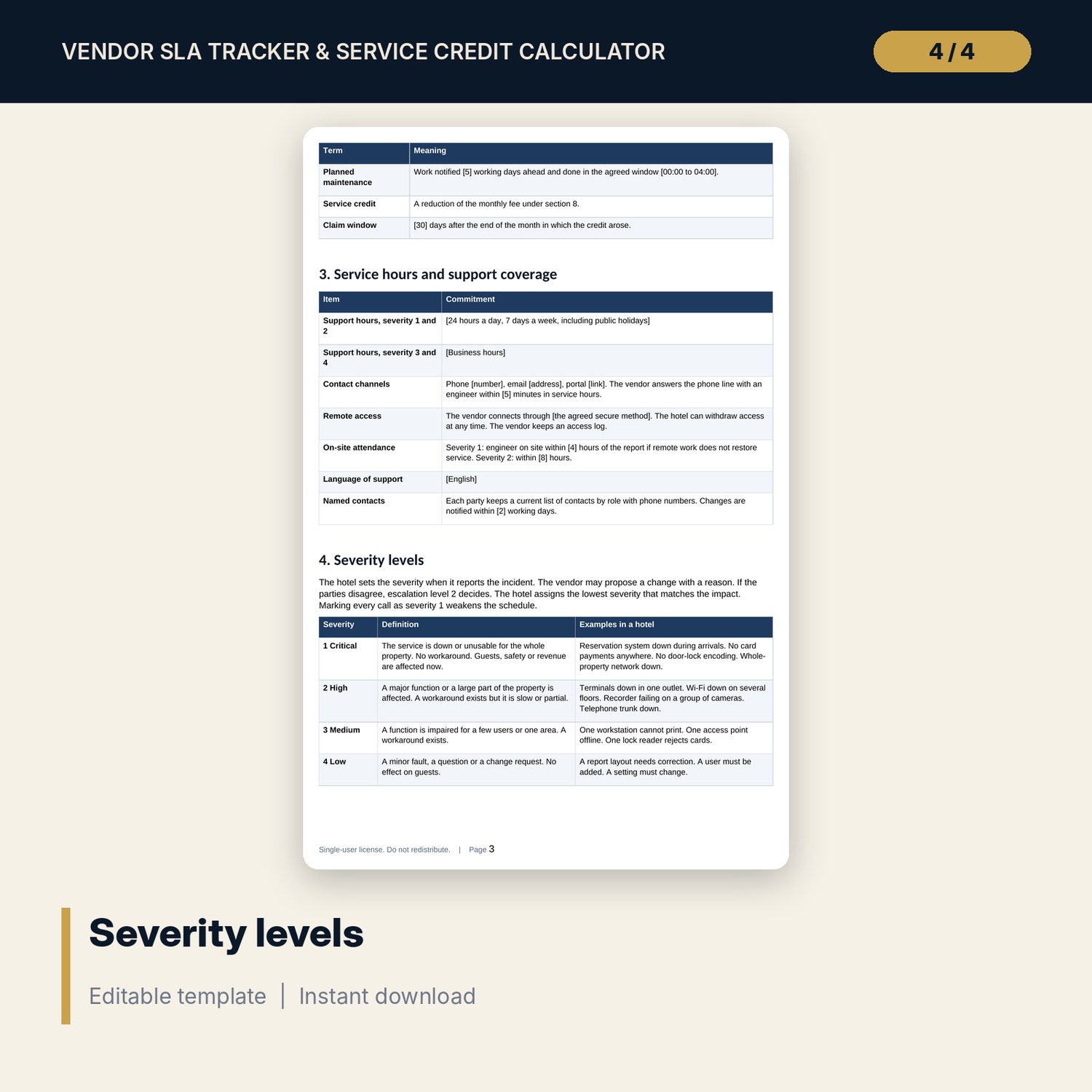
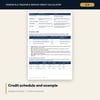
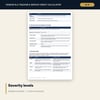
- SLA_Schedule_Template.docx and PDF: 9 pages with 13 schedule sections, a worked credit example read from the workbook, a claim form and a quarterly review record
- README.txt and LICENSE-and-Terms.txt
How it works
- Enter the credit schedule and support profiles on Settings, then list your SLAs in the register.
- Log each incident with the four timestamps. The workbook measures response and resolution against the target for the severity.
- Read Service Credits to see uptime, the credit band, missed targets, the cap and the credit due for each SLA and month.
- Claim inside the window, record the status and amount, and review the SLAs that show Termination review or Repeat incidents.
Details
- Formats: 1 Excel workbook (.xlsx), 1 SLA schedule template in Word (.docx) and PDF, English
- Software: Excel 2016 or later, or LibreOffice Calc 7 or later
- No macros, no external links, no data tables, no array formulas
- 3 files plus README and license; instant digital download
Good to know
- Sample data is illustrative. Replace it with your own figures.
- Credit bands, caps, targets and fees are examples. Use the terms in your contracts and verify local requirements.
- The Word schedule is a template, not legal advice. Have your legal adviser review it before signature.
- Single-user license. Do not redistribute.
FAQ
How is uptime calculated?
Minutes in the month during service hours, less downtime counted, divided by the minutes in the month. Downtime comes from the incident log: fault began to service restored, less excluded minutes.
Can I change the credit bands?
Yes. The bands are measured as uptime shortfall below each SLA's own commitment, in percentage points. You set the limits, the credit percentages and the cap per SLA.
What if the vendor arrival time is missing?
The incident shows Response time missing and is not counted as a missed target. The log tells you which incidents need the time before you claim.
How many SLAs can it hold?
12 SLAs, one per register slot. The sample uses 8. Each slot has 12 monthly rows on Service Credits.
Do I need macros?
No. Every result is a standard worksheet formula.