
Private Villa & Butler Service Operations Kit: Service Log, Villa Audit Scorecard and Pool Log
Full description
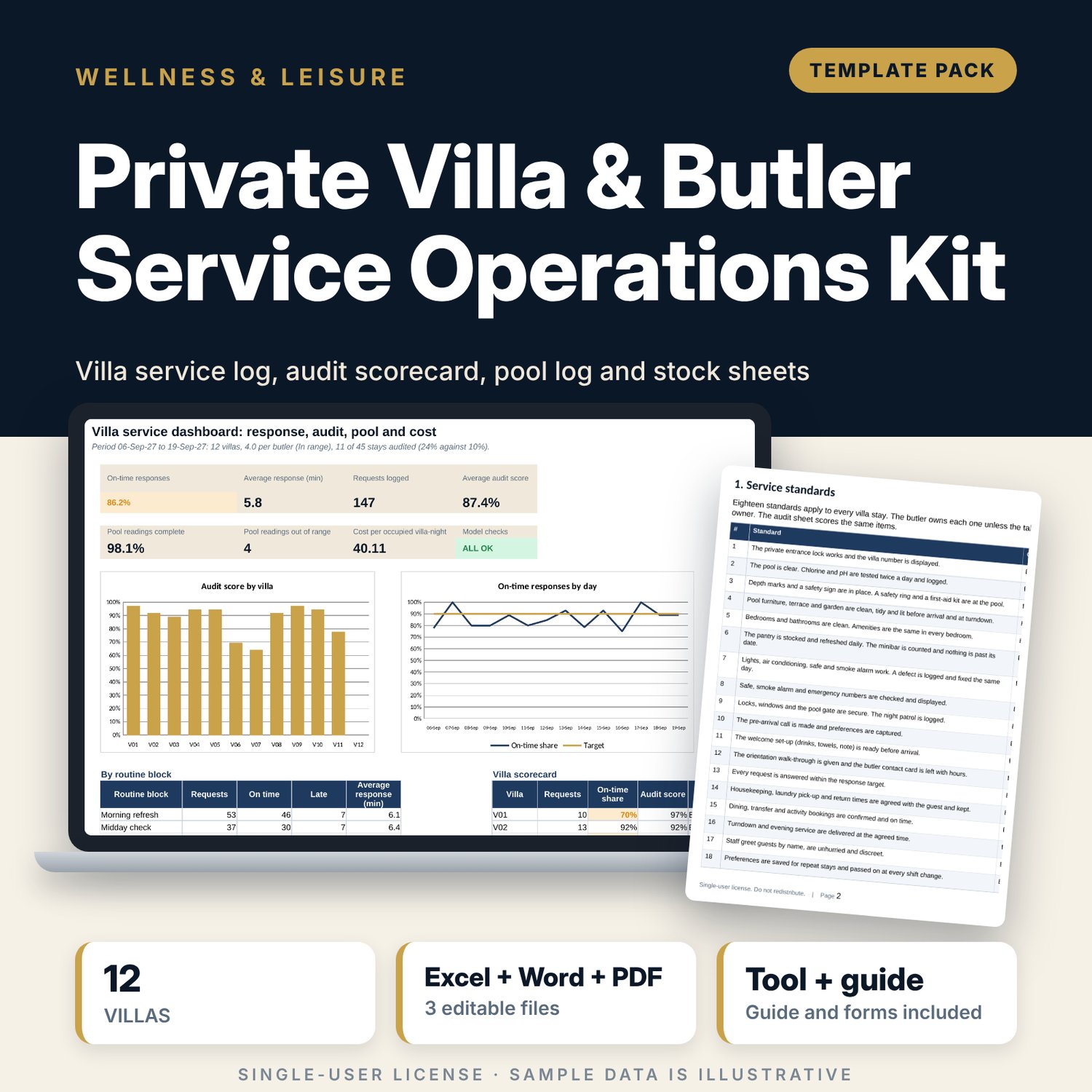
For butler managers, resort operations managers and villa general managers who run private villas with a butler service. The workbook logs every guest request with the time received and answered, then shows the response time, the routine block and whether it met your target. A pool log records two chlorine and two pH readings per villa per day and flags missing and out-of-range readings. An 18-item audit matrix scores each villa 2, 1 or 0 per item and gives a villa score and band. The store inventory compares the on-hand count with par for every villa. The Dashboard adds the butler ratio and the cost per occupied villa-night. The Word kit gives you the service standards, a daily routine card, a guest preference sheet, arrival checklists, a pool log, a store sheet, an audit sheet and a worked example.
What is inside
- Villa_Butler_Operations_Log.xlsx: 7 tabs, 1,977 formulas, 2 native charts, 19 drop-down and input rules
- Settings: targets, pool ranges, audit bands, cost rates, four routine blocks and a register of 12 villas plus 4 spare rows with a scorecard per villa
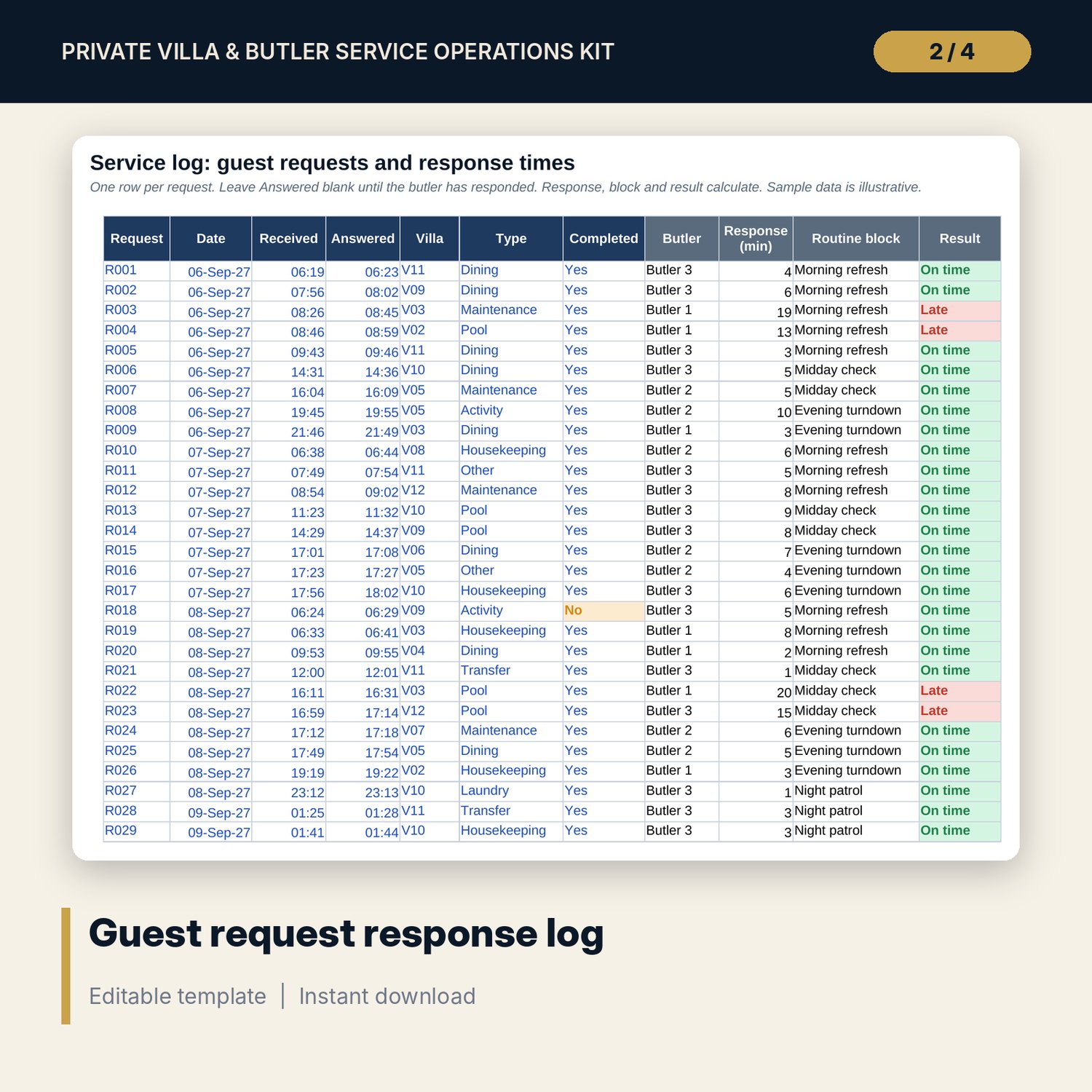
- Service Log: 147 sample requests plus 25 spare rows, with response minutes, routine block and an On time, Late or Open result
- Pool Log: 167 villa-days of readings plus 15 spare rows, with missing and out-of-range flags
- Audit & Stock: 18 audit items by 16 villa columns, and 14 store items against par with shortages by item and by villa
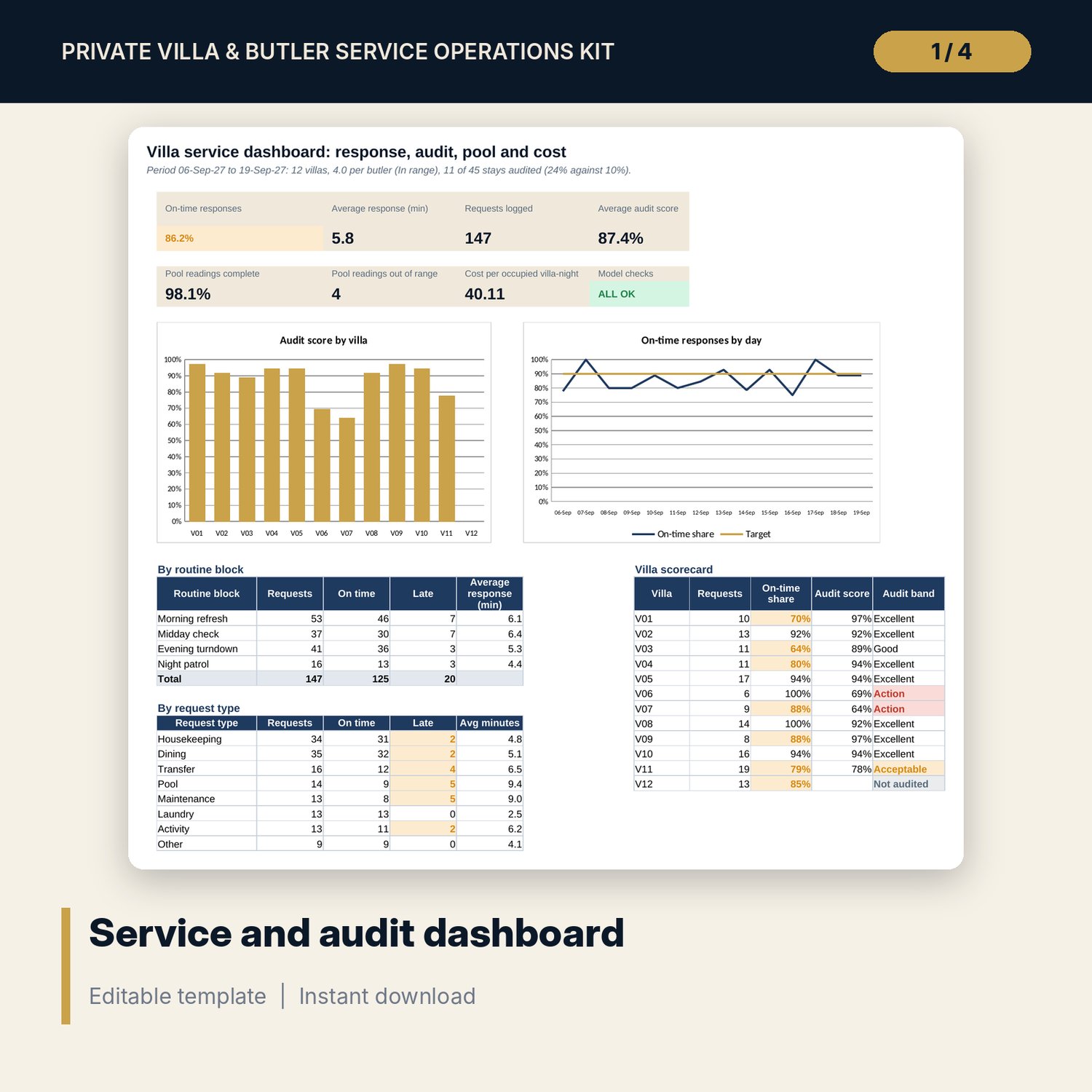
- Dashboard: 7 KPI tiles, a check tile and 2 charts; 8 integrity checks on the Checks tab
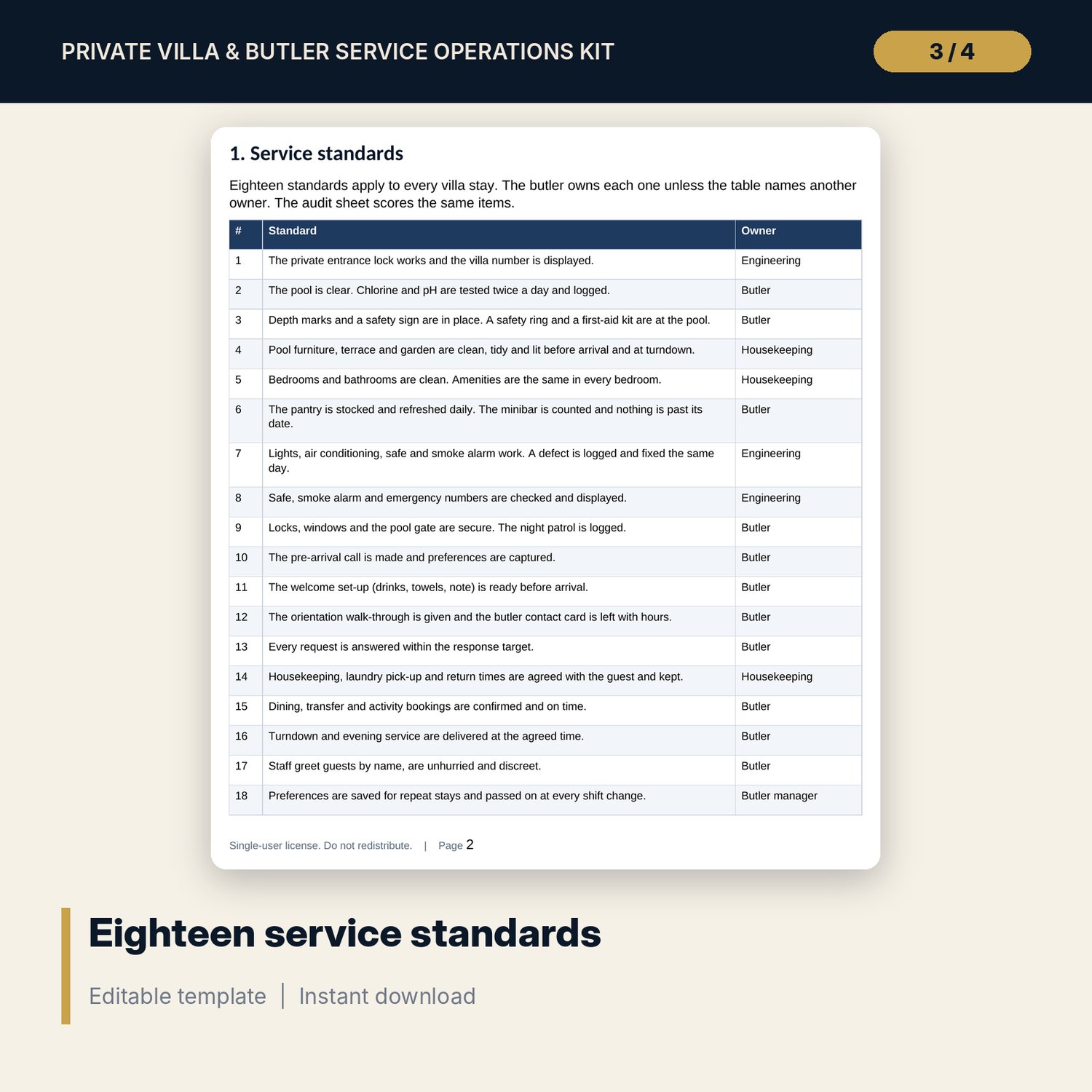
- Villa_Butler_Service_Kit.docx and PDF: 9 pages with 18 service standards, a daily routine card, a preference sheet, three arrival checklists, a pool log, a store sheet, an audit sheet and a worked example
- README.txt and LICENSE-and-Terms.txt
How it works
- Set the response target, pool ranges, audit bands and cost rates on Settings, and list your villas.
- Log each guest request and each pool test as they happen.
- Score each audited stay and count the store on Audit & Stock.
- Read the villa scorecard and the Dashboard, then act on the late, open and out-of-range lines.
Details
- Formats: 1 Excel workbook (.xlsx), 1 service kit in Word (.docx) and PDF, English
- Software: Excel 2016 or later, or LibreOffice Calc 7 or later
- No macros, no external links, no data tables, no array formulas
- 3 files plus README and license; instant digital download
Good to know
- Sample data is illustrative. Replace it with your own figures.
- Targets, pool ranges, pars and audit bands are your inputs. Verify local requirements, your pool supplier's guidance and your brand standards.
- The preference sheet is a printable form in the Word kit. It is not a register in the workbook.
- These files are management tools, not legal, safety or pool-engineering advice.
- Single-user license. Do not redistribute.
FAQ
How is the response time measured?
It is the time answered less the time received, in minutes. A request at or under your target is On time. A request with no answer time shows Open.
How is the villa score worked out?
Each of the 18 items scores 2, 1 or 0. The score is the points divided by the points assessed, so an item you leave blank is not counted. Your cut-offs set the band.
What does the pool log flag?
A reading outside your chlorine or pH range, a cloudy pool, and any of the four daily readings left blank. A villa-day with no row counts as four missing readings.
Can I add more villas?
Yes. The register and the audit and stock matrices hold 16 villas. Add a villa in a spare row and its column fills in.
Do I need macros?
No. Every result is a standard worksheet formula.