Lost & Found Register & Return Process Kit: Hotel Lost Property Log, Retention Schedule and Return Procedure
Full description
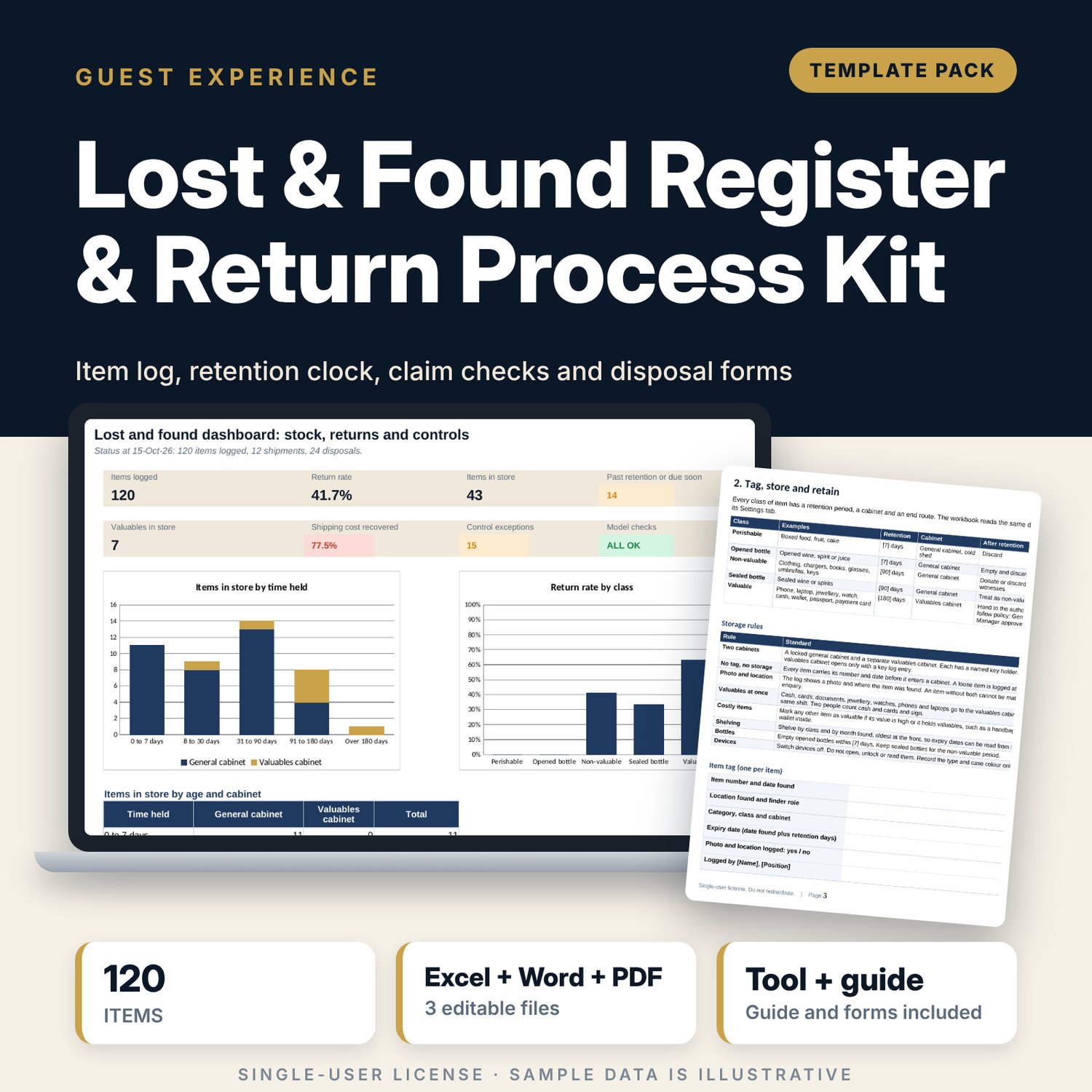
For hotel front office managers, housekeeping supervisors, security teams and general managers who need every found item logged, aged and returned with proof. The workbook holds a log of 120 sample items in 22 categories with a retention clock for 5 classes (perishable, opened bottle, non-valuable, sealed bottle and valuable), a shipping sheet that measures how much of the cost you recover from guests, and a disposal record that checks two witnesses and the right approver. Flags show items past retention, releases without ID or authorisation, valuables shipped uninsured and unpaid balances. The Word procedure gives you 14 steps, the claim verification rules, scripts and five forms.
What is inside
- Lost_and_Found_Register.xlsx: 7 tabs, 2,136 formulas, 2 native charts, 25 drop-down and input rules
- Item Log: 120 sample items with location, class, cabinet, status, claim details, retention, expiry date, ageing and release-control flag, plus 60 spare rows
- Settings: retention schedule for 5 classes, a map of 22 item categories to classes, and rules for warning window, approval limit and cash threshold
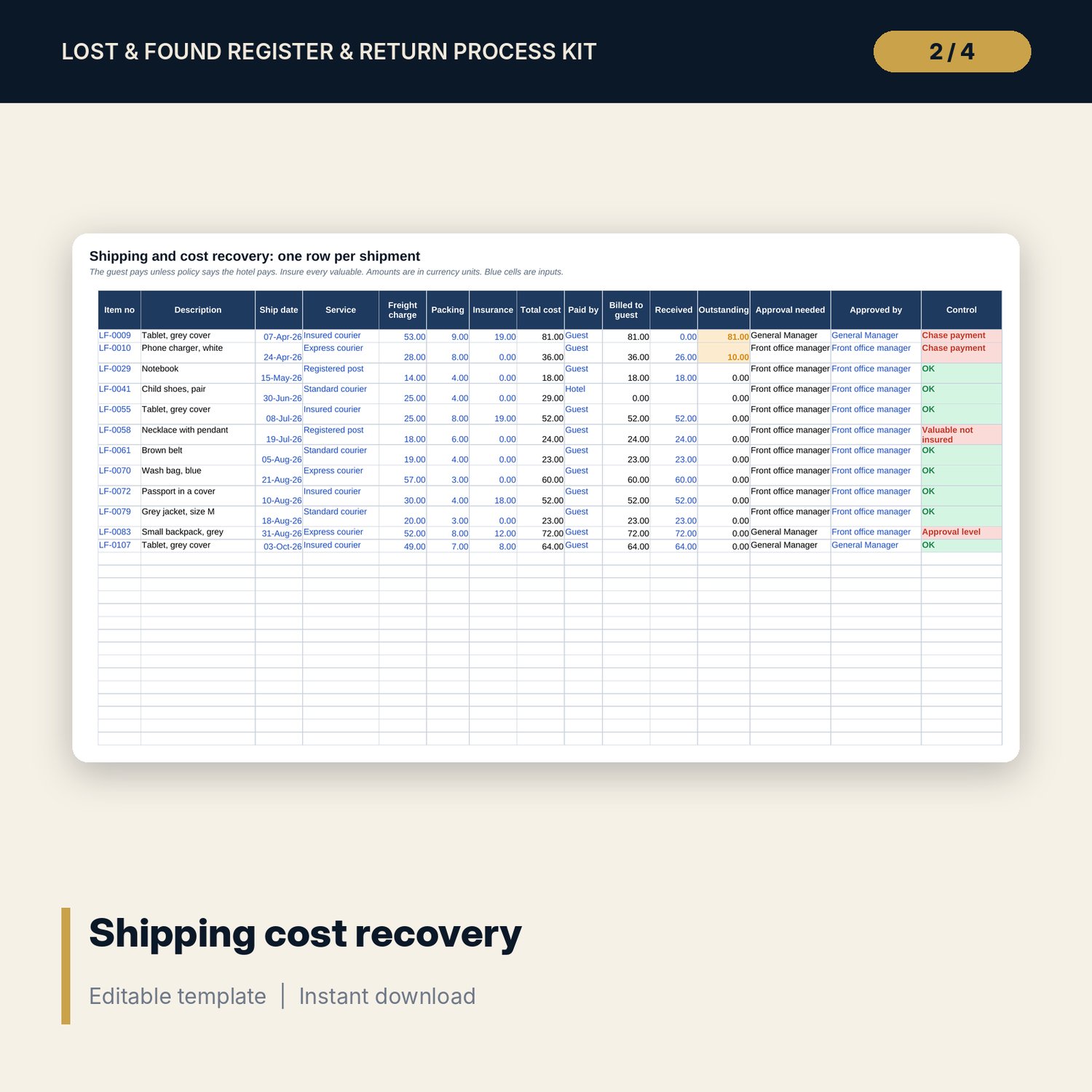
- Shipping: 12 sample shipments with cost, who pays, amount received, outstanding balance and approval level, plus 15 spare rows
- Disposals: 24 sample disposals with expiry check, two witnesses, approver and cash amount, plus 20 spare rows
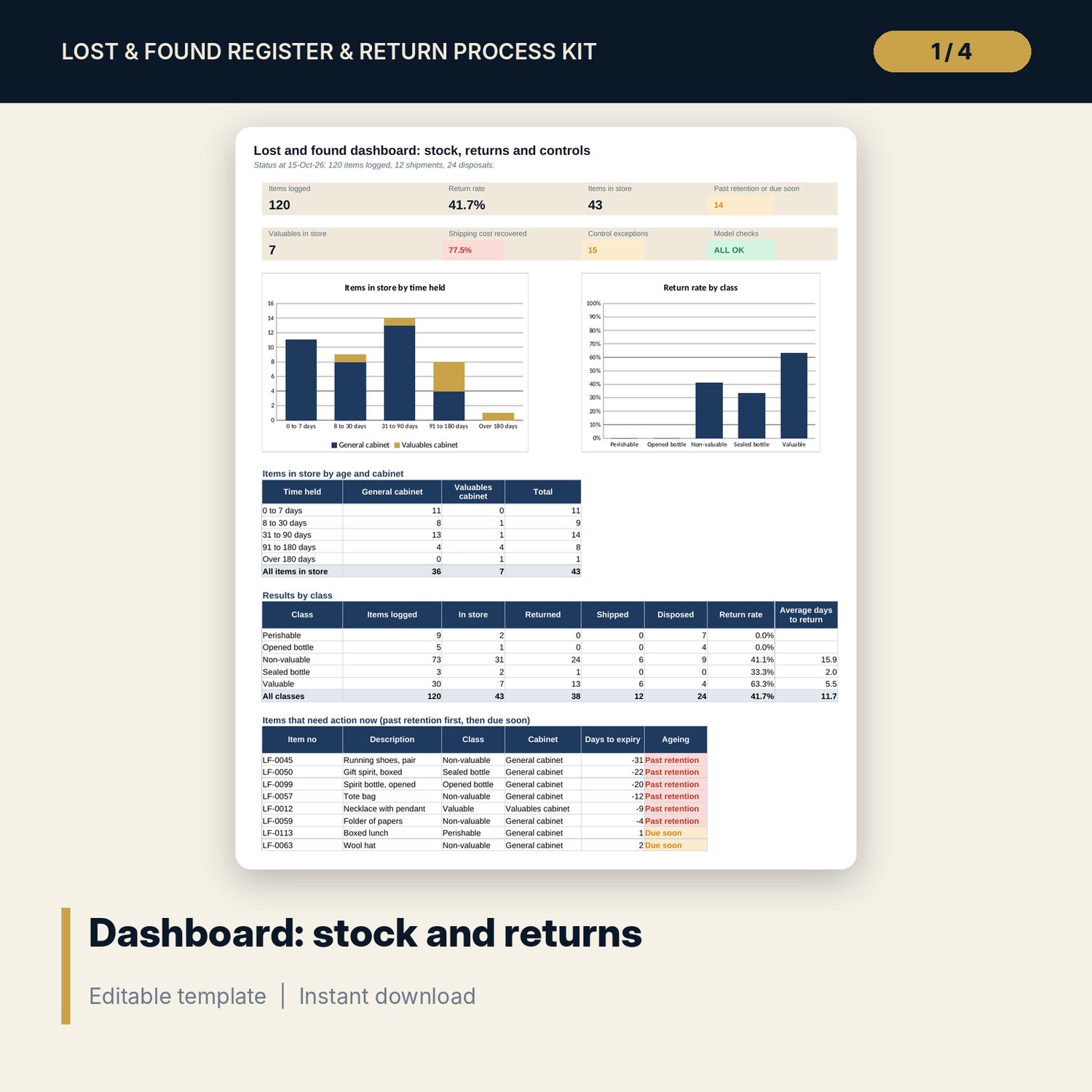
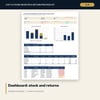
- Dashboard with 7 KPI tiles, a check tile, 2 charts, an ageing table, results by class and an action list; 8 integrity checks
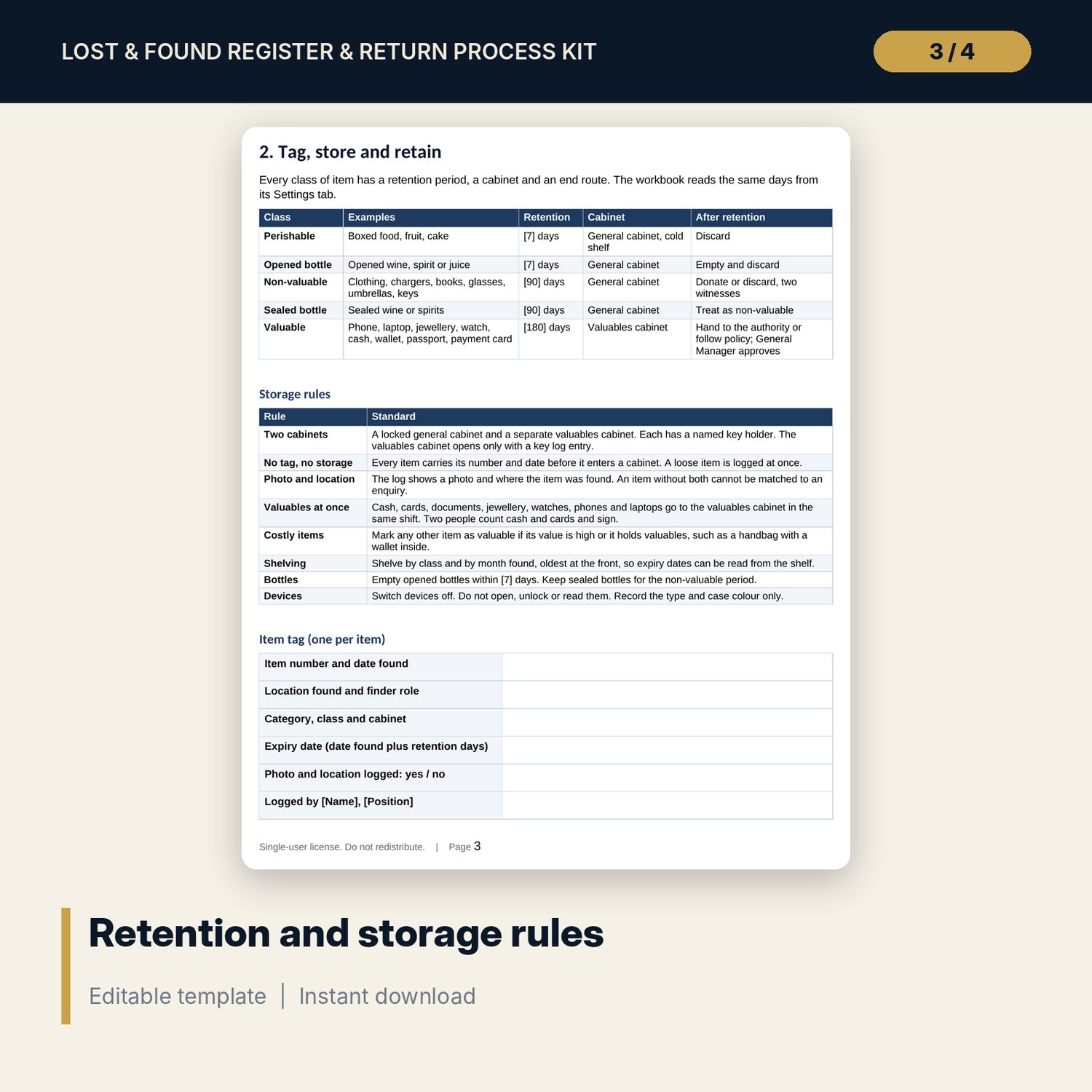
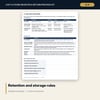
- Lost_and_Found_Procedure.docx and PDF: 9 pages with roles, a 14-step procedure, retention and storage rules, claim verification, a phone script, shipping rules, disposal and found-cash rules, an unlocked safe procedure, an audit checklist and a worked example
- Five printable forms: item tag, return record, shipping authorisation, disposal record and safe record
- README.txt and LICENSE-and-Terms.txt
How it works
- Set the retention days for each class, the warning window and the approval limit on Settings.
- Log every found item on the day it is found, then update its status when it leaves the store.
- Record each shipment and each disposal using the item number.
- Read the Dashboard each week and clear the items past retention or due soon.
Details
- Formats: 1 Excel workbook (.xlsx), 1 procedure and forms pack in Word (.docx) and PDF, English
- Software: Excel 2016 or later, or LibreOffice Calc 7 or later; any word processor that opens .docx
- No macros, no external links, no data tables, no array formulas
- 3 files plus README and license; instant digital download
Good to know
- Sample data is illustrative. Items, guests and dates are invented.
- Rules on unclaimed property, found money, found documents and shipping goods across borders differ by place. Verify local requirements. These files are management tools, not legal advice.
- Retention days, limits and thresholds are inputs you set.
- Single-user license. Do not redistribute.
FAQ
How does the retention clock work?
Each item belongs to a class. The class sets the retention days. Expiry is the date found plus those days. The log shows Due soon inside the warning window and Past retention after expiry.
Can I change the retention days?
Yes. The five class values on Settings are inputs, and so is the map that puts each category in a class. Verify local requirements first.
What does the release-control flag check?
Returned, shipped and released items must show that identity was verified. Third-party collectors and finder gate passes also need written authorisation on file.
How is shipping cost recovery measured?
Amount received from guests divided by total shipping cost. The sheet also shows the balance outstanding and flags balances unpaid after the chase period you set.
Do I need macros?
No. Every result is a standard worksheet formula.