Hotel Payment Card & Data Security Self-Assessment: Control Checklist, Gap Log and Remediation Plan
Full description
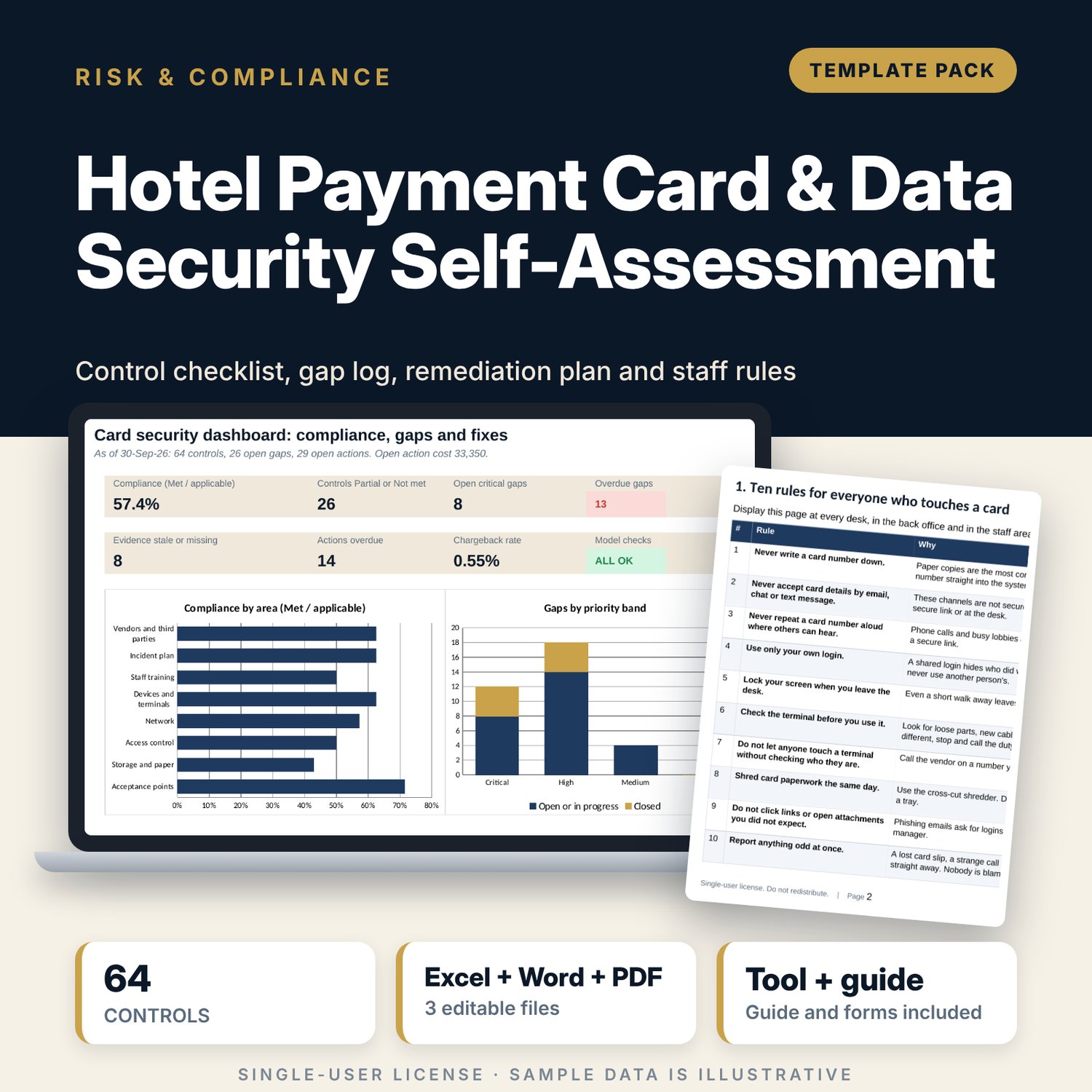
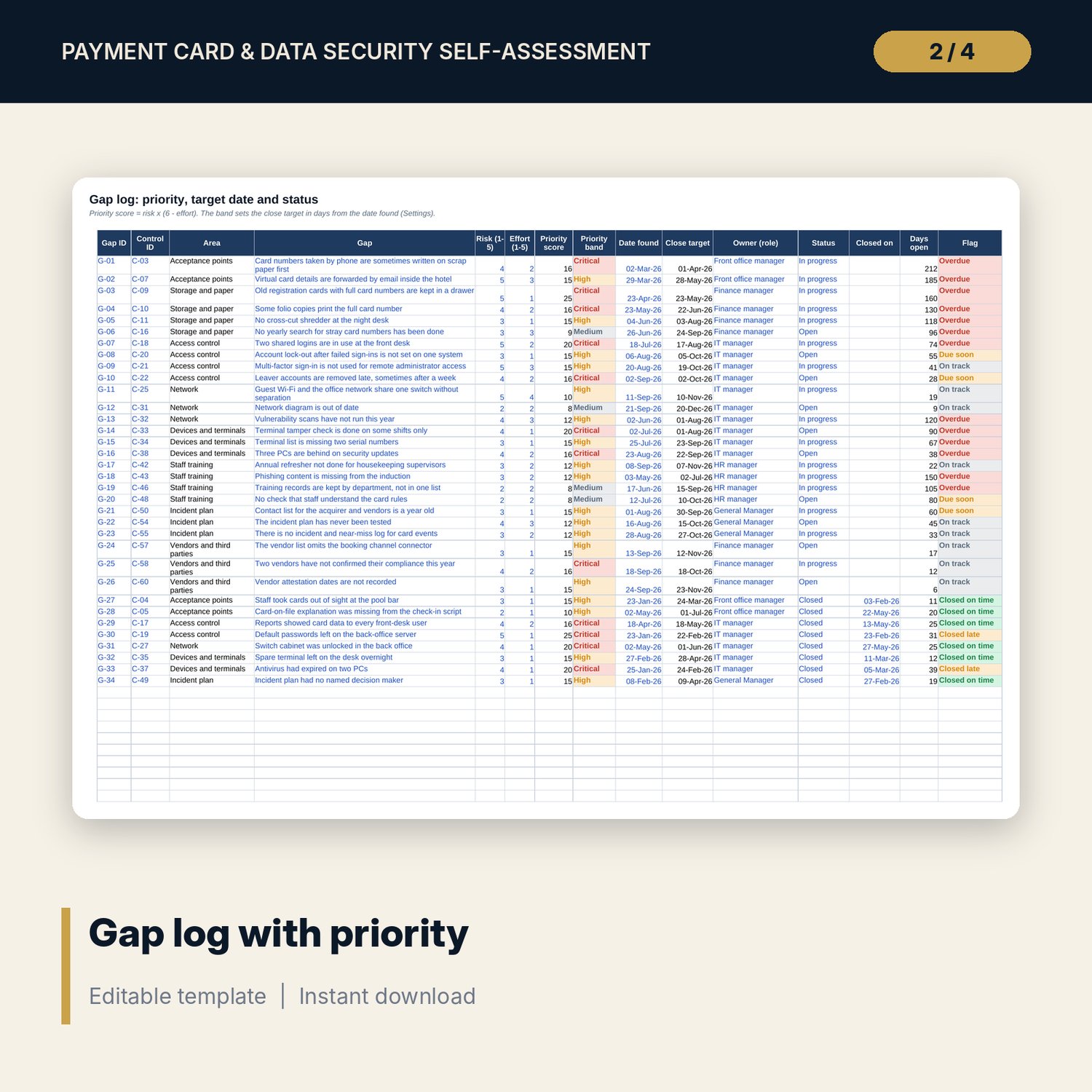
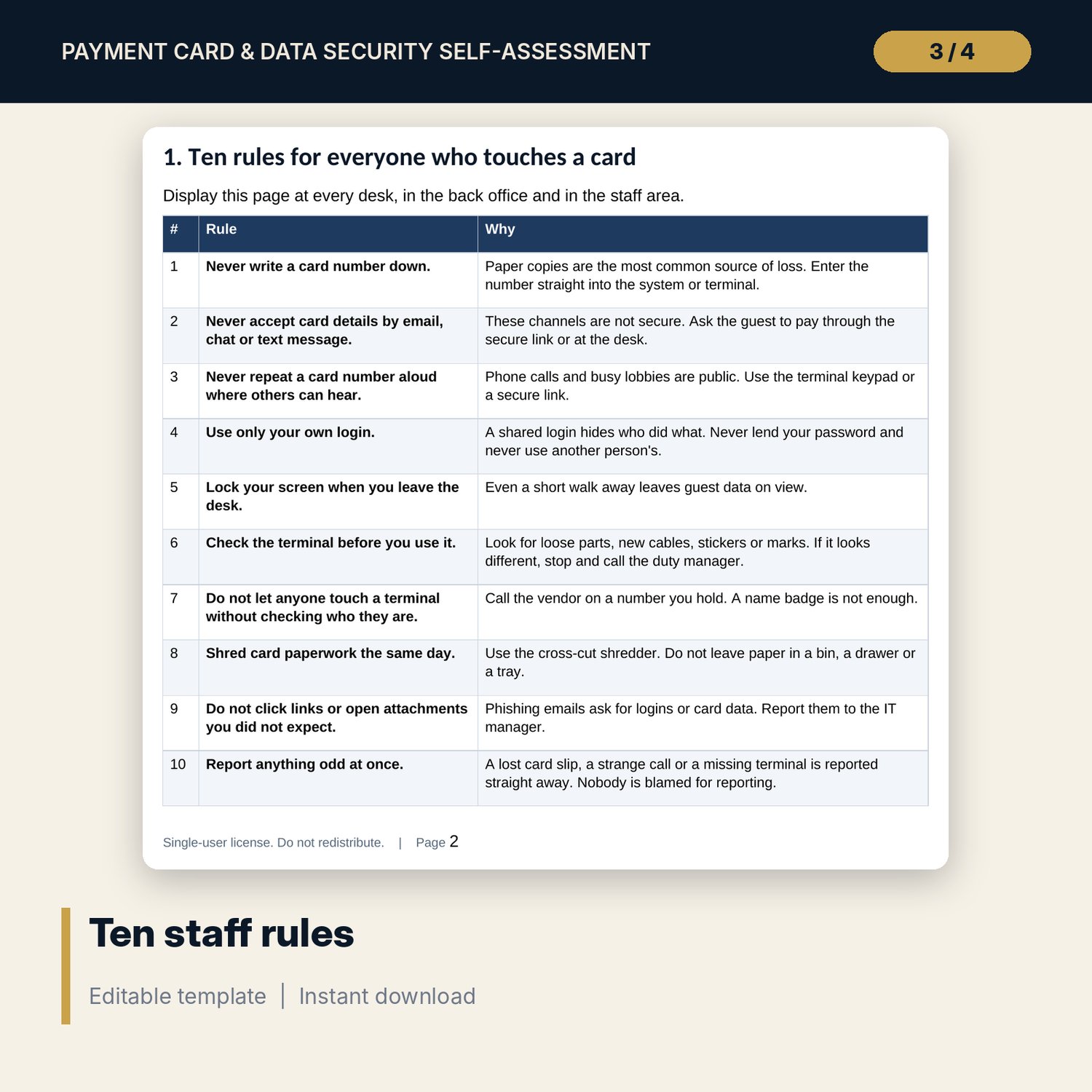
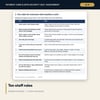
For hotel IT managers, finance managers, front office managers and general managers who take card payments and must show how well they protect card data. The workbook holds 64 controls in 8 areas, each rated Met, Partial, Not met or N/A with evidence and an evidence date. It calculates compliance (Met over applicable controls), flags evidence older than 12 months, and checks that every shortfall has a logged gap. The gap log scores each gap as risk x (6 - effort), sets the close target by band and flags overdue items. The remediation plan tracks actions, cost and dates, and the dashboard adds the chargeback rate. The Word pack gives staff ten card-handling rules, role cards, eight what-to-do scenarios, daily checks and the assessment forms.
What is inside
- Card_Security_Self_Assessment.xlsx: 7 tabs, 868 formulas, 2 native charts, 18 drop-down and input rules
- Controls: 64 controls in 8 areas plus 12 spare rows, with status, evidence date, age flag and gap check
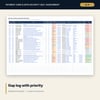
- Gap Log: 34 sample gaps plus 12 spare rows, with priority score, band, close target and flag
- Remediation Plan: 47 sample actions plus 14 spare rows, with owner, dates, effort, cost and status
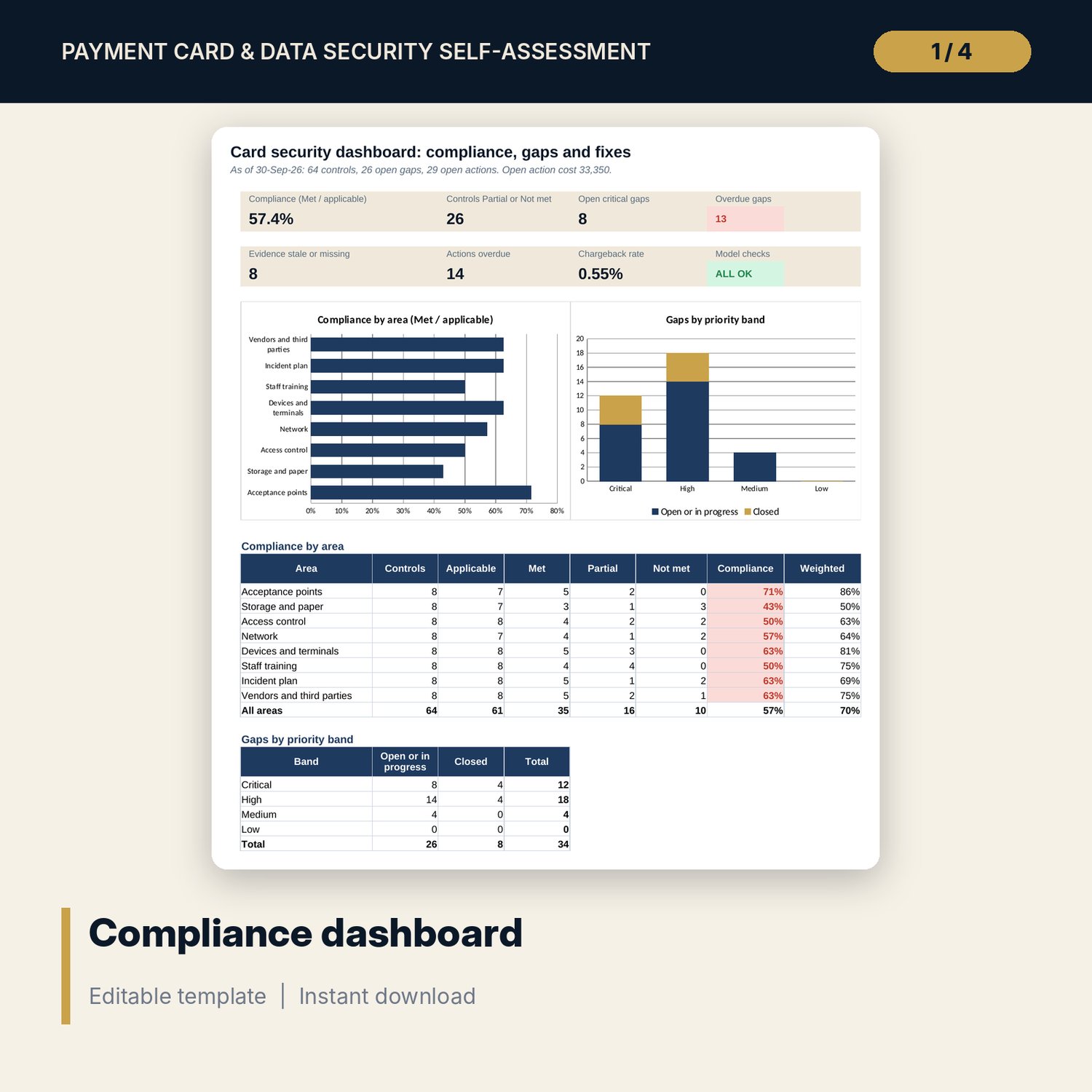
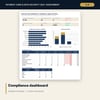
- Dashboard: 7 KPI tiles, a check tile, 2 charts and compliance by area; 8 integrity checks on the Checks tab
- Card_Security_Staff_Rules.docx and PDF: 9 pages with 10 staff rules, 6 role cards, 8 scenarios, daily and monthly checks, assessment method, gap and remediation forms, acknowledgement sheet and a worked example
- README.txt and LICENSE-and-Terms.txt
How it works
- Set the evidence age limit, priority cut-offs, close targets and your card volume and disputes on Settings.
- Rate every control and record the evidence you hold and its date.
- Log a gap for every Partial or Not met control, score it and plan the fix.
- Read the dashboard each quarter and have the General Manager sign the annual assessment.
Details
- Formats: 1 Excel workbook (.xlsx), 1 Word pack (.docx) and PDF, English
- Software: Excel 2016 or later, or LibreOffice Calc 7 or later
- No macros, no external links, no data tables, no array formulas
- 3 files plus README and license; instant digital download
Good to know
- Sample data is illustrative. Replace it with your own figures. Never enter card numbers in these files.
- This is a self-assessment organiser. It does not certify compliance and is not legal or security advice. Verify current requirements with your acquirer and payment vendors.
- Single-user license. Do not redistribute.
FAQ
Does it make my hotel compliant?
No. It organises the self-assessment and the follow-up. Compliance depends on your acquirer's requirements and the current version of the payment card security standard: verify them.
How is compliance calculated?
Controls Met divided by controls that apply (N/A removed). A weighted figure gives Partial controls the credit you set, 0.5 in the sample.
How are gaps ranked?
Priority score = risk (1 to 5) x (6 - effort, 1 to 5). Cut-offs set the bands Critical, High, Medium and Low, and each band has a close target in days.
Can I add my own controls?
Yes. Add rows in the spare lines on Controls. The dashboard counts them.
Do I need macros?
No. Every result is a standard worksheet formula.