Local Sourcing & Food Miles Tracker: Local Food Sourcing Tracker, Food Miles and Seasonal Calendar
Full description
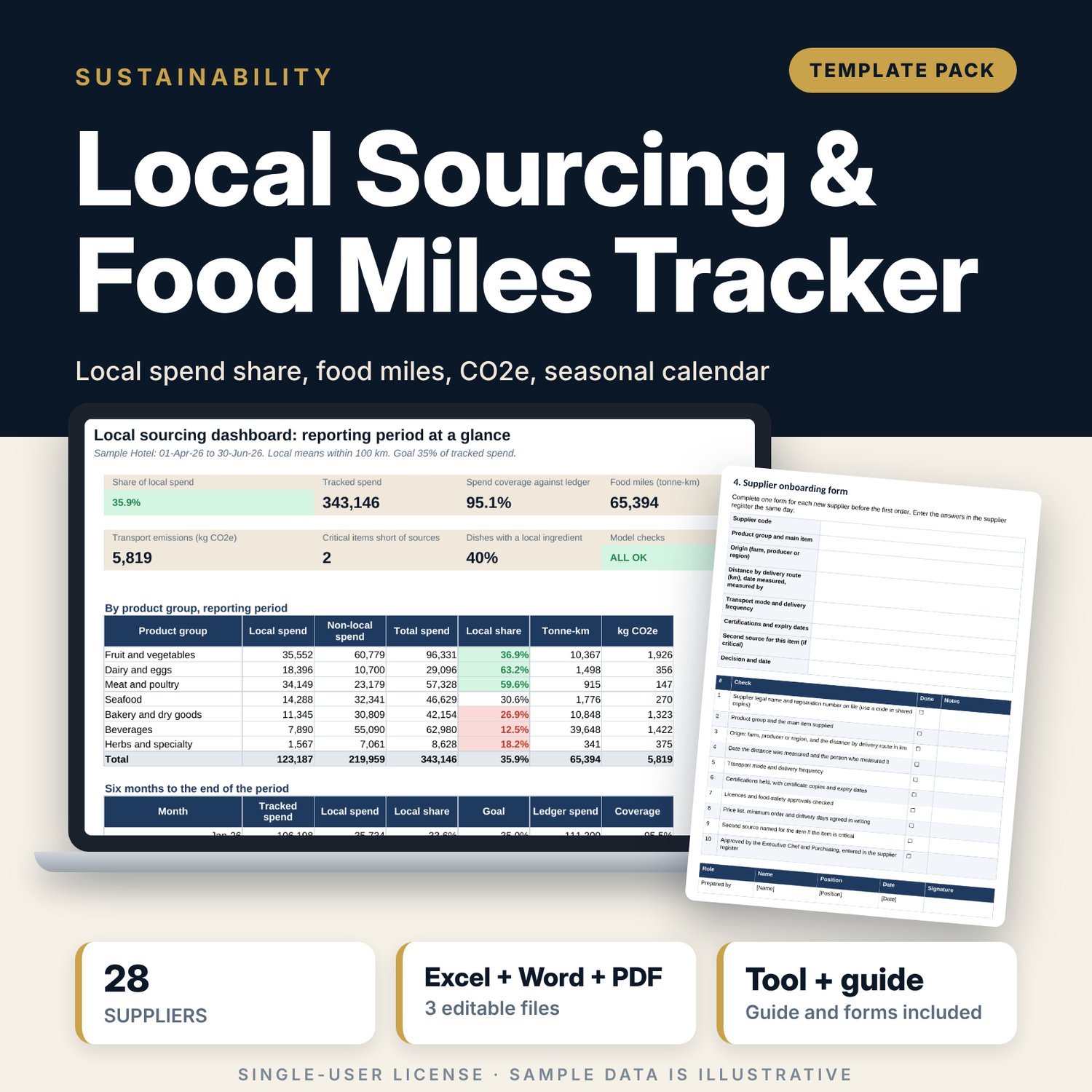
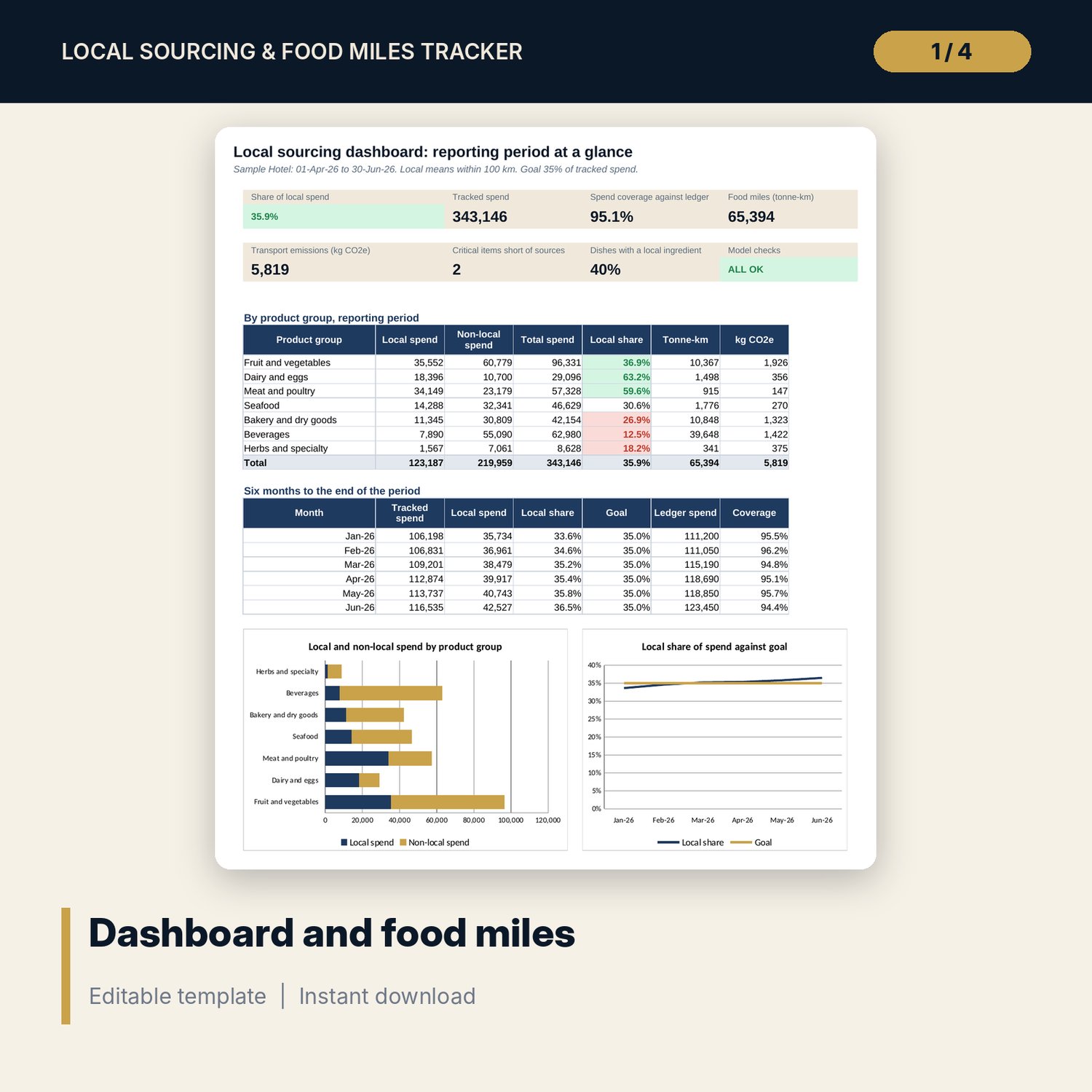
For executive chefs, purchasing managers and general managers who want to know how much food and beverage spend stays local and what it costs in transport. The workbook holds 28 suppliers and 168 supplier-month purchase rows. A supplier is local when its distance is within the radius you set. Each purchase gets tonne-km (weight x distance) and kg CO2e from an editable factor by transport mode. The Dashboard shows share of local spend against your goal, coverage against the purchasing ledger, results by product group and a six-month trend. A seasonal calendar counts sources per item and flags critical items with a single source. The Word document holds the sourcing policy, definitions, onboarding form, receiving checks, menu change procedure and a worked example.
What is inside
- Local_Sourcing_Tracker.xlsx: 7 tabs, 1,936 formulas, 2 native charts, 21 drop-down and input rules
- Suppliers: 28 sample suppliers across 7 product groups with local flag, period spend, tonne-km, CO2e, rejection rate and a flag column, plus 8 spare rows
- Purchases: 168 sample rows (28 suppliers x 6 months) plus 40 spare rows
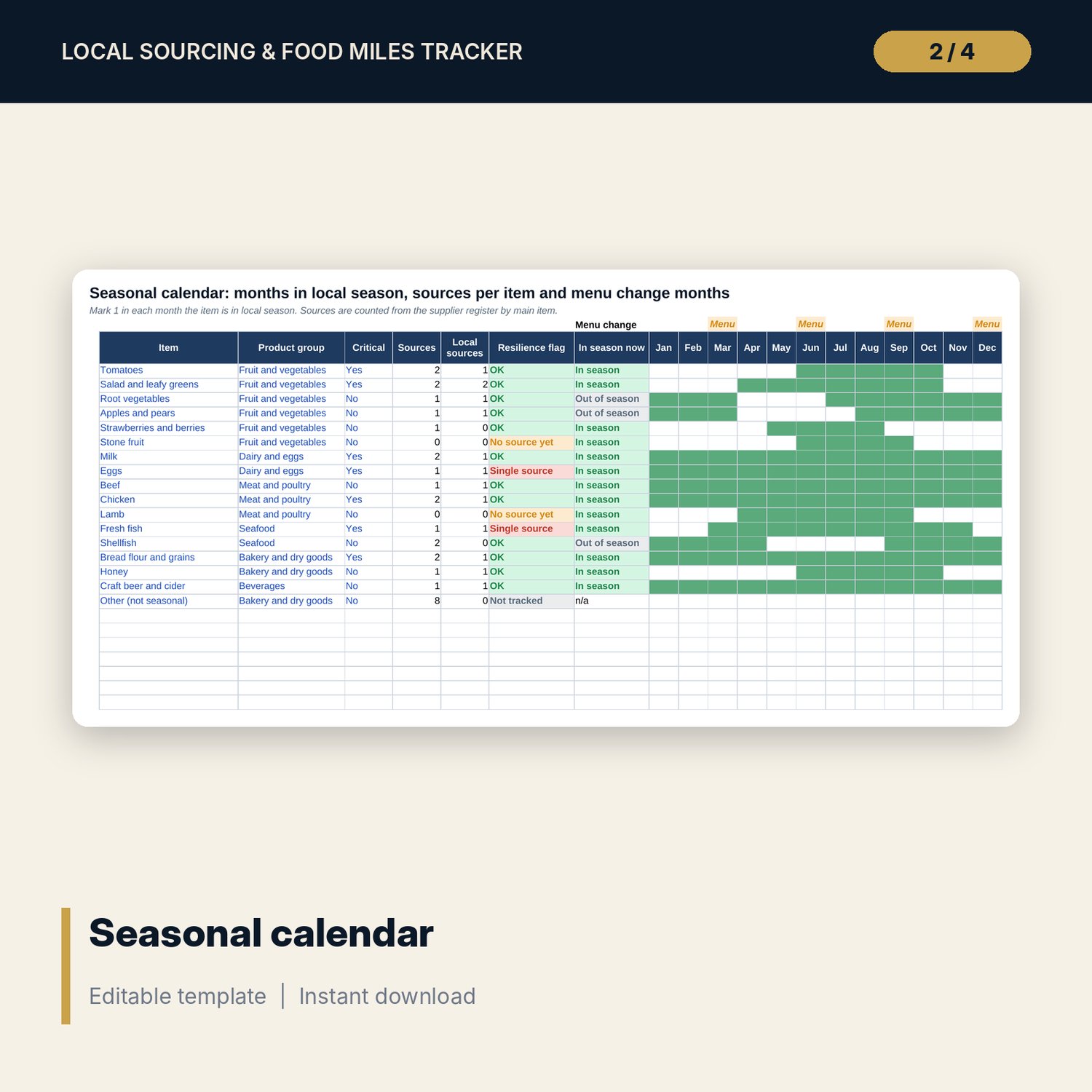
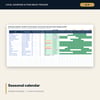
- Seasonal Calendar: 16 items with 12 month columns, menu change markers and a resilience flag, plus 7 spare rows
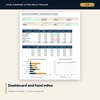
- Dashboard: 7 tiles, a check tile, a product group table, a six-month table and 2 charts; 8 integrity checks
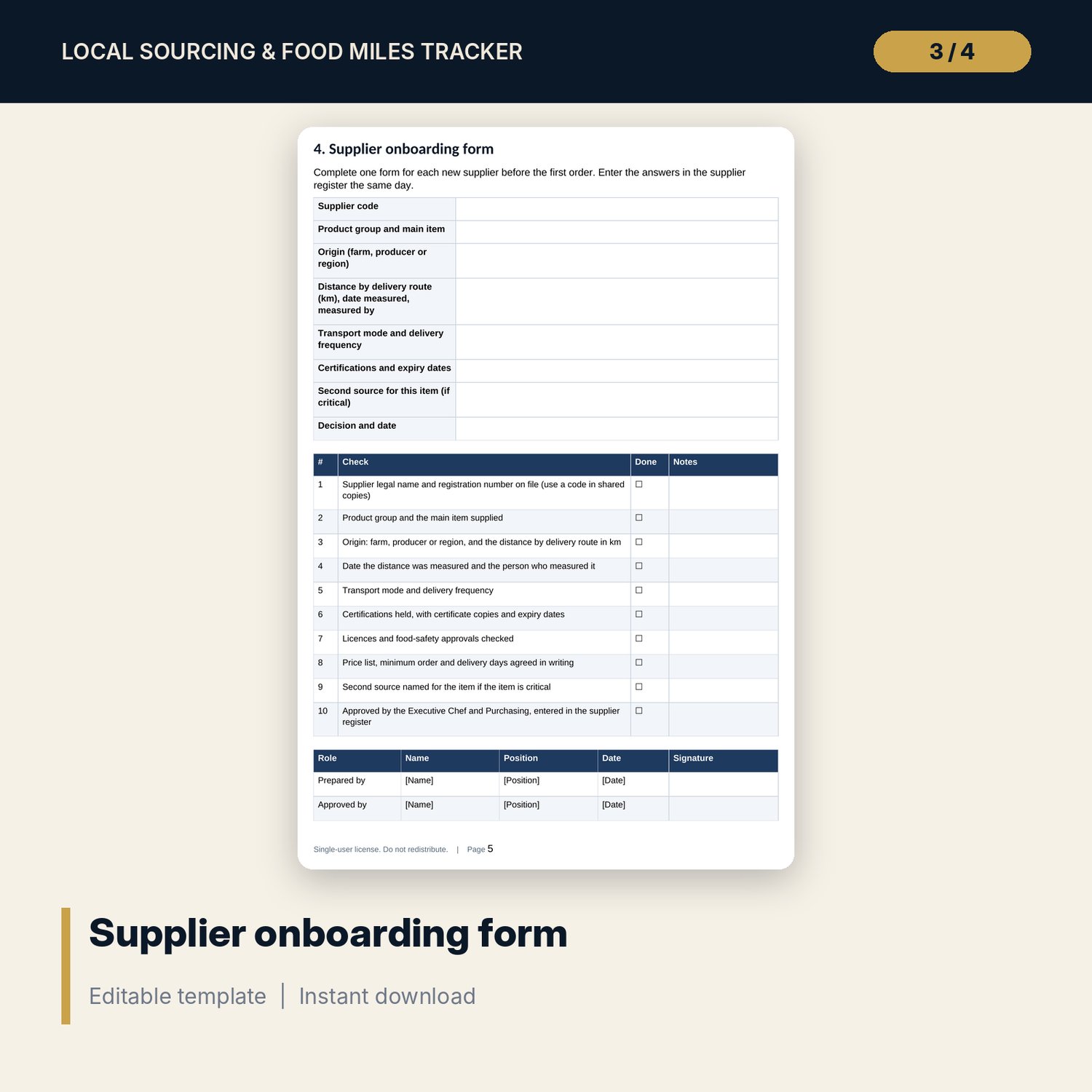
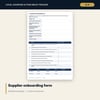
- Local_Sourcing_Policy_and_Procedures.docx and PDF: 10 pages with the policy, definitions, roles, supplier onboarding form, 8 receiving checks, menu change procedure, quarterly review and a worked example
- README.txt and LICENSE-and-Terms.txt
How it works
- Set the local radius, reporting period, goal and emission factors on Settings.
- Replace the sample suppliers and add purchases from your ledger.
- Mark the months each item is in local season and which items are critical.
- Read the Dashboard and take the flags to the quarterly review.
Details
- Formats: 1 Excel workbook (.xlsx), 1 policy document in Word (.docx) and PDF, English
- Software: Excel 2016 or later, or LibreOffice Calc 7 or later
- No macros, no external links, no data tables, no array formulas
- 3 files plus README and license; instant digital download
Good to know
- Sample data is illustrative. Replace it with your own figures.
- Emission factors and limits are inputs. Verify them against current published sources and your local requirements.
- Food miles measure distance and weight, not the full footprint of a product.
- Single-user license. Do not redistribute.
FAQ
How does it decide that a supplier is local?
By distance to the kitchen against the radius you set on Settings. The sample uses 100 km. You enter each distance and the date you checked it.
How are food miles and CO2e calculated?
Tonne-km is weight in tonnes times distance in km. CO2e is tonne-km times a factor for the transport mode. The factors are editable inputs.
What does the coverage check do?
It compares tracked spend with the total in your purchasing ledger for each month, so untracked spend does not inflate the local share.
Can I use my own product groups and items?
Items are on the Seasonal Calendar and are picked from a list. Product groups, modes and certifications come from lists on Settings.
Do I need macros?
No. Every result is a standard worksheet formula.