Bleisure & Remote-Work Guest Package Planner: Bleisure Hotel Package Pricing and Workspace Standards
Full description
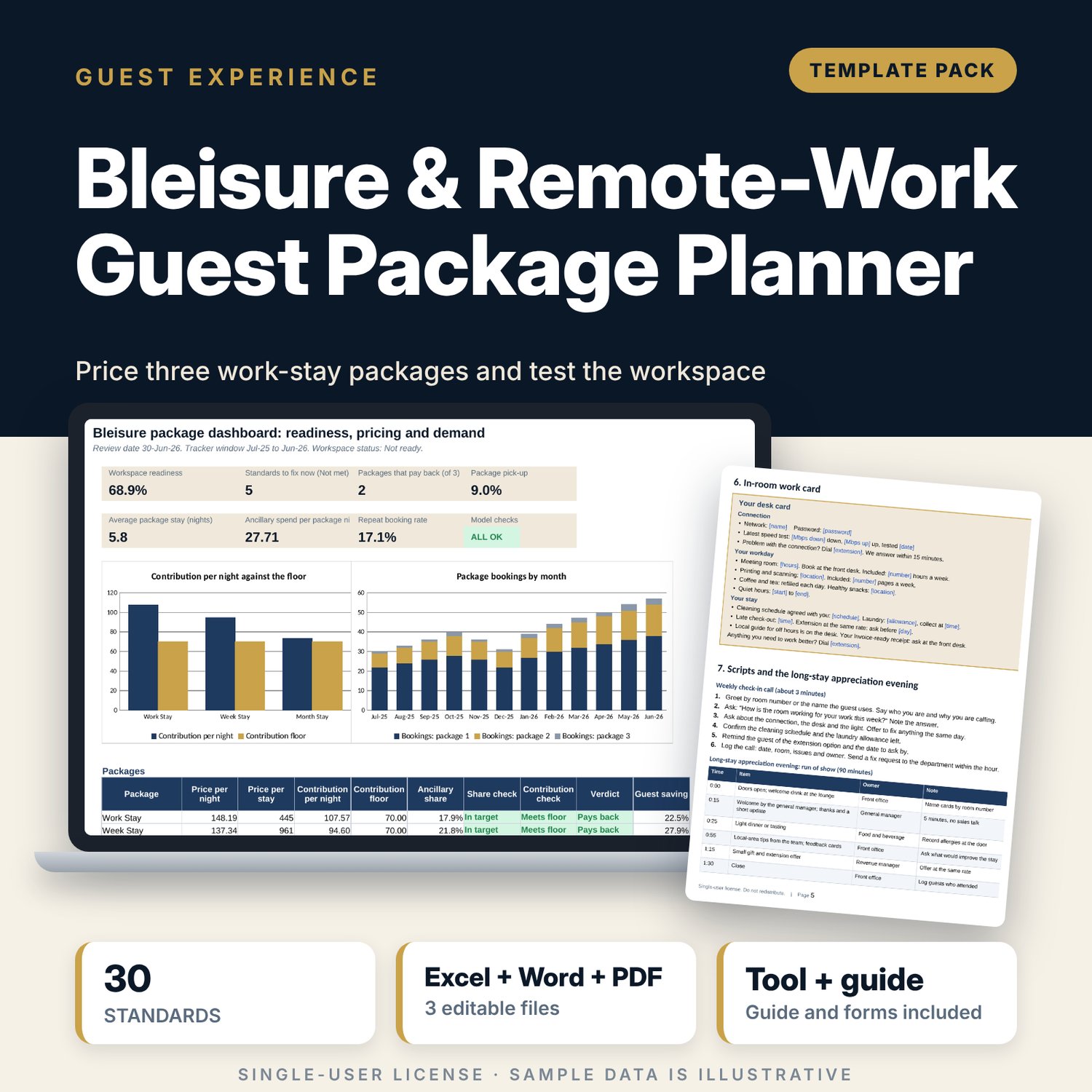
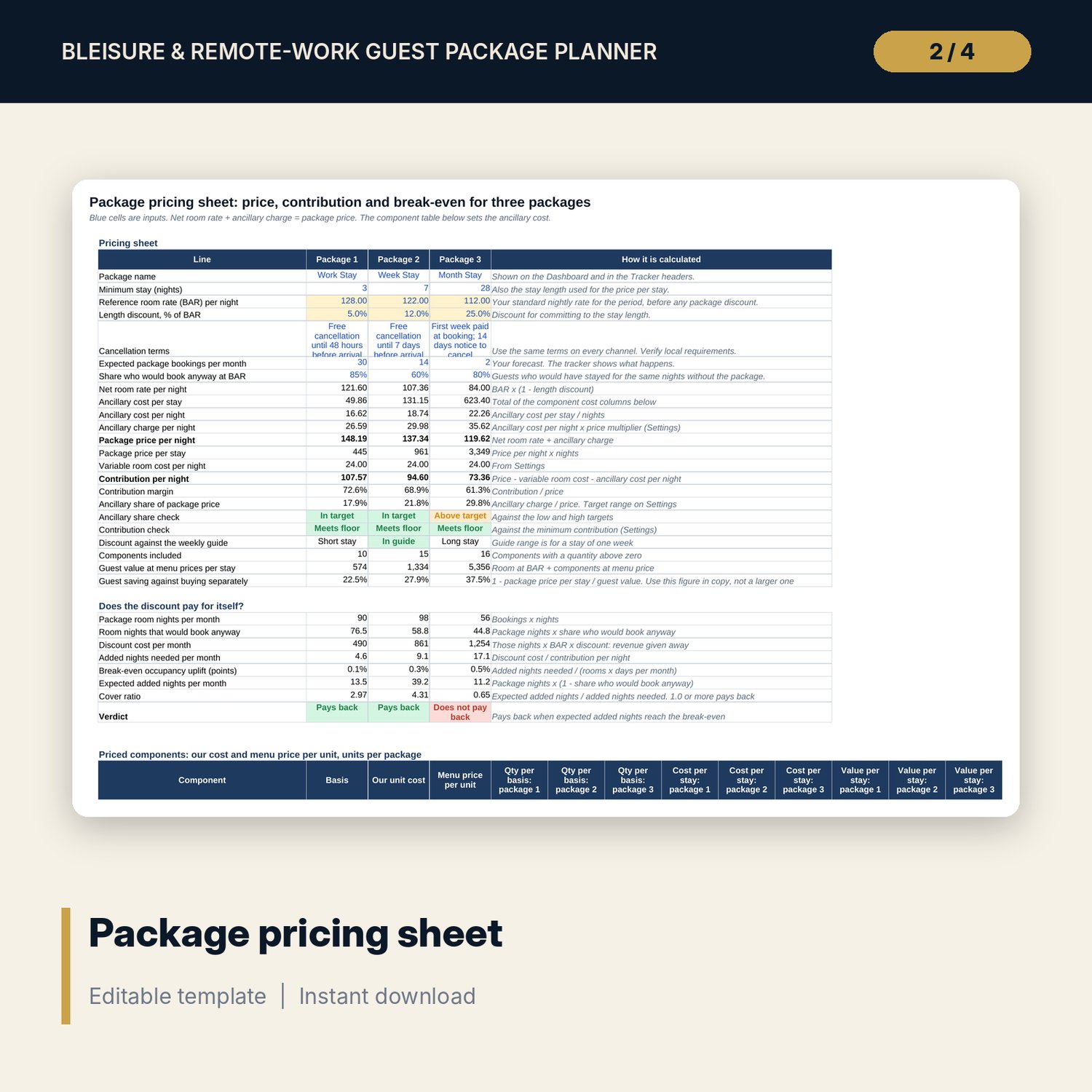
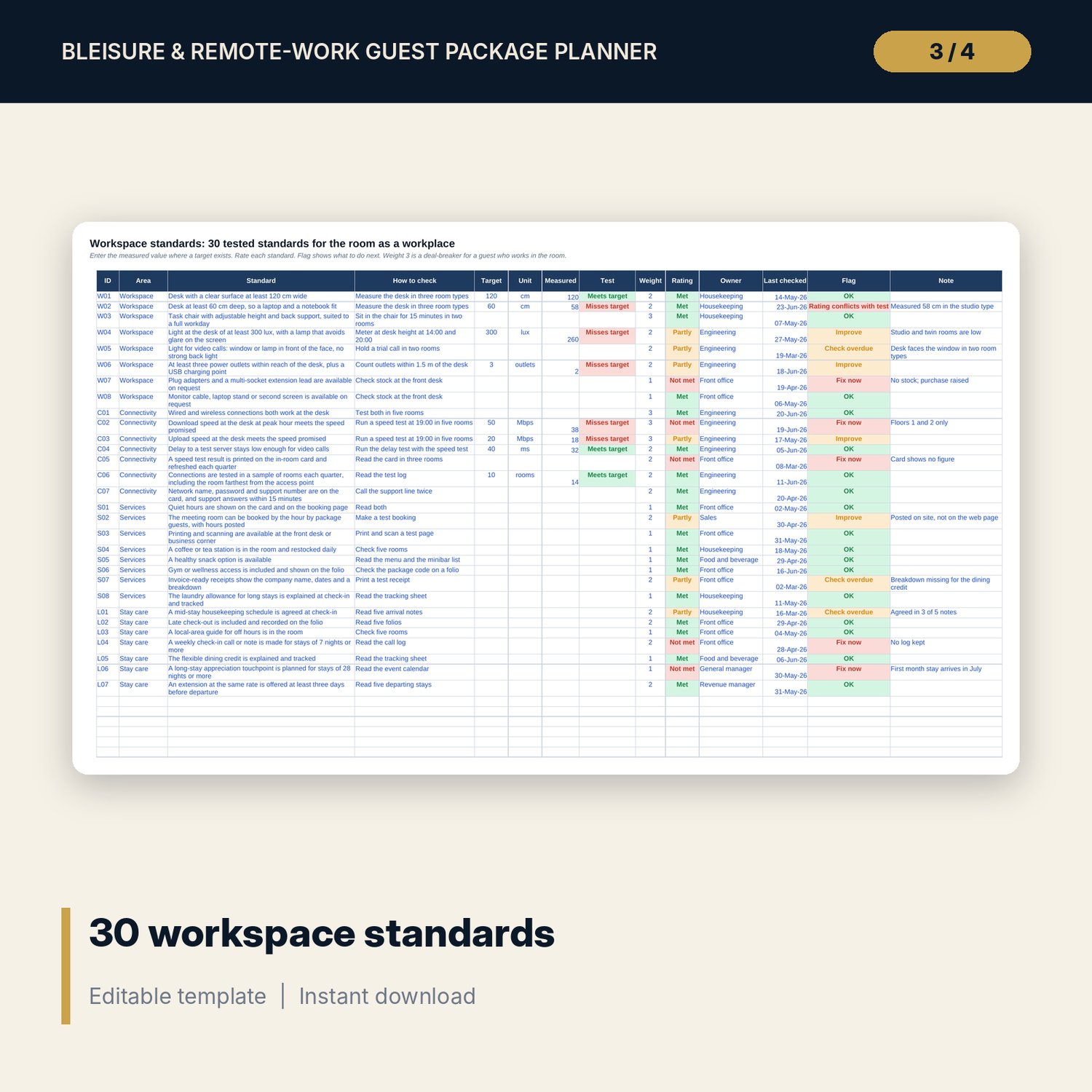
For revenue managers, sales managers and general managers who want to sell longer stays to guests who work from the room. The workbook sets 30 workspace standards for desk, light, connectivity, services and stay care, with 8 measured tests and an owner for each. A pricing sheet builds three packages from 16 priced components: price per night = net room rate + ancillary cost x your multiplier, then contribution, ancillary share of price, guest saving and a test of whether the length discount pays for itself. A monthly tracker follows package bookings, pick-up, average stay, ancillary spend and repeat bookings. The Word guide gives web copy, three emails, short lines, an in-room desk card, a weekly check-in script and the long-stay appreciation evening.
What is inside
- Bleisure_Package_Planner.xlsx: 7 tabs, 590 formulas, 2 native charts, 18 drop-down and input rules
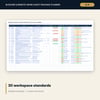
- Workspace Standards: 30 standards in 4 areas with target, measured value, test result, weight, rating, owner, check date and flag, plus 6 spare rows
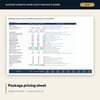
- Package Pricing: 3 packages, 31 input, pricing and break-even lines, 16 priced components plus 4 spare rows
- Demand Tracker: 12 sample months plus 12 spare rows; pick-up, average stay, ancillary per night and repeat rate
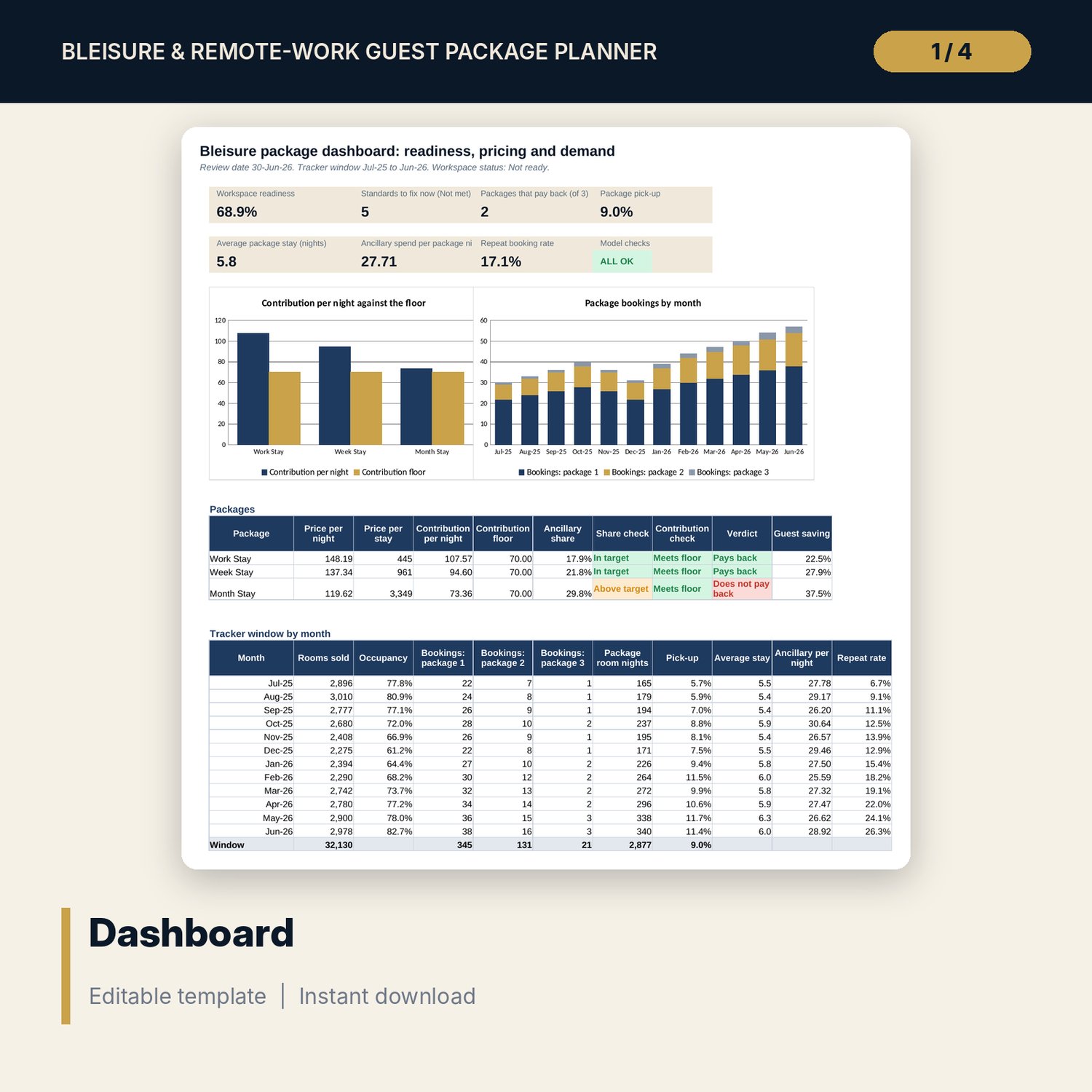
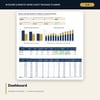
- Dashboard: 7 KPI tiles, a check tile, 2 charts, package table and monthly table; 8 integrity checks on the Checks tab
- Package_Copy_and_Work_Card.docx and PDF: 7 pages with a fact sheet, claims check, web copy, 3 emails, 6 short lines, an in-room card, scripts, a run of show and a worked example
- README.txt and LICENSE-and-Terms.txt
How it works
- Enter your room count, variable room cost and price multiplier on Settings.
- Test the rooms and rate the 30 workspace standards. Fix every deal-breaker.
- Set the stay length, rate, discount, forecast and components for each package and read the verdict.
- Add one row per month to the tracker and read the Dashboard.
- Edit the Word copy, print the desk card and train the front office on the scripts.
Details
- Formats: 1 Excel workbook (.xlsx), 1 guide in Word (.docx) and PDF, English
- Software: Excel 2016 or later, or LibreOffice Calc 7 or later
- No macros, no external links, no data tables, no array formulas
- 3 files plus README and license; instant digital download
Good to know
- Sample data is illustrative. Replace it with your own figures.
- Package prices, taxes, cancellation terms and advertising rules differ by location. These files are planning tools, not legal or tax advice: verify local requirements.
- The break-even test uses your forecast of bookings and the share of guests who would book anyway. Test it with lower bookings before you launch.
- Single-user license. Do not redistribute.
FAQ
How is the package price calculated?
Net room rate (rate less the length discount) plus the ancillary cost per night times your price multiplier. Contribution is price less variable room cost less ancillary cost.
What is the break-even test?
It compares the revenue the discount gives away on nights that would have sold anyway with the contribution of each added night, and says whether your forecast of added nights covers it.
Can I change the components and packages?
Yes. Names, stay lengths, rates, discounts, component costs and quantities are inputs. Spare rows hold new components.
Does it prove my connection is fast enough?
No. It records the tests you run and flags a rating that conflicts with a measured value. Run the tests in your rooms.
Do I need macros?
No. Every result is a standard worksheet formula.