Out-of-Order & Out-of-Service Room Tracker with Revenue Impact: Out of Order Room Log and Lost Room Night Spreadsheet
Full description
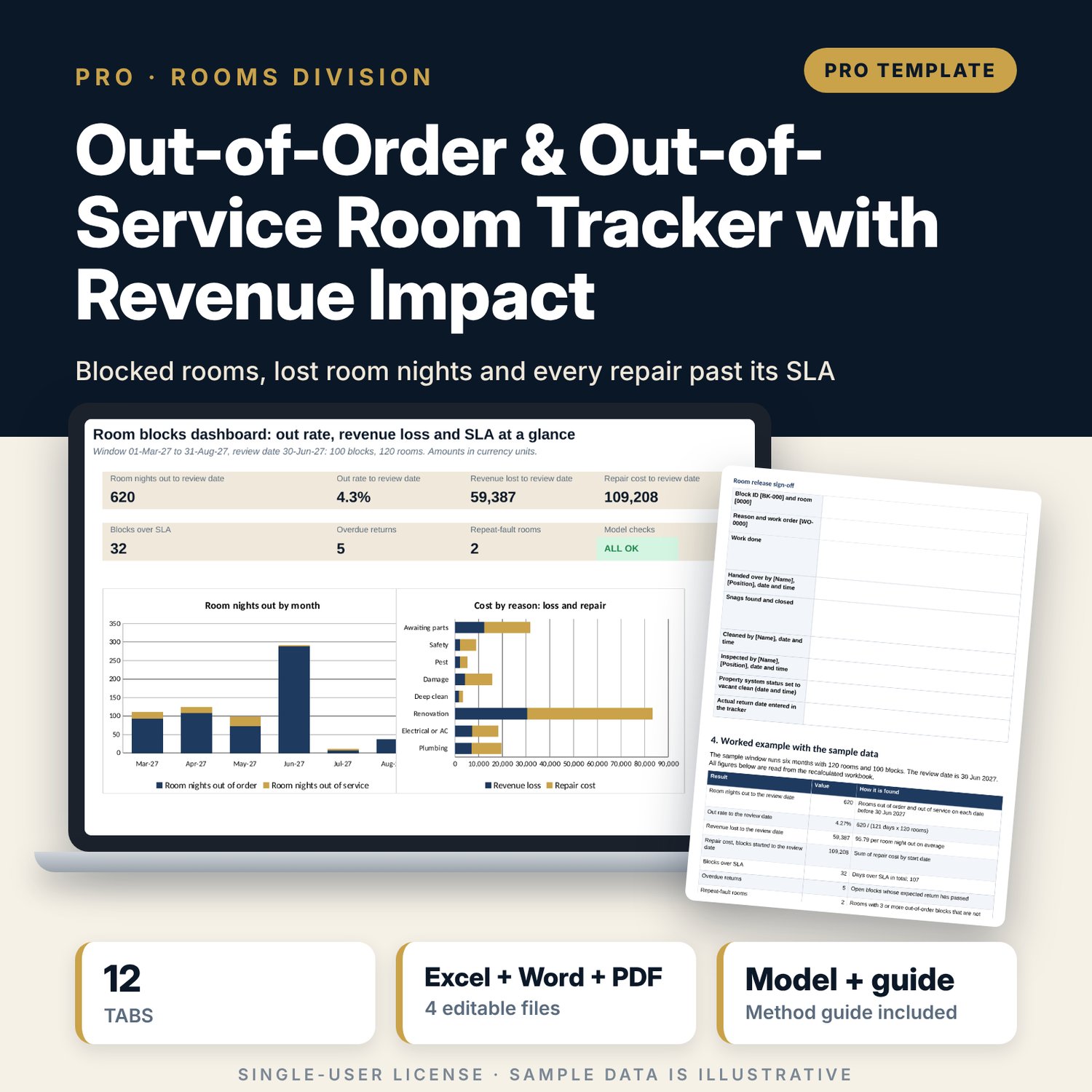
For chief engineers, executive housekeepers, front office managers and rooms division managers who need one record of every room that is out of order or out of service. The workbook logs each block with reason, severity, dates, work order, owner, repair cost and release state. A daily engine counts rooms out for 184 dates and prices each lost room night at base ADR x month index x forecast occupancy. Reasons, floors, months and ageing re-cut the same blocks, flag repeat-fault rooms and list the open blocks past their SLA. A what-if sheet turns days over SLA into recovered revenue. A companion workbook prices and approves a block before work starts, and a 11-page guide explains the method with a worked example.
What is inside
- OOO_OOS_Room_Tracker.xlsx: 12 tabs, 6,600 formulas, 2 native charts, 21 drop-down and input rules
- Block Log: 100 sample blocks with 14 calculated columns for status, nights, days over SLA, revenue loss, ageing, flag and escalation order, plus 40 spare rows
- Daily Engine: 184 dates, rooms out by state and room type, available inventory and revenue loss
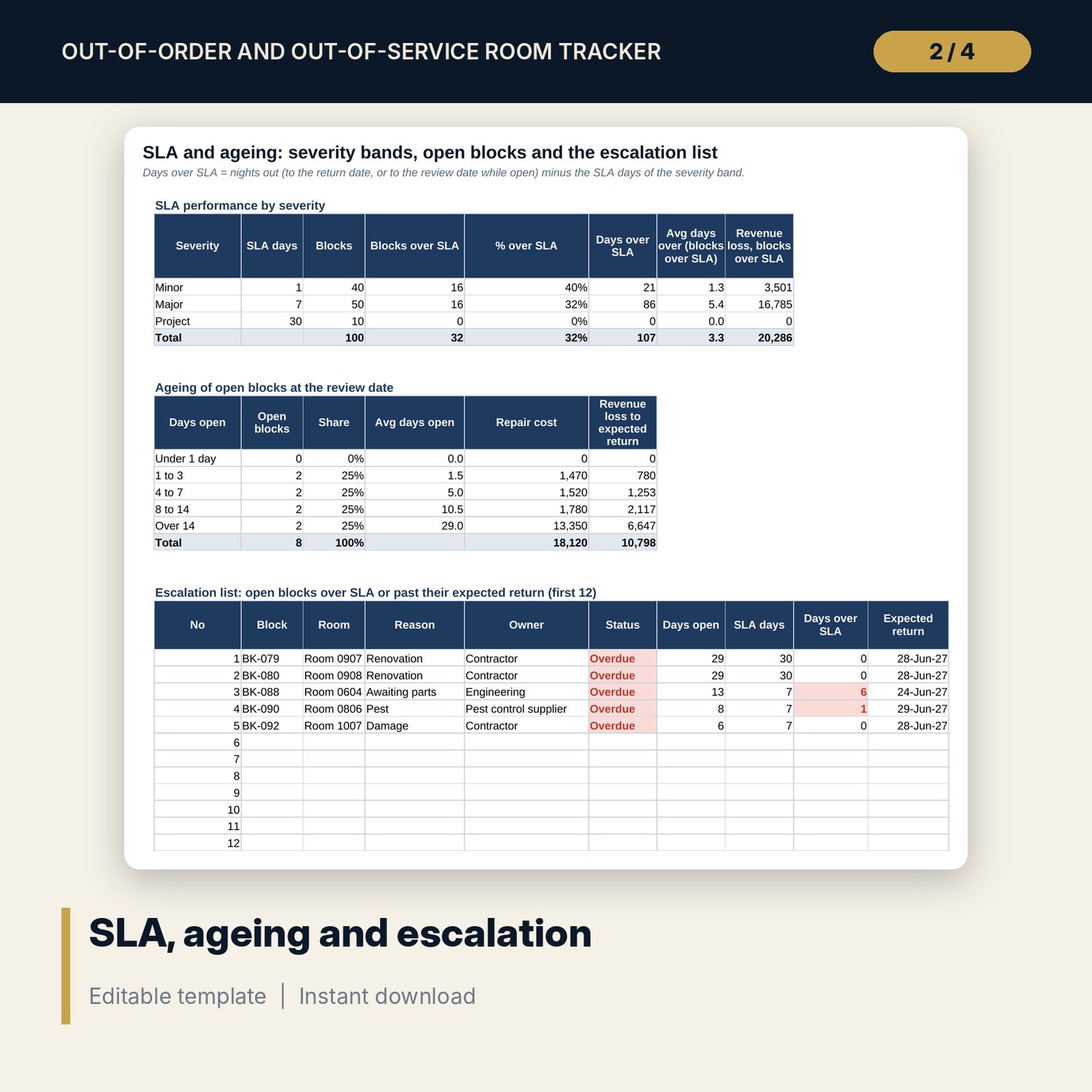
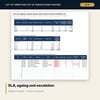
- Reasons (8 reasons, 12 floors), Monthly Trend with alert status, SLA and Ageing with a 12-line escalation list, What-If with two 5 x 5 grids
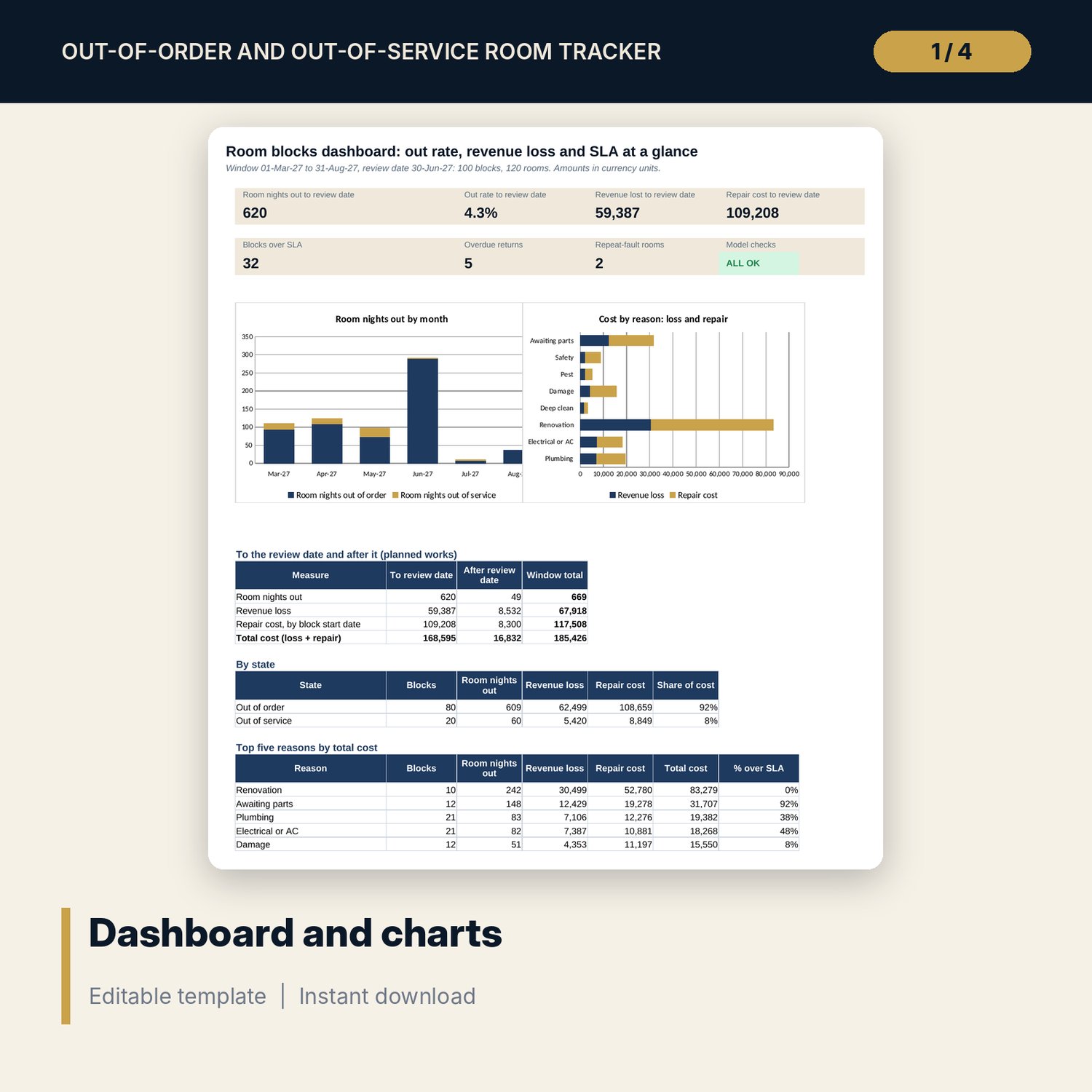
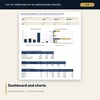
- Dashboard with 7 tiles, a check tile and 2 charts; 9 integrity checks; Method tab with 14 documented calculations
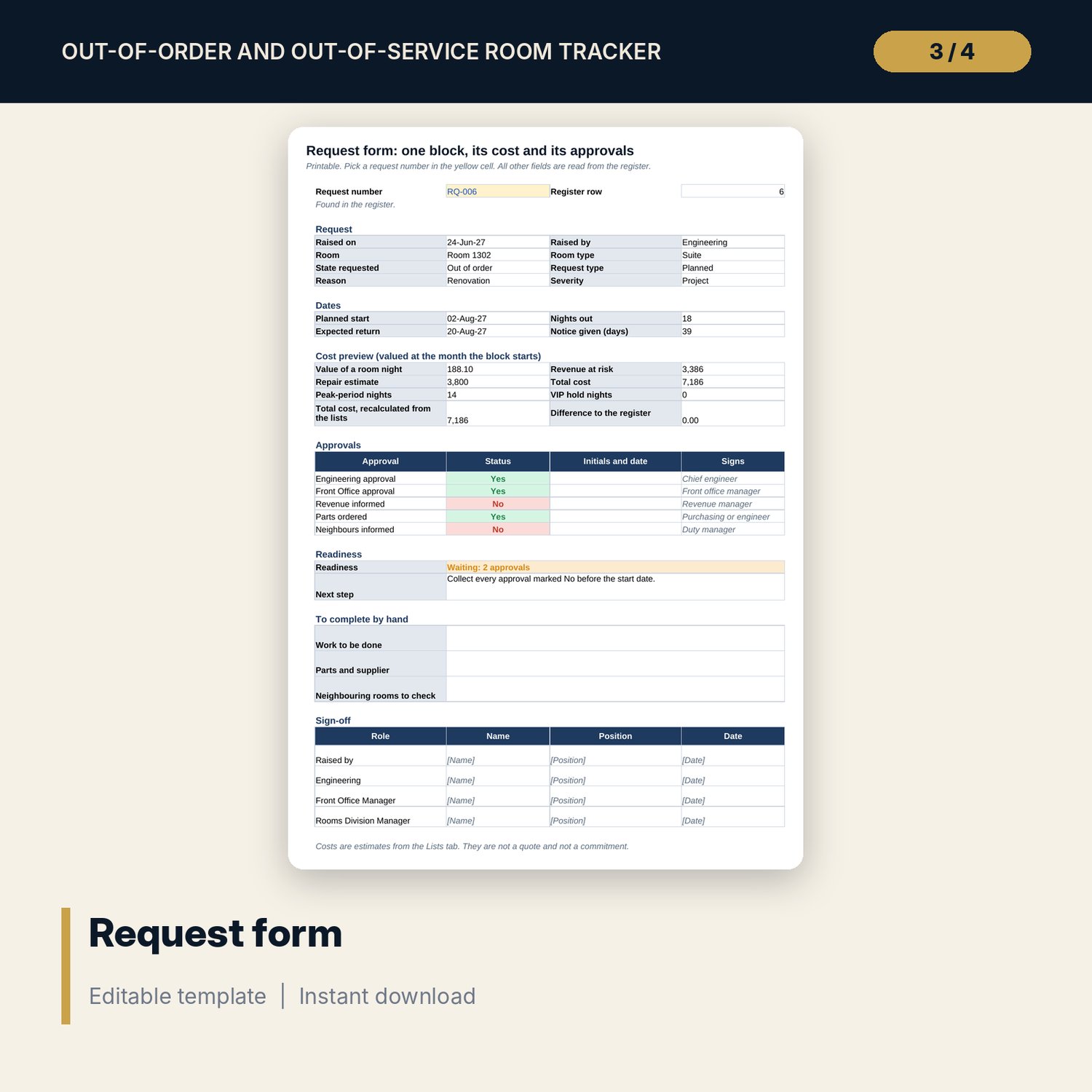
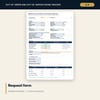
- OOO_Request_Form_and_Register.xlsx: 4 tabs, 701 formulas, 24 sample requests, printable request form, readiness status, 4 peak periods, 6 VIP holds, 10 checks
- OOO_OOS_Tracker_Guide.docx and PDF: 11 pages with state rules, equations, a daily routine, an escalation ladder, a room release form, a worked example read from the workbook, a 12-item review checklist and a glossary
- README.txt and LICENSE-and-Terms.txt
How it works
- Set the window, review date, room types, base rates, monthly forecast, SLA days and state policy on Assumptions.
- List your rooms on Room Master and enter each block on Block Log. Leave Actual return blank until the room is released.
- Read the Flag column and the escalation list each morning and chase every block past its SLA.
- Use Reasons and Monthly Trend for the monthly review and What-If to size the benefit of faster repairs.
- Use the request form workbook before work starts to price the block and collect approvals.
Details
- Formats: 2 Excel workbooks (.xlsx), 1 guide in Word (.docx) and PDF, English
- Software: Excel 2016 or later, or LibreOffice Calc 7 or later
- No macros, no external links, no data tables, no array formulas
- 4 files plus README and license; instant digital download
Good to know
- Sample data is illustrative. Replace it with your own figures.
- Revenue loss is an estimate from your forecast. The files are planning tools, not engineering, safety or financial advice.
- SLA days, thresholds and the state policy are editable examples. Verify local safety rules and your own standards.
- Single-user license. Do not redistribute.
FAQ
What is the difference between out of order and out of service?
Out of order means the room cannot be used until a repair is done. Out of service means a short unavailability, such as a deep clean. A setting on Assumptions decides which state leaves the available inventory.
How is the revenue loss calculated?
Each room night out is valued at base ADR of the room type x ADR index of the month x forecast occupancy, with an uplift on Friday and Saturday. The block total and the daily total are calculated separately and compared on the Checks tab.
Can I change the SLA days and thresholds?
Yes. SLA days by severity, ageing buckets, alert and critical out rates and the repeat-fault threshold are inputs on Assumptions.
How many rooms and blocks can it hold?
The sample has 120 rooms and 100 blocks. Room Master has 10 spare rows and Block Log has 40. Add rows by copying the last formula row down.
Do I need macros or add-ins?
No. Every result is a standard worksheet formula, including the what-if grids.