
Fire Protection Inspection, Testing & Maintenance Schedule: ITM register with due dates, overdue flags and impairment log
Full description
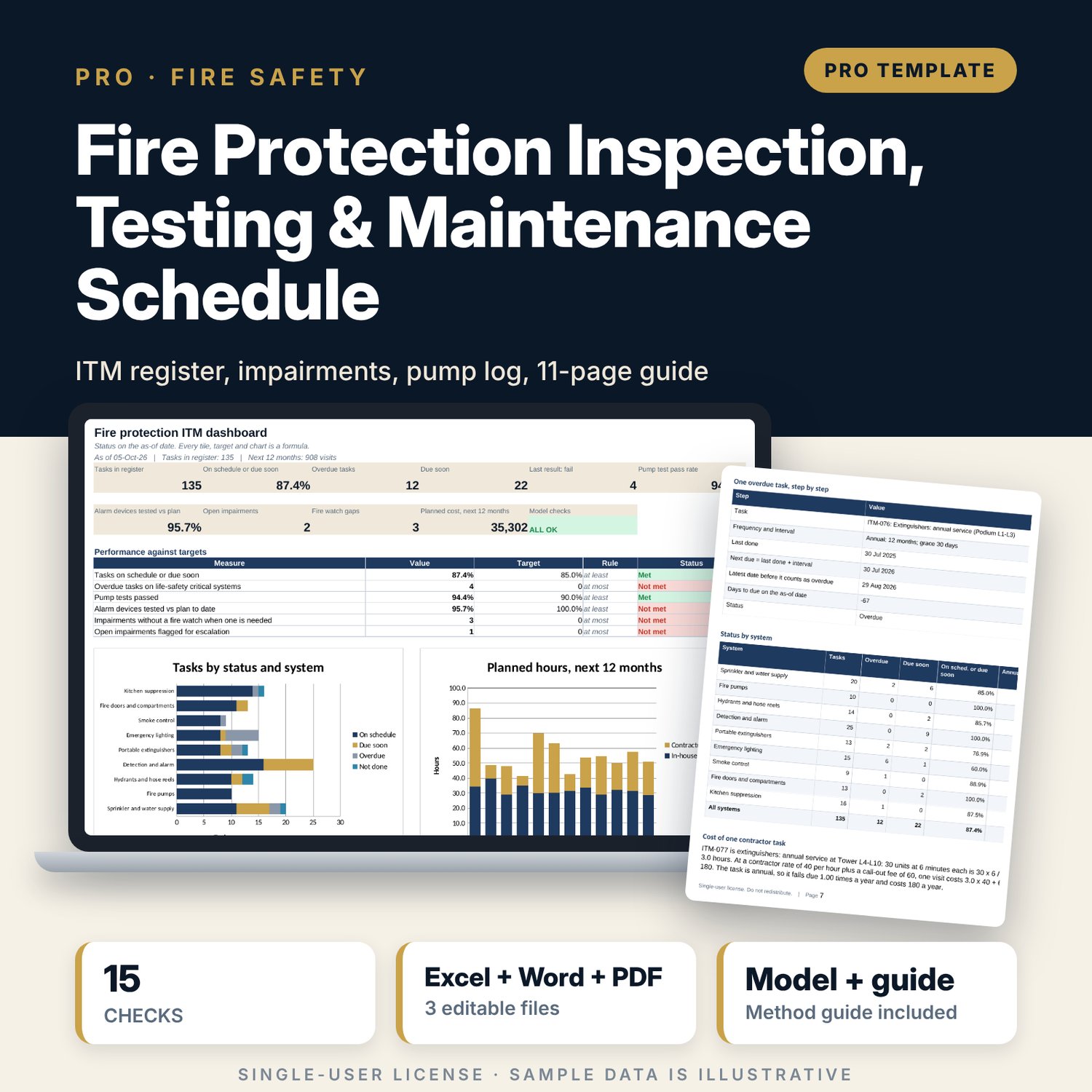
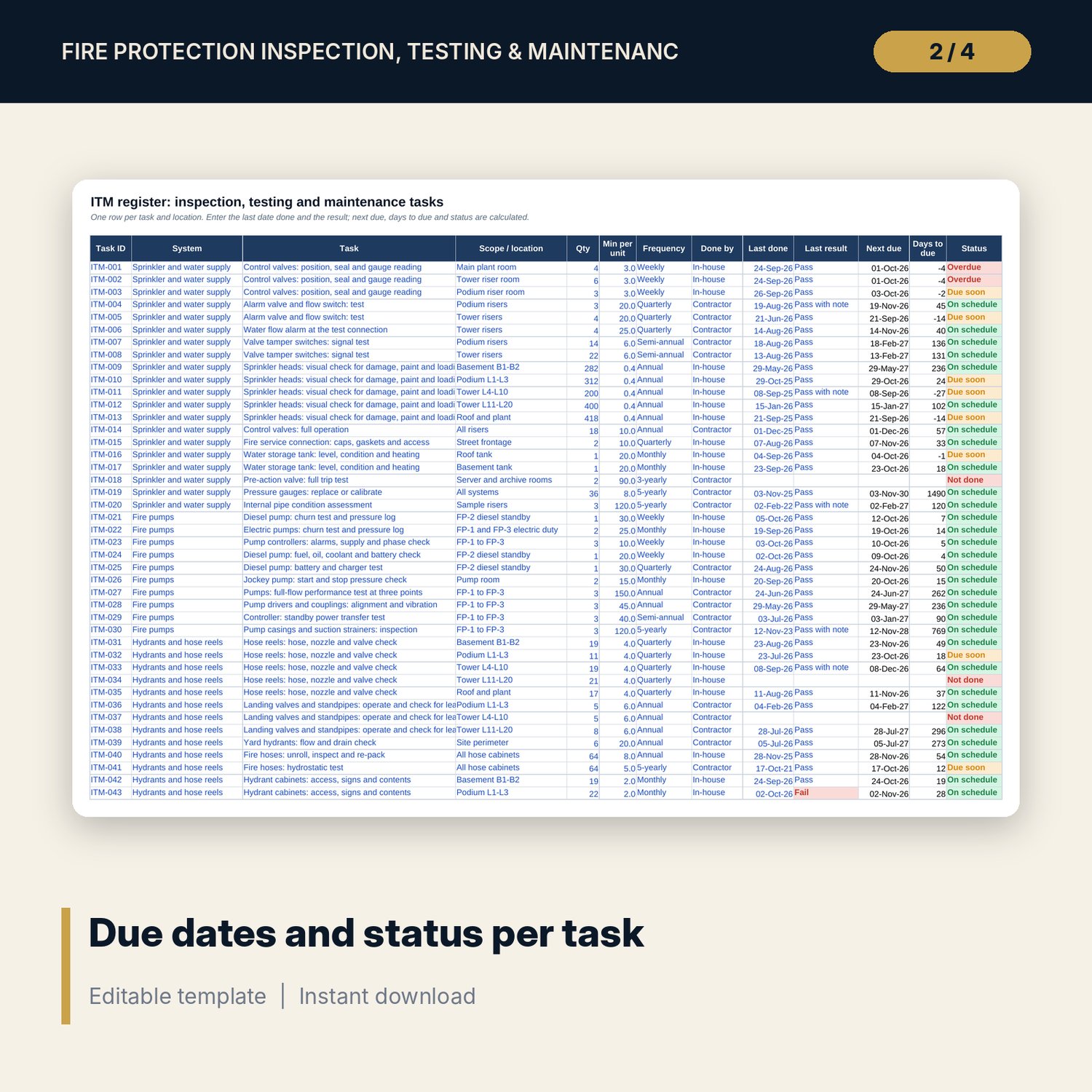
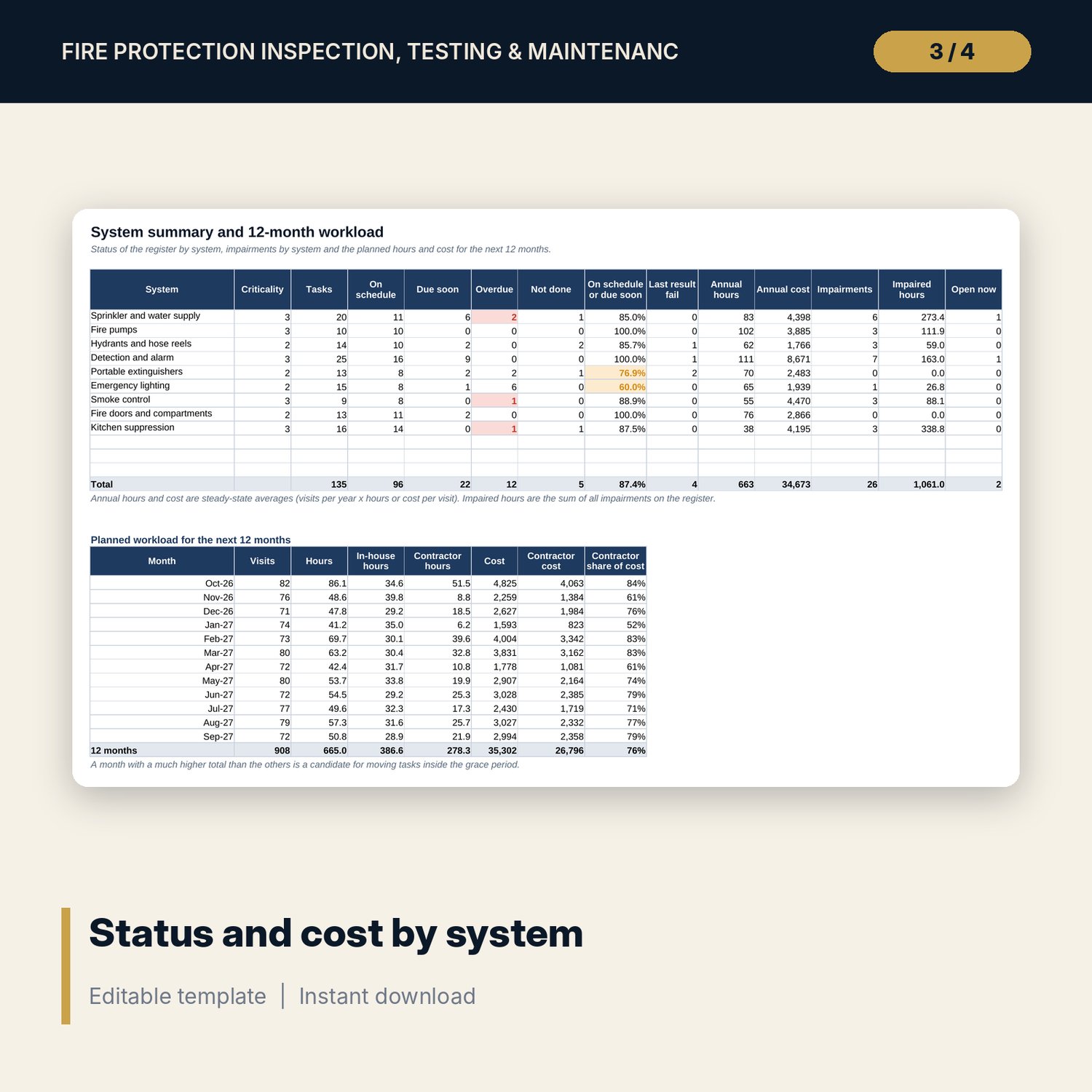
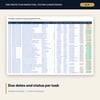
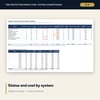
For chief engineers, general managers, safety managers and asset managers who must prove that fire protection systems are inspected, tested and maintained on time. You list each task by system and location, set its frequency and grace days, and enter the last date done and result. The workbook calculates the next due date, days to due and a status for every task, builds a 12-month visit plan with hours and cost for in-house and contractor work, checks fire pump churn tests against rated pressure and tolerance, runs a balanced yearly test rotation for alarm devices, and controls impairments with fire watch, notification and escalation flags.
Save with a bundle: this workbook is also in the Hotel Engineering & MEP Pro Bundle, 25 workbooks for $59 instead of $319. All 100 Pro workbooks are in the Pro Library for $119, and all 241 templates and workbooks are in the Ultimate Hospitality Library for $149.
What is inside
- Fire_Protection_ITM_Schedule.xlsx: 11 tabs, 7,207 formulas, 4 native charts, 13 drop-down and input rules, 15 integrity checks, a Method tab with 16 calculation notes.
- Sample data (illustrative): 135 ITM tasks over 9 systems with room for 200, 36 pump tests, 20 alarm zones, 26 impairments.
- Frequencies from weekly to 5-yearly, each with grace days and a due-soon lead you can edit.
- Schedule_Engine: first visit, hours, cost and visits for each of the next 12 months, one row per task.
- Pump_Log: net churn pressure against rated, tolerance, run time, pass or fail and a monthly trend by pump.
- Alarm_Rotation: zones, device counts, planned month, test results and load by month.
- Impairments: duration, fire watch needed and in place, notification and escalation flags.
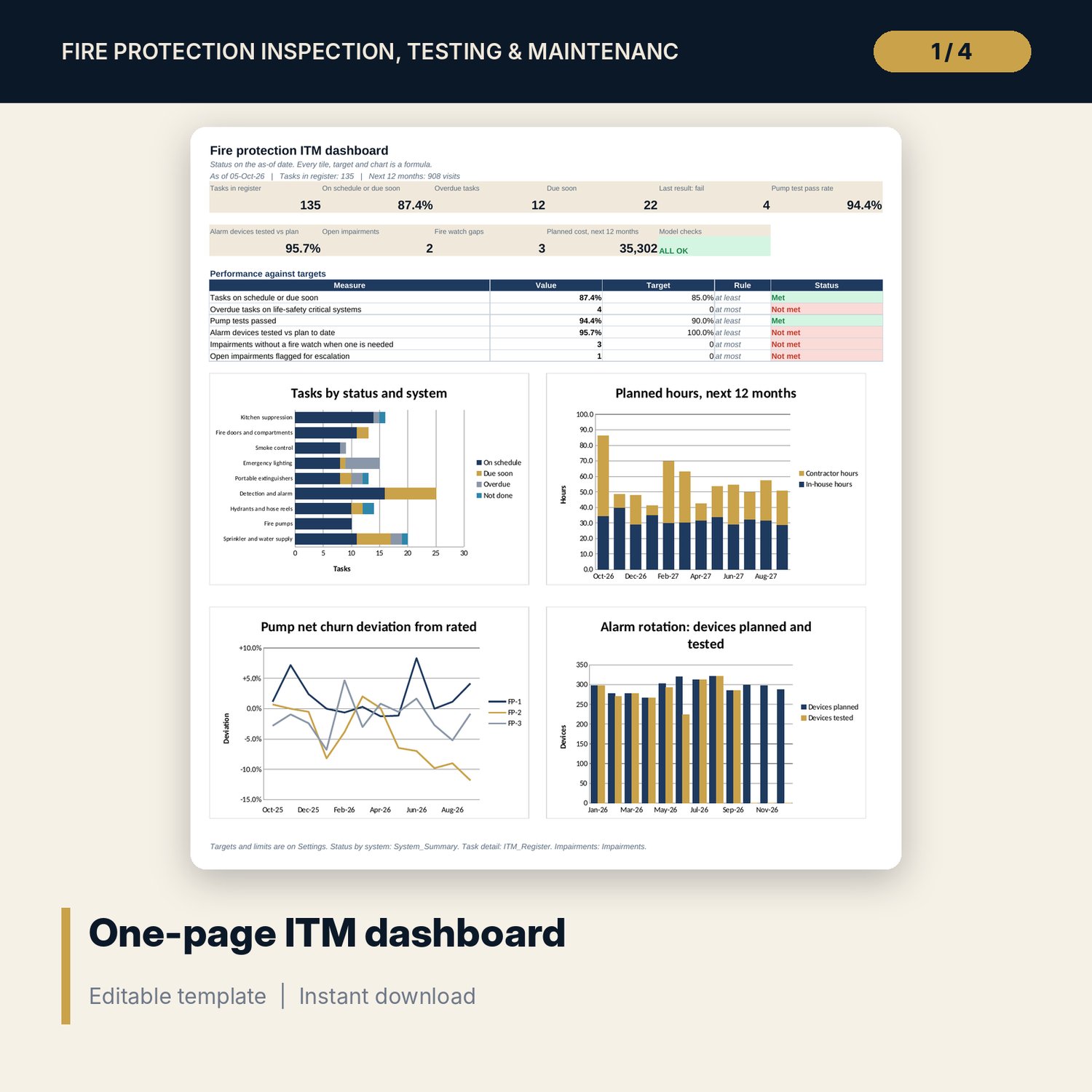
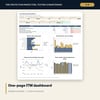
- Dashboard: 10 KPI tiles, a check tile, 6 targets and 4 charts, printable on one page.
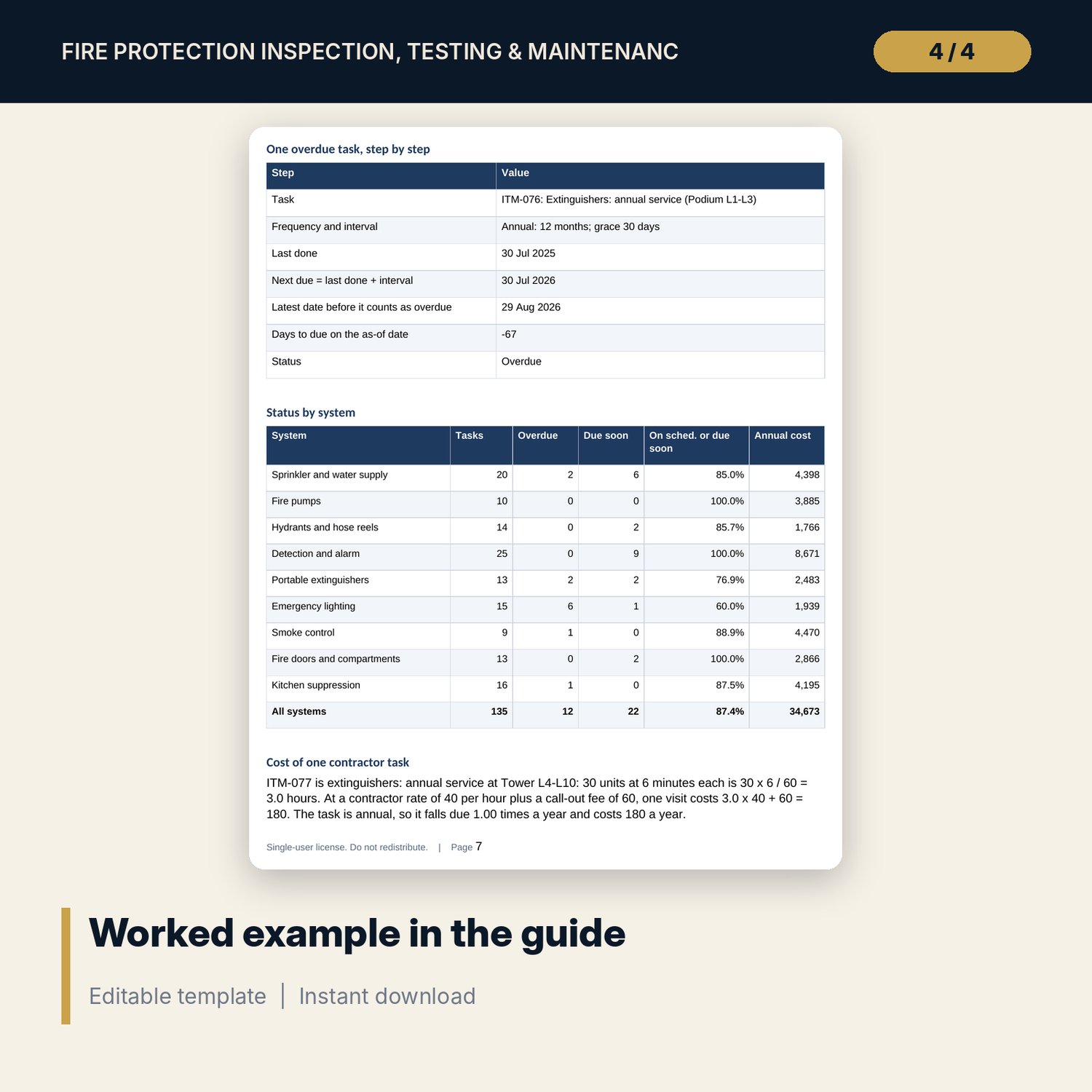
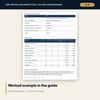
- Fire_Protection_ITM_Guide.docx and Fire_Protection_ITM_Guide.pdf: 11-page guide with the ITM procedure, impairment handling, contractor coordination, record keeping, the method, a worked example on the sample results, a checklist and a glossary.
- README.txt and LICENSE-and-Terms.txt.
How it works
- Set the as-of date and review the frequencies, grace days, limits, systems and pump data on Settings.
- Replace the sample tasks on ITM_Register with your own and enter the last date done and the result.
- Log pump tests, alarm zone tests and every impairment as they happen.
- Read System_Summary and the Dashboard, and confirm the Checks tab shows ALL OK.
- Send the 12-month visit plan to your contractors and review overdue tasks each month.
Details
- Formats: XLSX workbook, DOCX guide, PDF guide.
- Language: English.
- Software: Excel 2016 or later, or LibreOffice Calc. No macros, no data tables, no add-ins.
- Costs use a generic currency. Set your own rates on Settings.
- Delivery: instant download.
Good to know
- Sample data is illustrative and does not describe any property. Replace it with your own tasks and dates.
- Frequencies, grace periods, tolerances and limits are examples. Verify local requirements: your local fire code, the system manufacturer and your insurer.
- Not engineering, legal or fire safety advice. The workbook records and reports what you enter.
- Single-user license.
FAQ
Does it use the frequencies my fire code requires?
The frequencies are editable inputs with sample values. Set each one from your own fire code, the manufacturer instructions and your insurer.
How does it decide a task is overdue?
Next due is the last done date plus the interval. A task is overdue when the as-of date is later than next due plus its grace days.
Can I track an impairment and its fire watch?
Yes. Impairments records start, end, scope, fire watch and notification. It flags a missing fire watch, a missing notification and open items past your escalation limit.
Does it work for contractors and in-house staff?
Yes. Each task has a Done by value. The plan prices contractor visits with an hourly rate and a call-out fee and in-house visits with an internal rate.
Can I use today's date instead of a fixed as-of date?
Yes. Type =TODAY() in the as-of cell on Settings. Statuses then update every day.